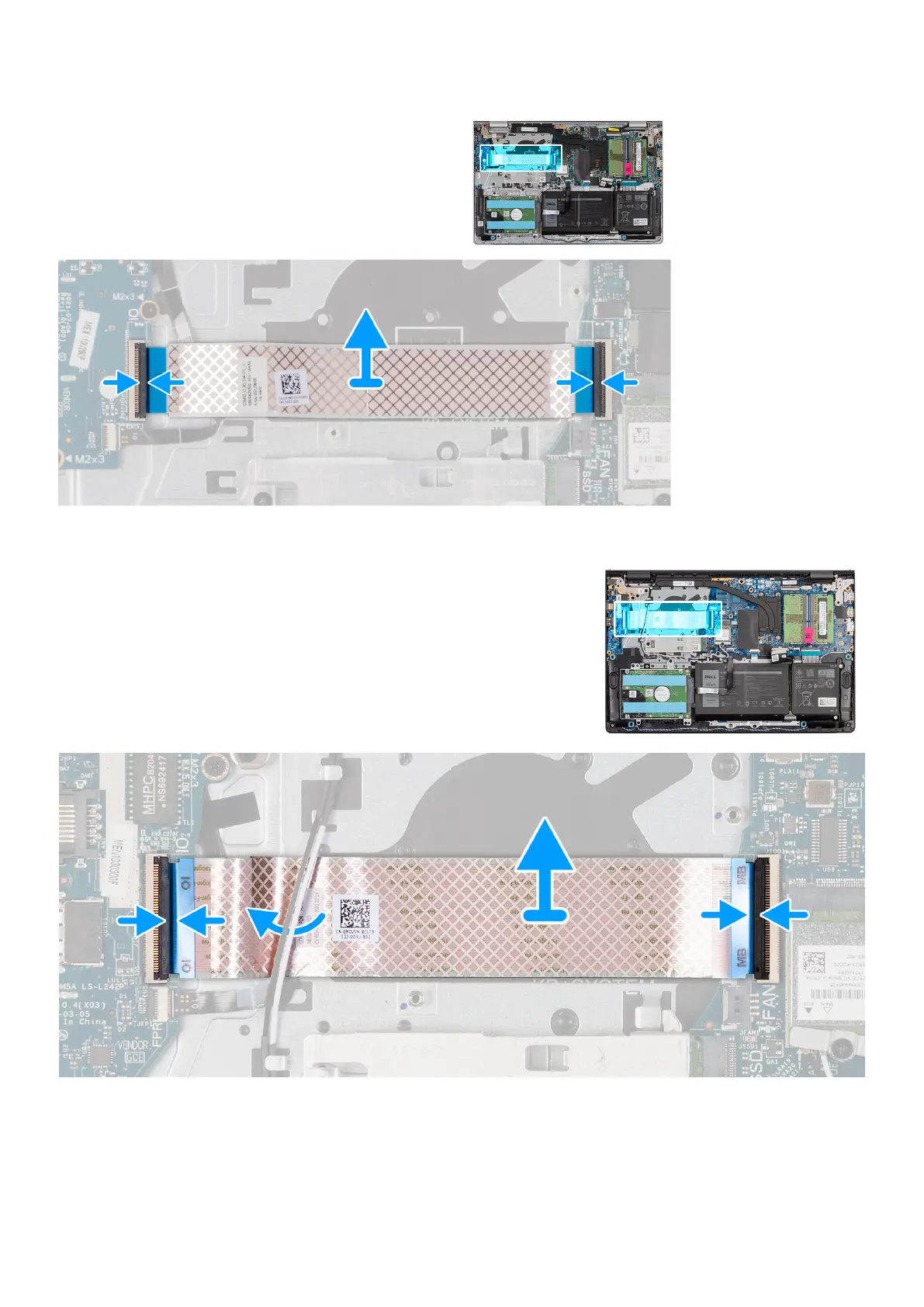
For systems shipped with a plastic chassis:
Steps
1. Place the I/O daughter board FFC on the palm-rest and keyboard assembly.
For systems shipped with a plastic chassis, slide and place the I/O daughter board FFC underneath the wireless card
antenna cables on the palm-rest and keyboard assembly.
42
Removing and installing components



 To Next Page