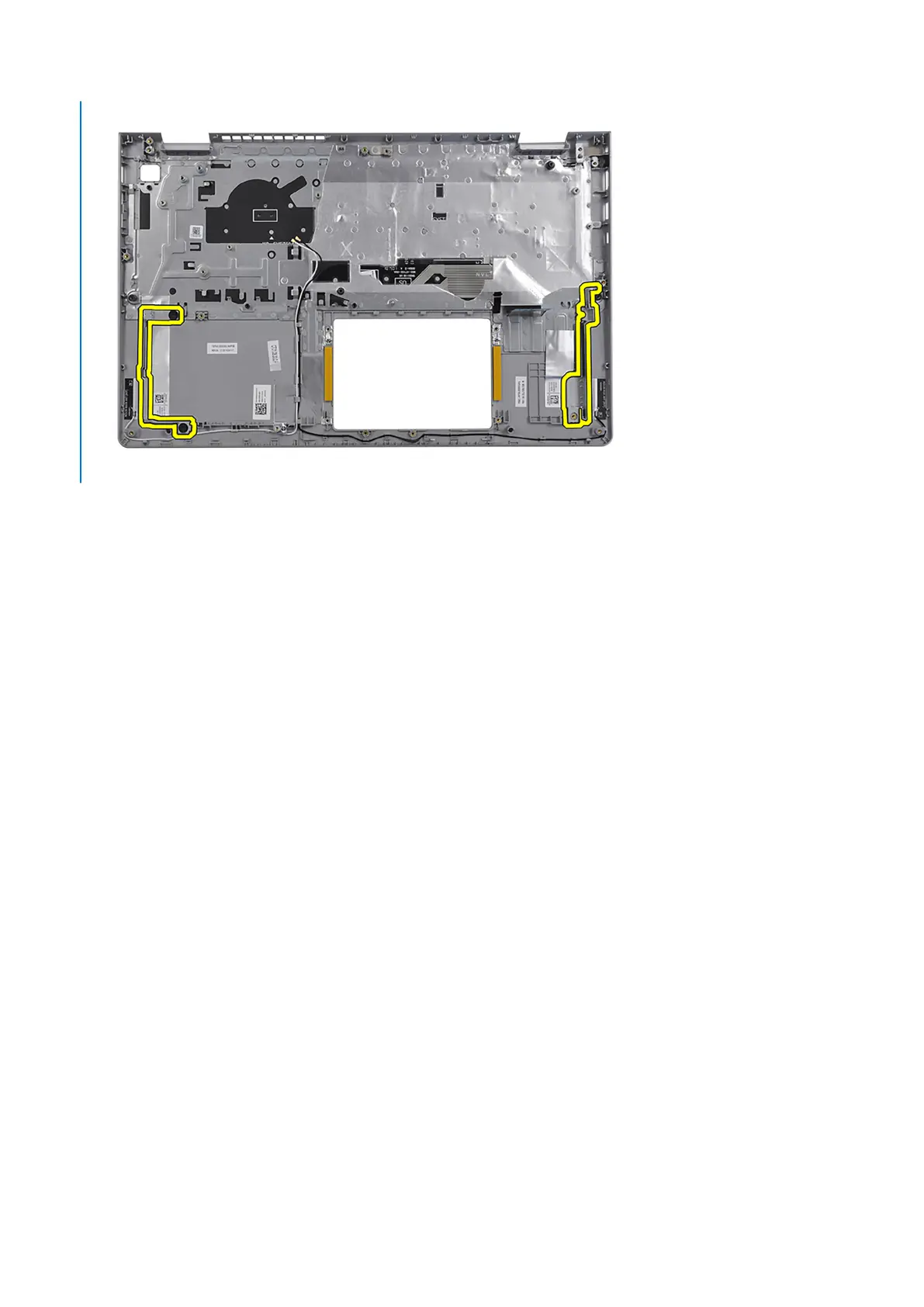
Steps
After performing the pre-requisites, you are left with the palm-rest and keyboard assembly.
Installing the palmrest and keyboard assembly
Prerequisites
If you are replacing a component, remove the existing component before performing the installation process.
About this task
The following image indicates the location of the palmrest and keyboard assembly and provides a visual representation of the
installation procedure.
Removing and installing components
103



 To Next Page