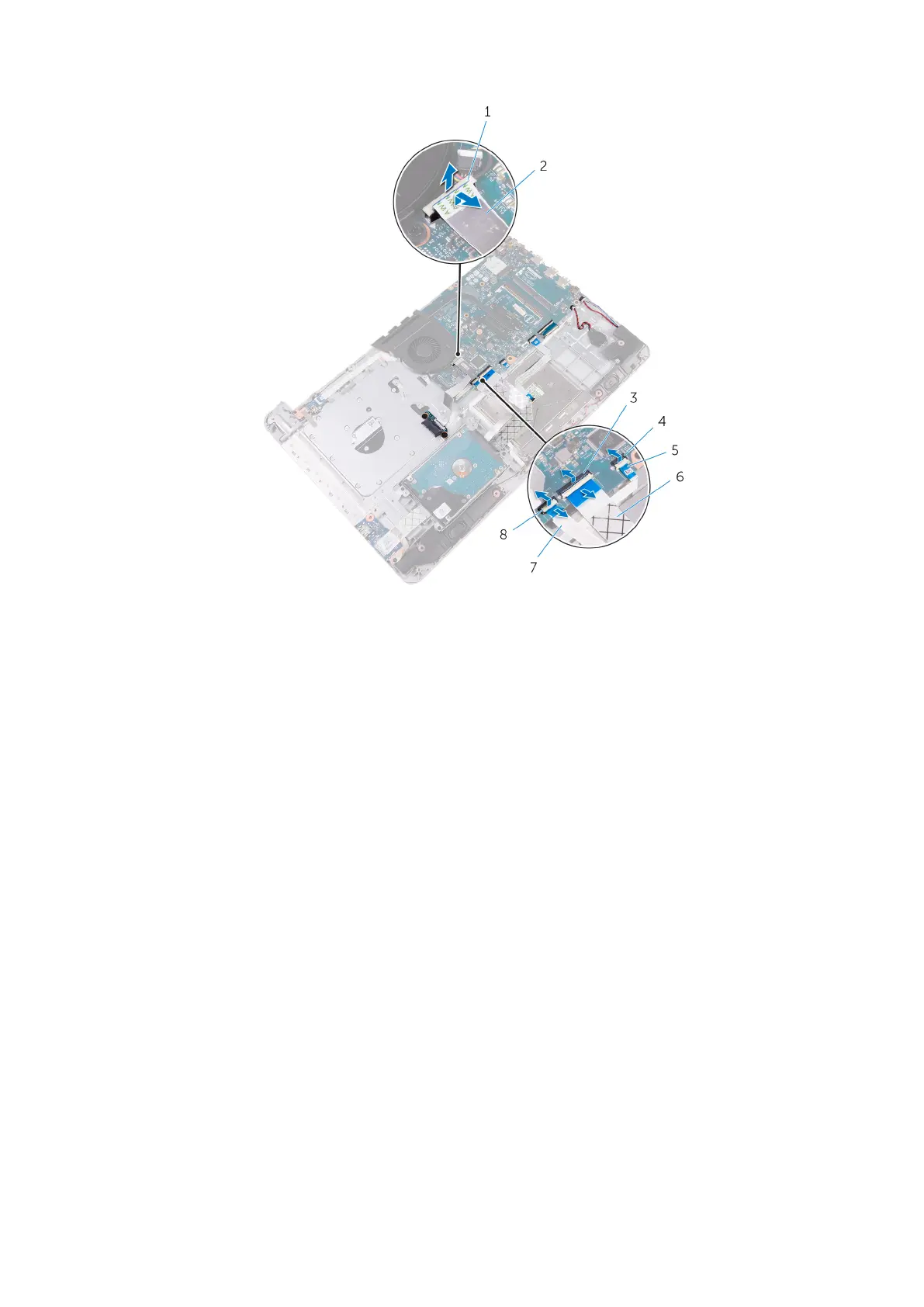
1. latch 2. optical drive connector-board cable
3. latch 4. latch
5. status-light board cable 6. I/O-board cable
7. hard-drive cable 8. latch
3. Lift the connector latches and disconnect the touchpad cable from the system board.
4. Lift the connector latch and disconnect the keyboard cable from the system board.
5. Disconnect the coin-cell battery cable and speaker cable from the system board.
52
Removing the system-board assembly



 To Next Page