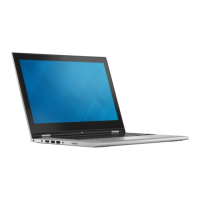
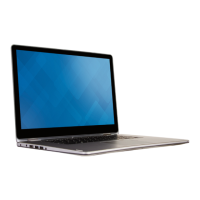
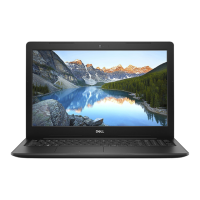
Removing the display hinges
WARNING: Before working inside your computer, read the safety
information that shipped with your computer and follow the steps in Before
working inside your computer. After working inside your computer, follow
the instructions in After working inside your computer. For more safety best
practices, see the Regulatory Compliance home page at
www.dell.com/
regulatory_compliance.
Prerequisites
NOTE: These instructions are applicable only for laptops with a non-
touchscreen display.
1 Remove the base cover.
2 Remove the battery (half-length) or the battery (full-length).
3 Remove the wireless card.
4 Remove the display assembly.
5 Remove the antenna cover.
86



 To Next Page