Adding and Replacing Parts 105
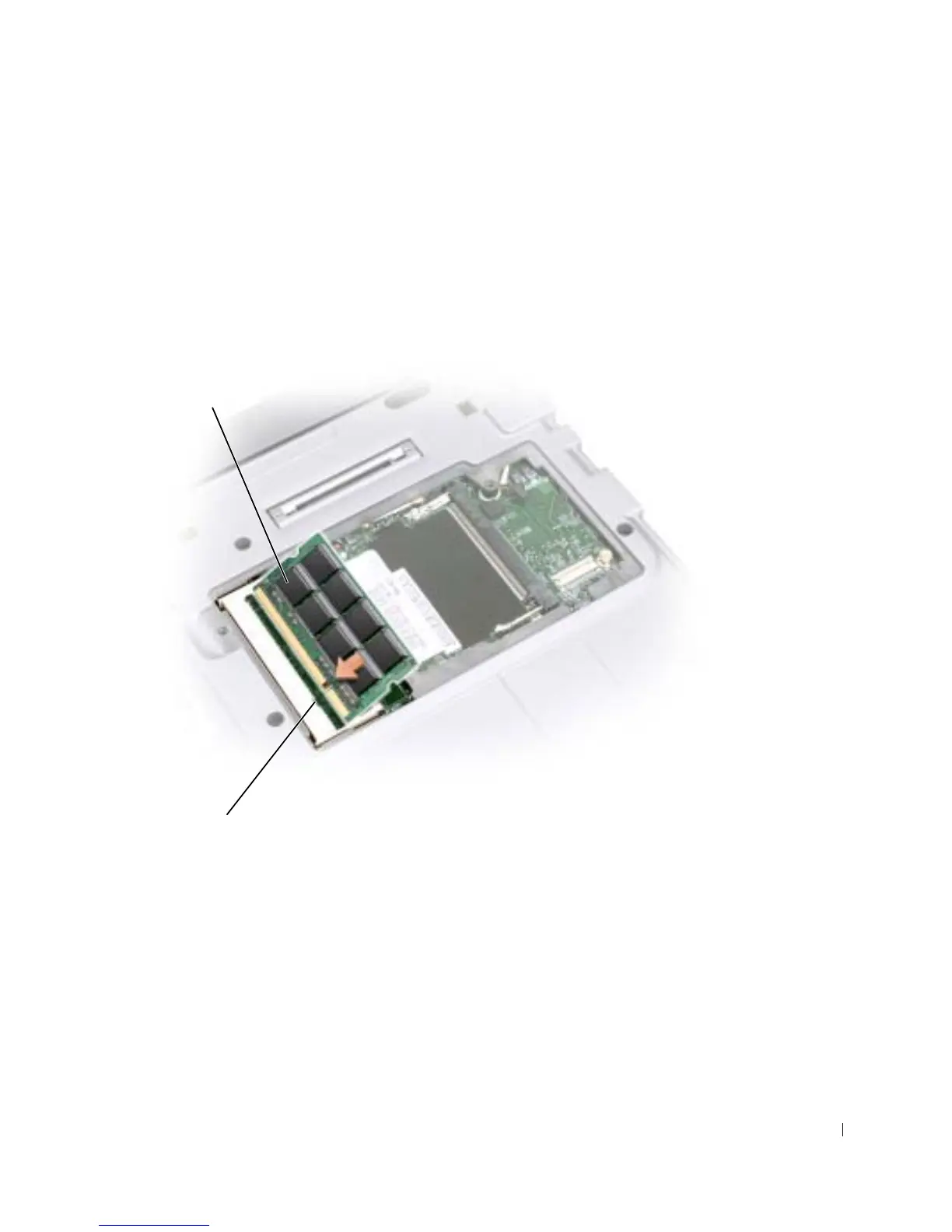
9 Ground yourself and install the new memory module:
a Align the notch in the module edge connector with the tab in the center of the
connector slot.
b Slide the module firmly into the slot at a 45-degree angle, and rotate the module
down until it clicks into place. If the module does not click into place, remove the
module and reinstall it.
memory module
connector










 To Next Page