104 Adding and Replacing Parts
www.dell.com | support.dell.com
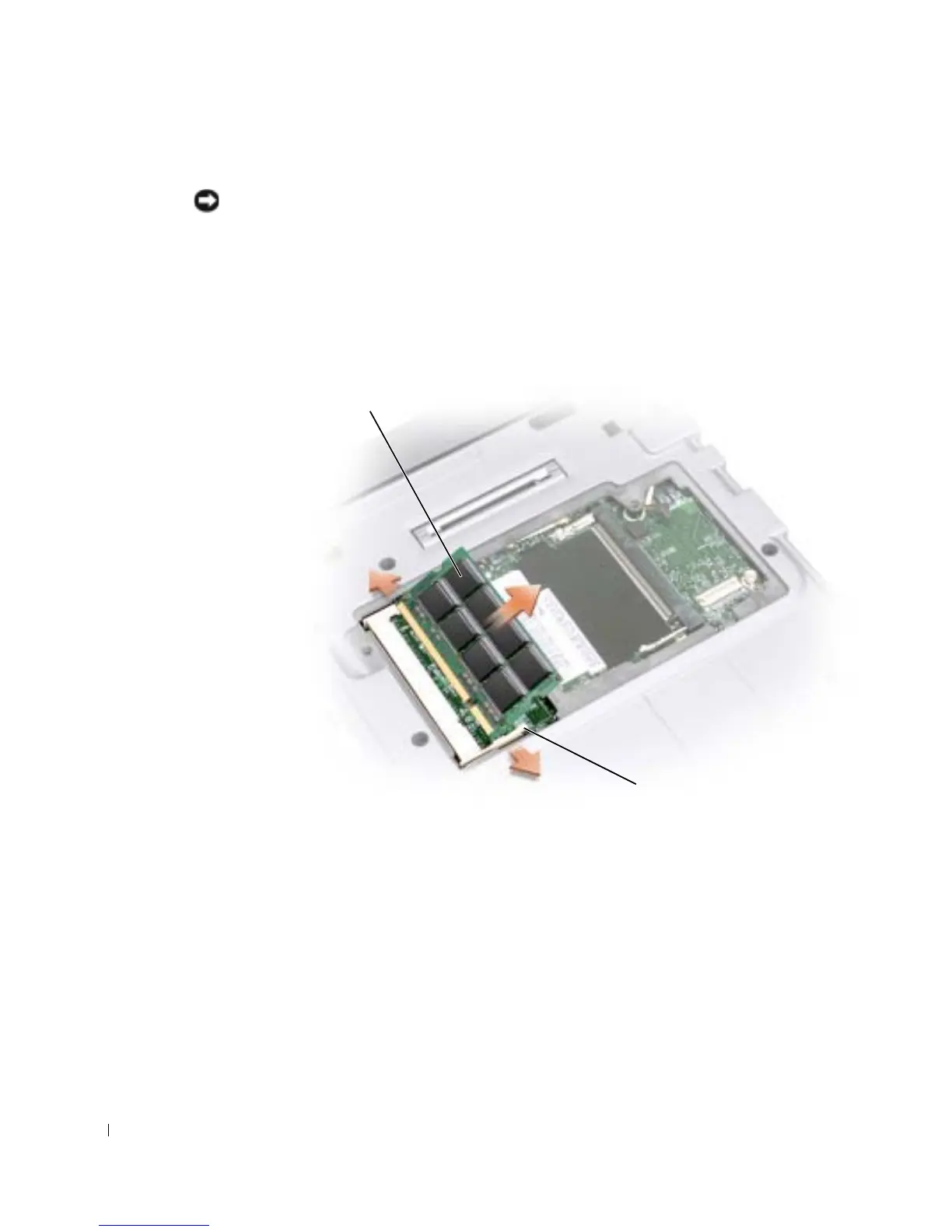
8 If you are replacing a memory module, remove the existing module.
NOTICE: Handle components and cards by their edges, and avoid touching pins and contacts.
Ground yourself by touching a metal connector on the back of the computer. Continue to ground
yourself periodically during this procedure.
a Use your fingertips to carefully spread apart the securing clips on each end of the
memory module connector until the module pops up.
b Remove the module from the connector.
memory module
securing clip (2)










 To Next Page