Adding and Replacing Parts 113
1 Ensure that the work surface is flat and clean to prevent scratching the
computer cover.
2 Save and close any open files, exit any open programs, and then shut down the
computer (see "Turning Off Your Computer" on page 41).
3 If the computer is connected to a media base (docked), undock it. See the
documentation that came with the media base for instructions.
4 Disconnect the computer from the electrical outlet.
5 Wait 10 to 20 seconds and then disconnect any attached devices.
6 Remove any installed PC Cards or blanks, battery, and devices.
NOTICE: Handle memory modules by their edges, and do not touch the components on a
module. Ground yourself by touching a metal connector on the back of the computer, and
continue to do so periodically during this procedure.
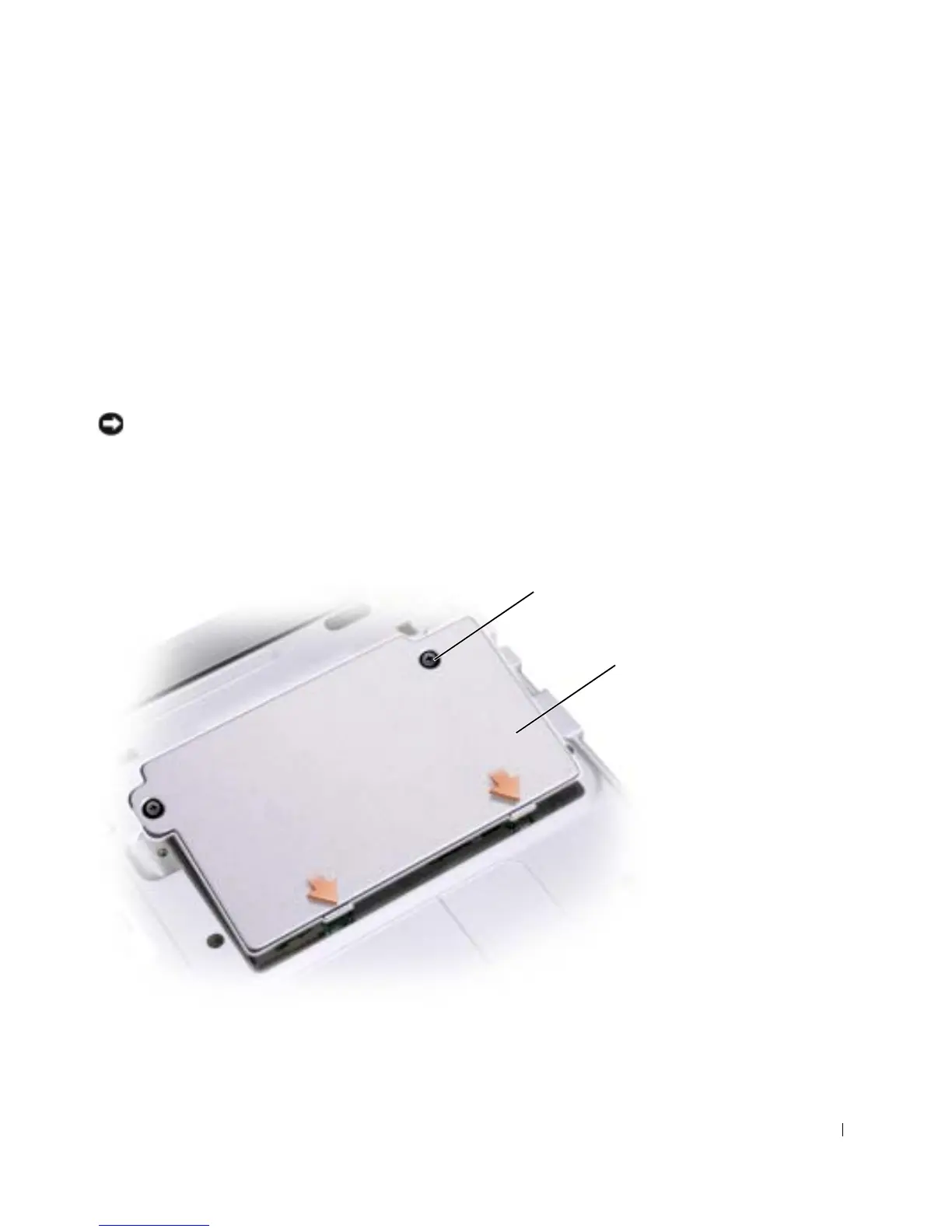
7
Turn the computer over and loosen the two captive screws on the modem cover, and
remove the cover.
cover
captive screw (2)










 To Next Page