Setting Up a Home and Office Network 73
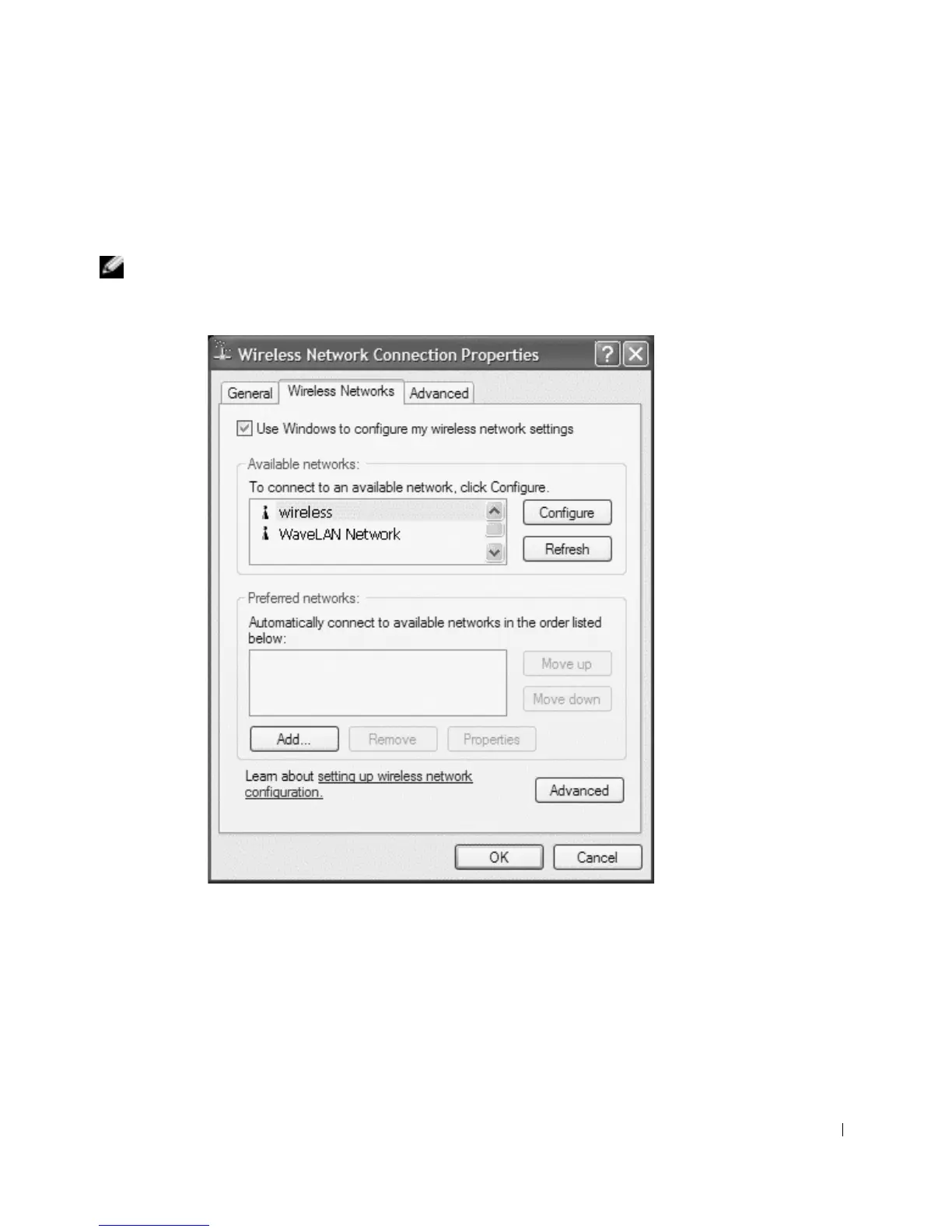
4 Under Network Tasks in the left-hand pane, click Change settings of this connection.
The Wireless Network Connection Properties window appears.
5 Select the Wireless Networks tab.
NOTE: The names of wireless networks that your computer can detect are listed under Available
Networks.










 To Next Page