74 Setting Up a Home and Office Network
www.dell.com | support.dell.com
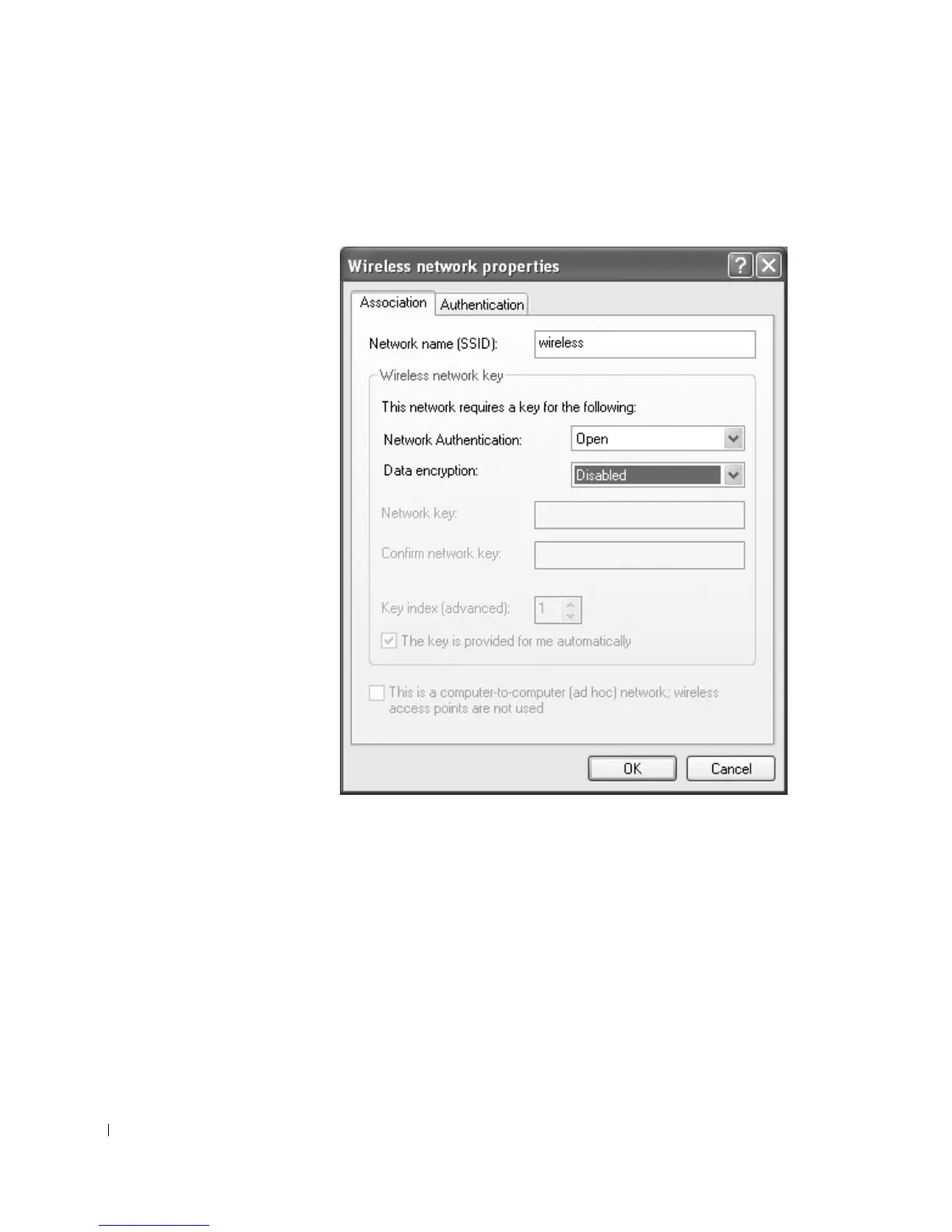
6 Click Add.
The Wireless network properties window appears.
7 Enter the name of your network in the Network name (SSID) field.
8 If you are connecting to an ad-hoc network, which does not use any routers or access
points, click the check box labeled This is a computer-to-computer (ad hoc) network;
wireless access points are not used.










 To Next Page