78 Setting Up a Home and Office Network
www.dell.com | support.dell.com
Connecting to a Network With Wired Equivalent Protocol (WEP) Security Requirements
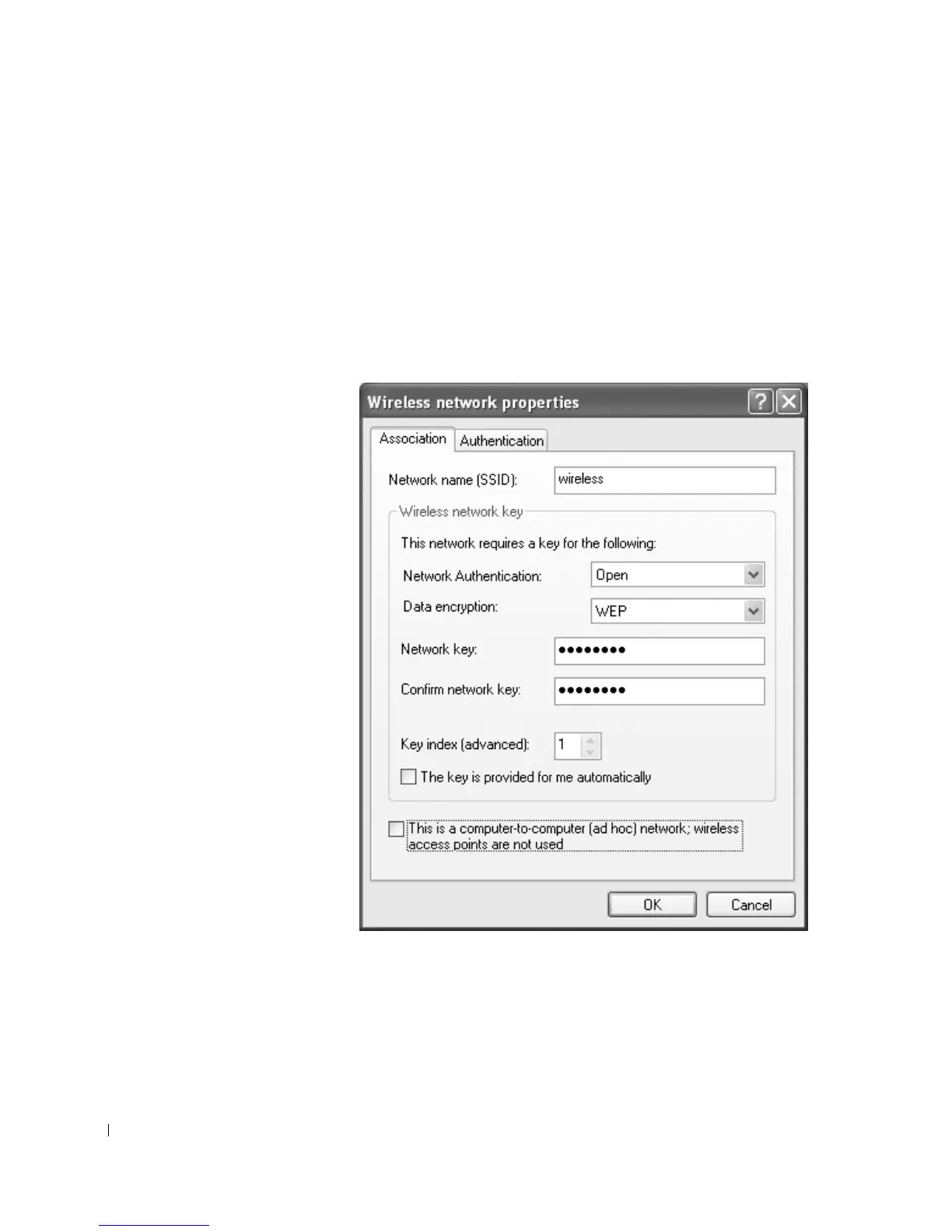
1 In the Preferred networks section, click the name of your wireless network.
2 Click Properties.
3 From the Network Authentication drop-down menu, select Open.
Earlier versions of Dell wireless software may not contain the drop-down menu. If you
are using an earlier version, click to check the check box labeled Data encryption
(WEP enabled) and go to step 5.










 To Next Page