12 │ About your monitor
Operating system compatibility
• Windows 10 and later*
• macOS 12* and macOS 13*
*The operating system compatibility on Dell and Alienware branded monitors may
vary based on factors such as:
• Specific release date(s) when operating system versions, patches, or updates are
available.
• Specific release date(s) when Dell and Alienware branded monitor firmware,
software application, or driver updates are available on the Dell support website.
Identifying parts and controls
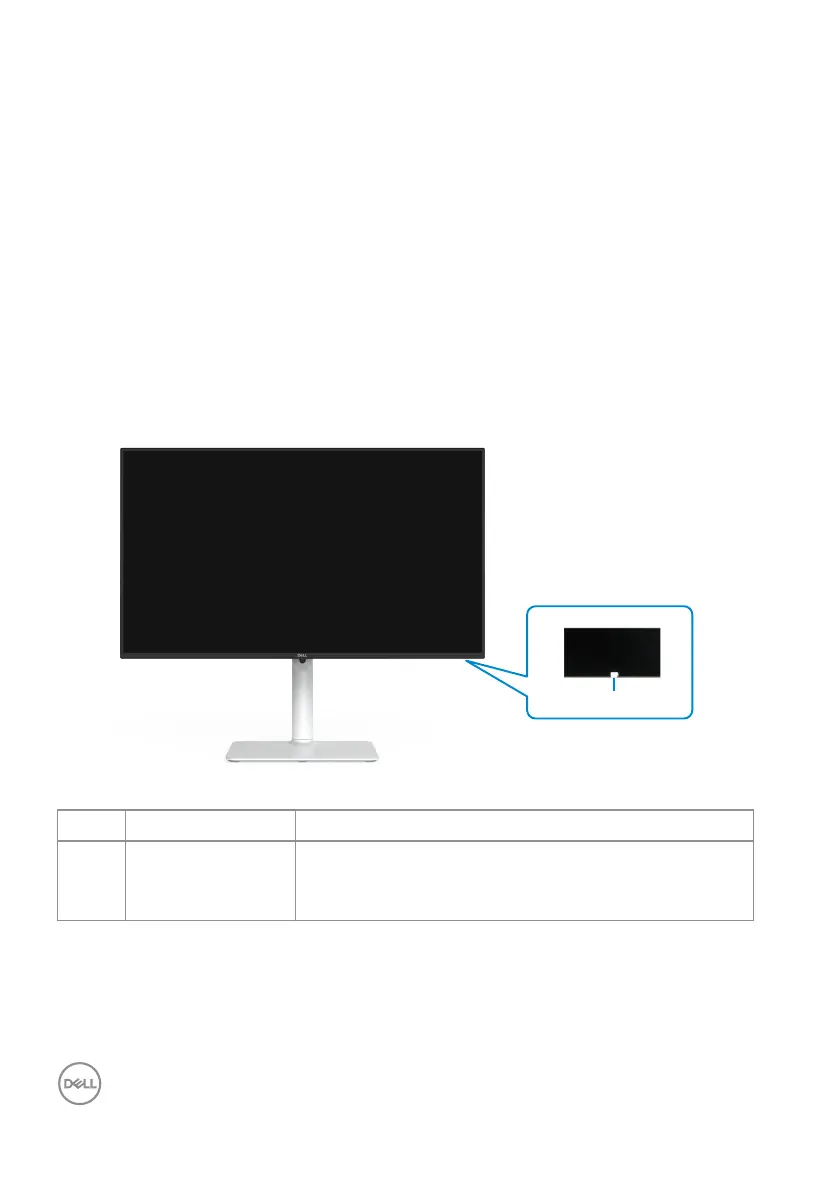
Front view
1
Label Description Use
1
Power LED
indicator
Solid white indicates that the monitor is turned on
and functioning normally. Blinking white indicates
that the monitor is in Standby Mode.



 To Next Page