Operating your monitor │ 47
Using the navigation keys
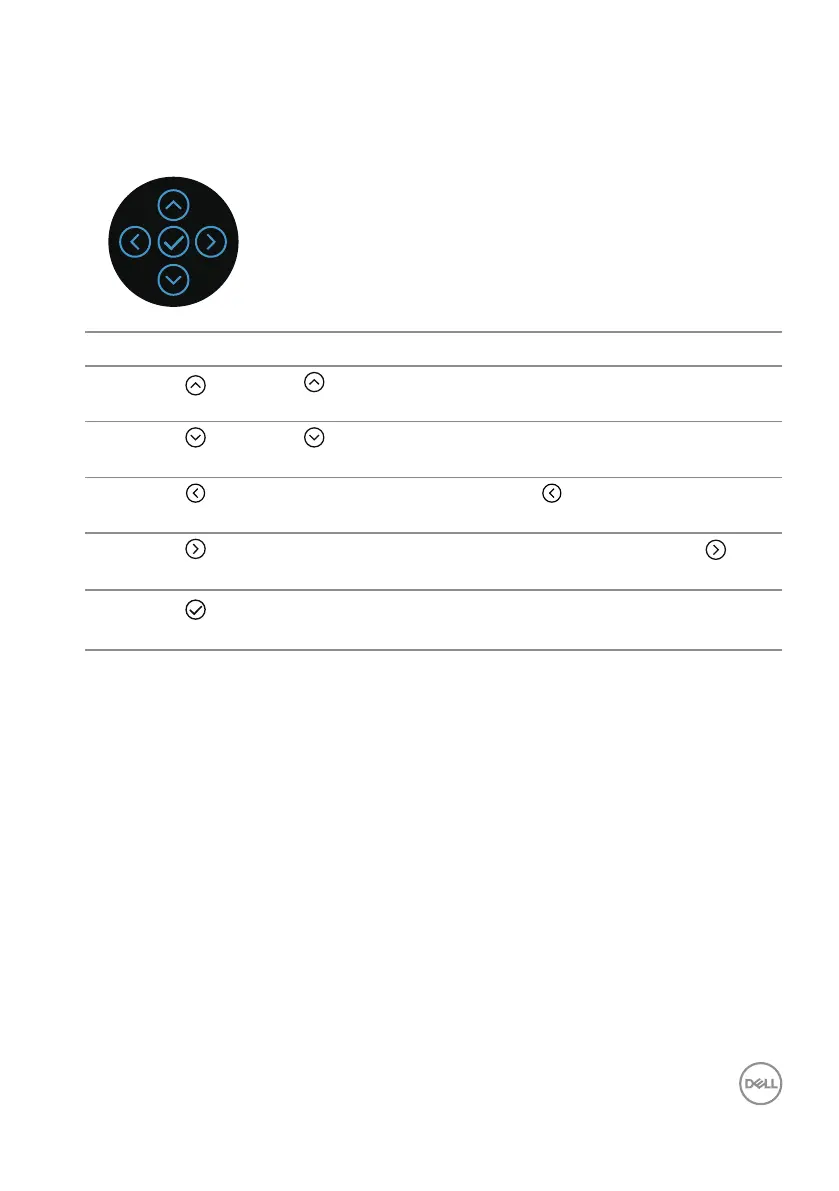
When the OSD main menu is active, move the joystick to configure the settings,
following the navigation keys displayed below the OSD.
Joystick Description
1
Up
Use to adjust (increase ranges) items in the OSD menu.
2
Down
Use to adjust (decrease ranges) items in the OSD menu.
3
Left
For all first level in the Menu list, exits/closes the OSD
menu.
4
Right
For all other levels except first level in the Menu list, takes
to the next level.
5
OK
Press the joystick to confirm your selection.



 To Next Page