Dell SonicWALL Directory Services Connector 3.7
Administration Guide
22
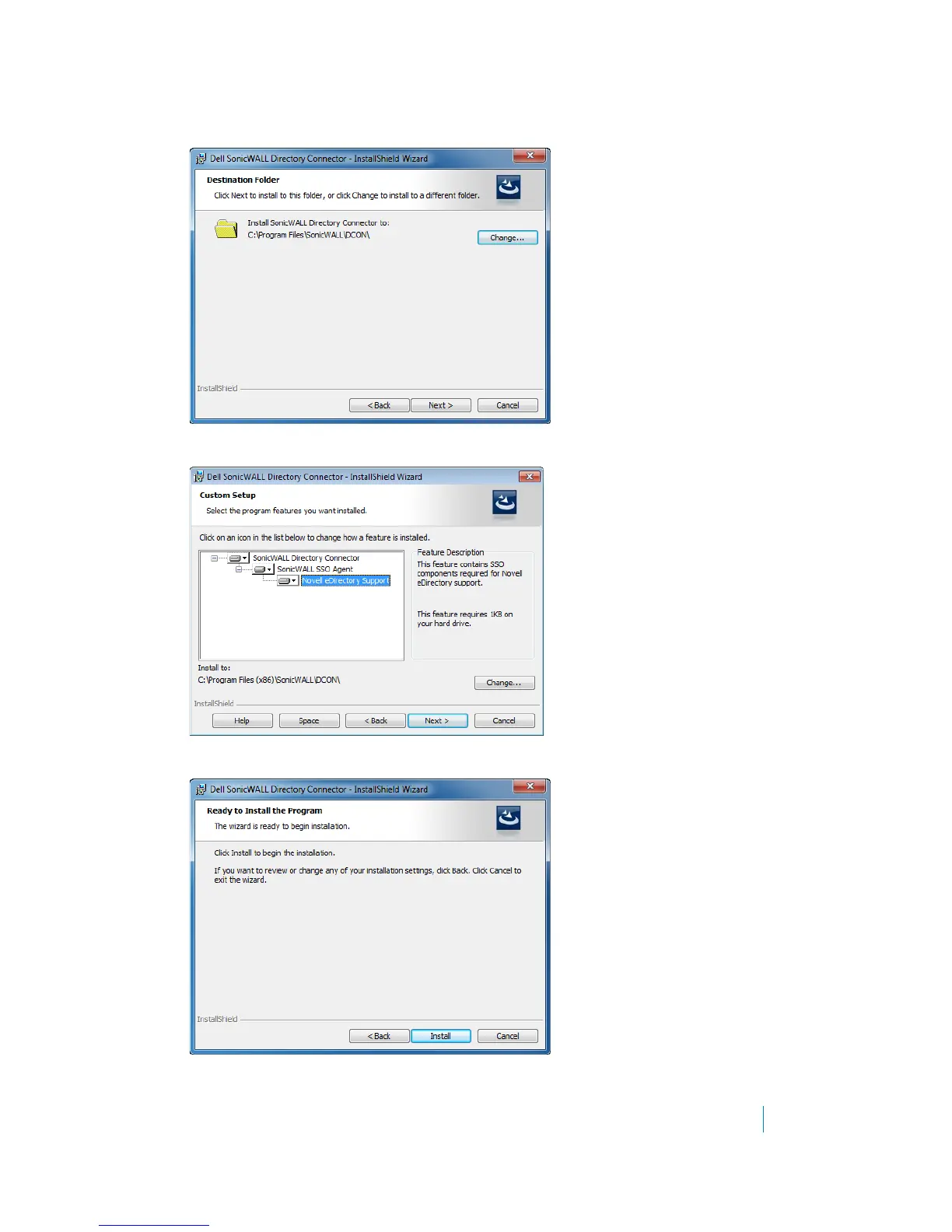
7 Select the destination folder. To use the default folder, C:\Program Files\SonicWALL\DCON, click Next. To
specify a custom location, click Change, select the folder, and click Next.
8 On the Custom Setup page, select the Novell eDirectory Support feature for installation. Click Next.
9 In the Ready to Install the Program screen, click Install.











 To Next Page