4 Remove the base cover
5 Remove the battery
6 Remove the M.2 2280 SSD
7 Remove the coin-cell battery
8 Remove the hard drive assembly
9 Remove the WLAN
10 Remove the memory module
11 Remove the system fan
12 Remove the heatsink
13 Remove the display assembly
14 Remove the system board
Step
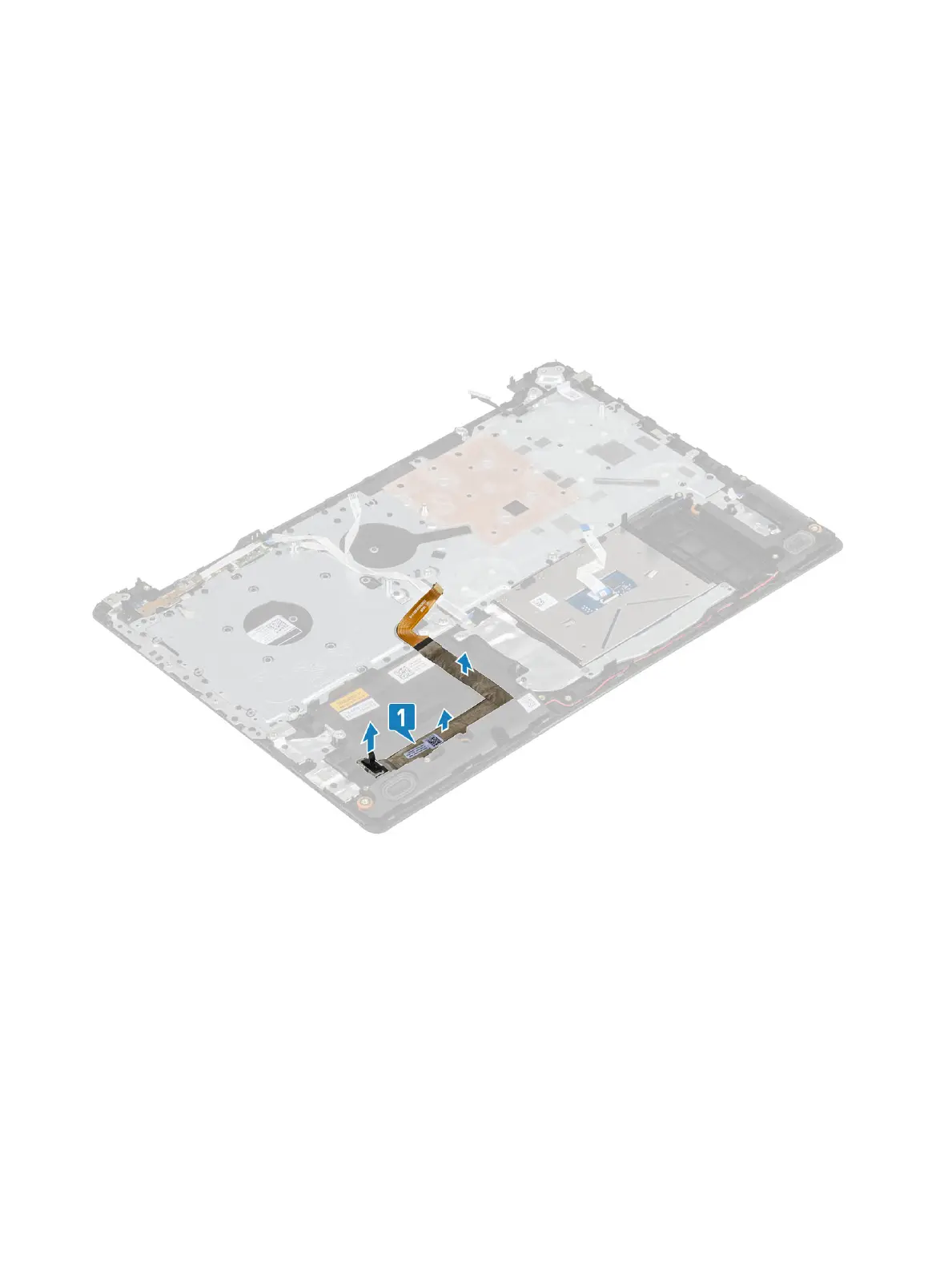
Disconnect the VGA cable and remove it from the palmrest and keyboard assembly [1].
Installing the VGA cable
Connect the VGA cable and ax it to the palmrest and keyboard assembly [1].
Removing and installing components
47


 To Next Page