Removing the palmrest and keyboard assembly
Prerequisites
1 Follow the procedure in before working inside your computer
2 Remove the micro SD card
3 Remove the optical drive
4 Remove the base cover
5 Remove the battery
6 Remove the memory module
7 Remove the WLAN
8 Remove the speakers
9 Remove the coin-cell battery
10 Remove the hard drive assembly
11 Remove the system fan
12 Remove the heatsink
13 Remove the VGA cable
14 Remove the display assembly
15 Remove the power button board
16 Remove the power button
17 Remove the power button with ngerprint reader
18 Remove the display bezel
19 Remove the display panel
20 Remove the display hinges
21 Remove the system board
About this task
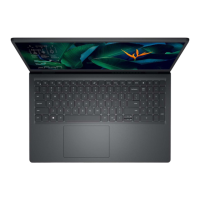
After performing the preceding steps, you are left with the palmrest and keyboard assembly.
92
Removing and installing components


 To Next Page