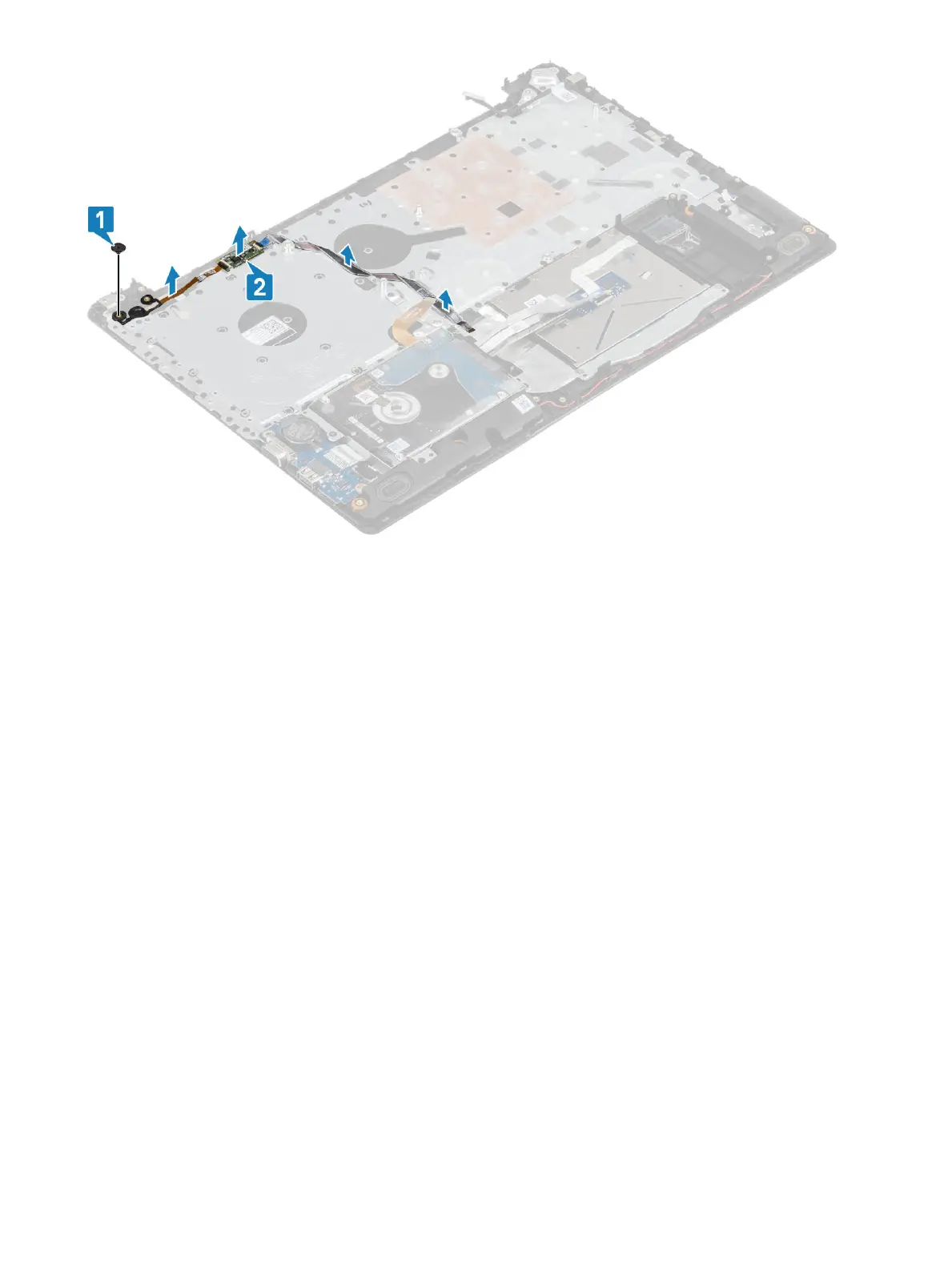
Installing the power button with ngerprint reader
Steps
1 Ax the ngerprint reader cable on the palm rest and keyboard assembly.
2 Using the alignment posts, align and place the power button on the palmrest and keyboard assembly [1].
3 Replace the single (M2x2) screw that secures the power button on the palmrest and keyboard assembly [2].
74
Removing and installing components


 To Next Page