Speakers
Removing the speakers
Prerequisites
1 Follow the procedure in before working inside your computer
2 Remove the SD memory card
3 Remove the optical drive
4 Remove the base cover
5 Remove the battery
Steps
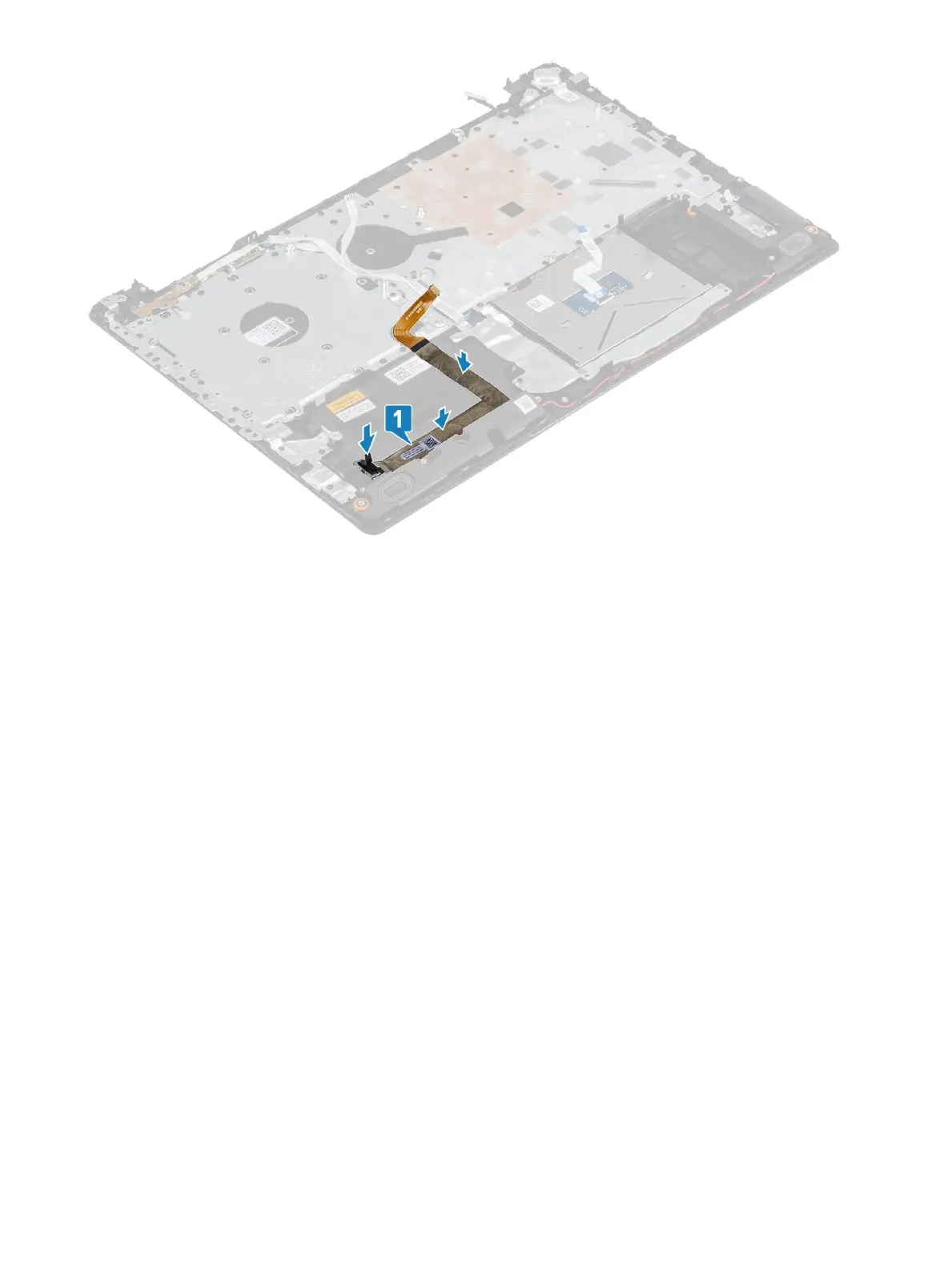
1 Disconnect the speaker cable from the system board [1].
2 Unroute and remove the speaker cable from the routing guides on palm rest and keyboard assembly [2].
3 Lift the speakers, along with the cable, o the palm rest and keyboard assembly [3].
48
Removing and installing components


 To Next Page