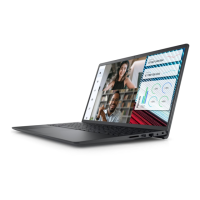
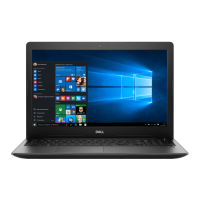
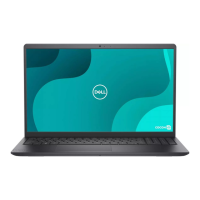
5 Remove the battery
6 Remove the WLAN
7 Remove the system fan
8 Remove the display assembly
9 Remove the display bezel
10 Remove the display panel
11 Remove the camera
12 Remove the display cable
About this task
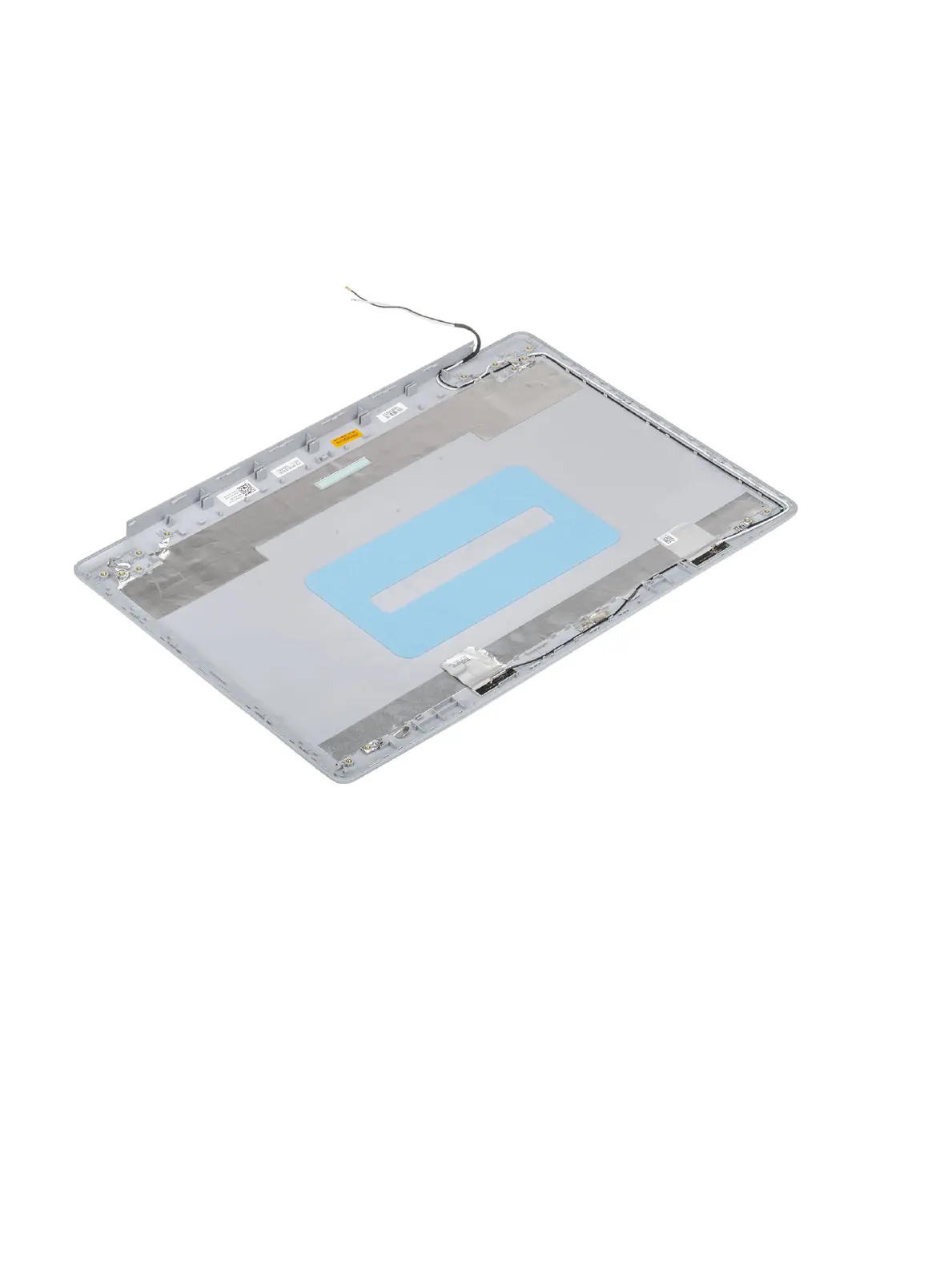
After performing all the preceding steps, you are left with the display back-cover.
90 Removing and installing components


 To Next Page