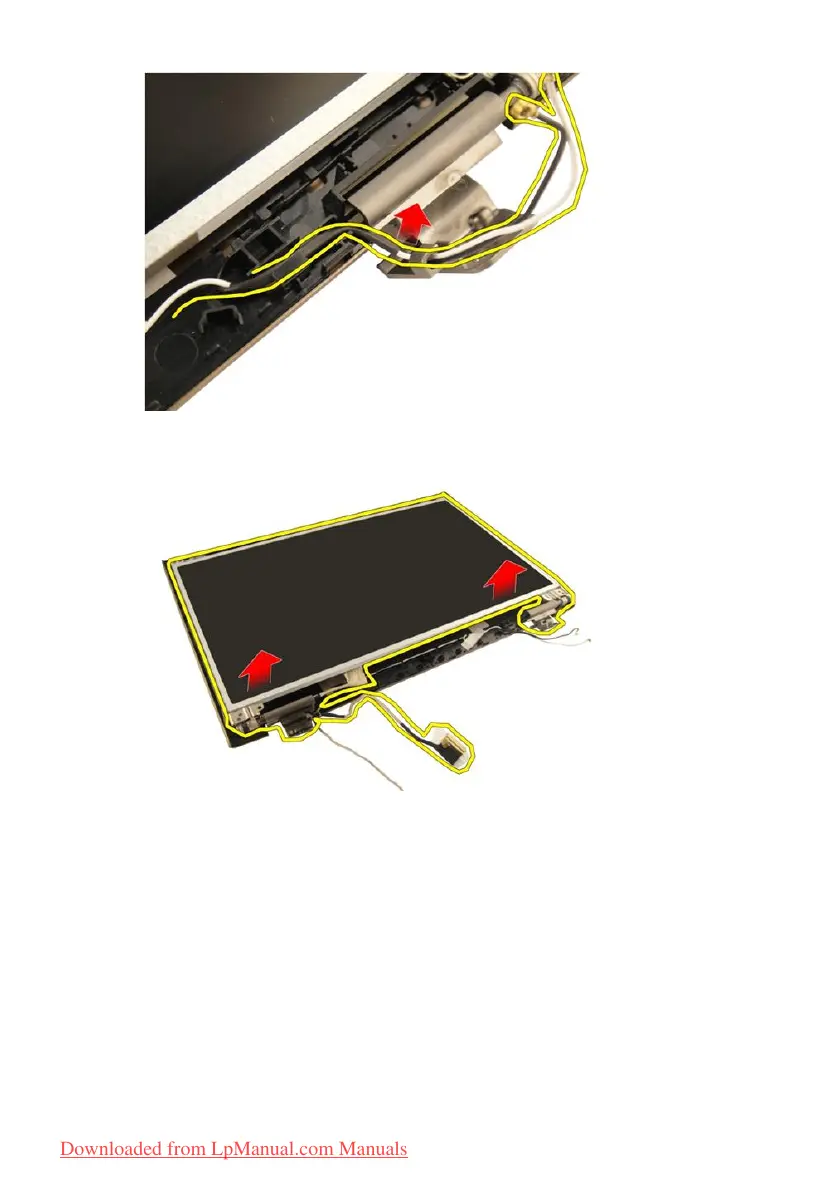
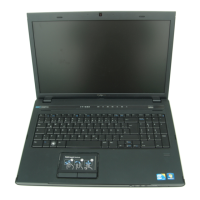
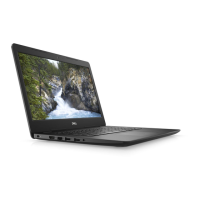
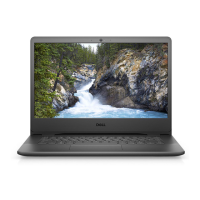
17. Lift and remove the display panel module from the display cover.
Installing The Display Panel
1. Connect the WLAN antenna cable though the trough.
2. Align the display bracket with the display panel and tighten the screws
securing the display bracket in place.
3. Install the
display bezel
.
4. Install the
display assembly
.
5. Install the
WLAN card
.
6. Install the
hinge cover
.
66
Downloaded from LpManual.com Manuals


 To Next Page