Installation
Installation Manual 33
e. Push the mechanism upwards to unlock it from the rail.
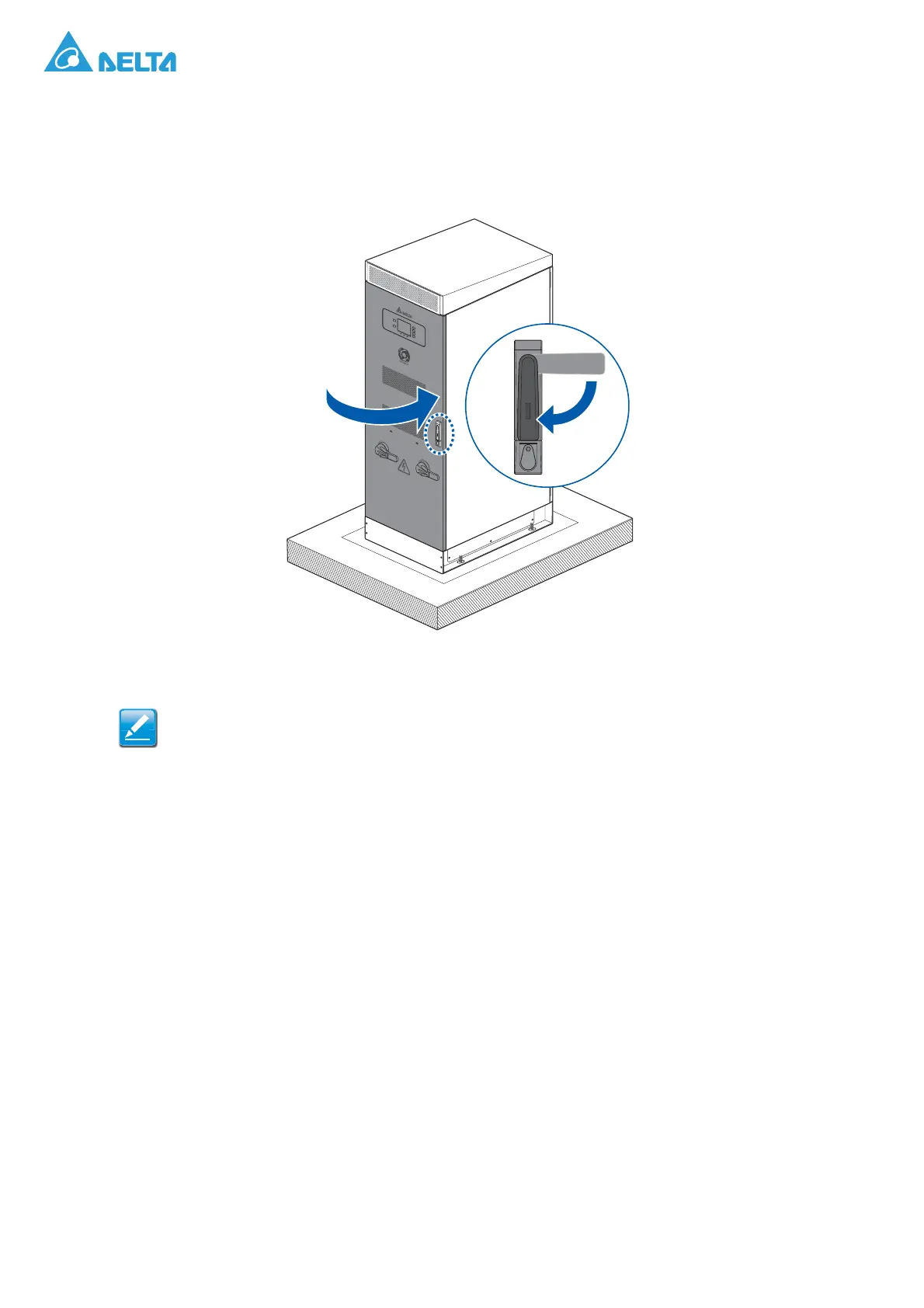
f. Push the front panel in completely. Make sure the door limiter on the top and bottom of the
cabinet are engaged with the front panel.
g. Rotate the door handle to lock.
Figure 34. Closing a Front Panel
Make sure there is no gap between the front panel and the cabinet. An improperly closed
front panel may damage the locking mechanism on the cabinet, the cabinet or cause injury.
O
N
O
F
F
S
T
A
N
D
B
Y
R
U
N
F
AU
LT
O
N
A
C
D
I
S
C
ON
N
E
C
T
O
F
F
ON
D
C DI
SCON
N
E
C
T
O
F
F




 To Next Page