8
Amplon RT Series
Rack Mounting
z
Use the included bracket ears and screws to mount the UPS in a rack by following the proce-
dures below.
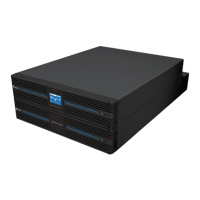
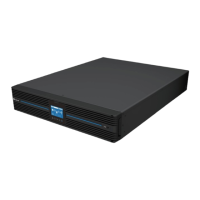
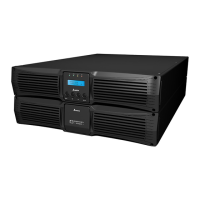
1. Attach the included bracket ears to the lateral mounting holes of the UPS. See Figure 3-a.
2. Follow steps 1 to 4 to install the UPS in Delta’s rail kit (optional). See Figure 3-b.
Stepn: Adjust the length of the rail according to the rack.
StepY: Tighten the nuts.
StepZ: Fix the rail on the rack.
Step[:
Insert the UPS in the rack and tighten the screws.
3. If you want to use a non-Delta
rail kit,
please only follow Step[.
NOTE: If you need the optional rail kit, please contact your local dealer.
Tower Mounting
z
Use the included tower stands to mount the UPS in an upright tower position by following the
steps below.
1. Stepn: Assemble the tower stands by inserting the tenons into the grooves according to
the size of the UPS. See Figure 3-c.
2. StepY: Pull out the UPS control panel and rotate it 90° clockwise. See Figure 3-d.
3. StepZ: Carefully lift the UPS upright with the Delta logo shown on the control panel facing
up. See Figure 3-e.
4. Step[: Place the UPS inside the tower stands. See Figure 3-f.
NOTE:
A minimum of two people are required to execute Step
Z
and Step
[
.
z
Leave adequate space (at least 15cm) around all sides of the UPS for good ventilation.
NChapter 3: Installation
(Figure 3-a) UPS Bracket Ear
Installation
(Figure 3-b) Rack Mounting
1
2
4
3
3











 To Next Page