Chapter 11 Summary of Parameter SettingsCFP2000 Series
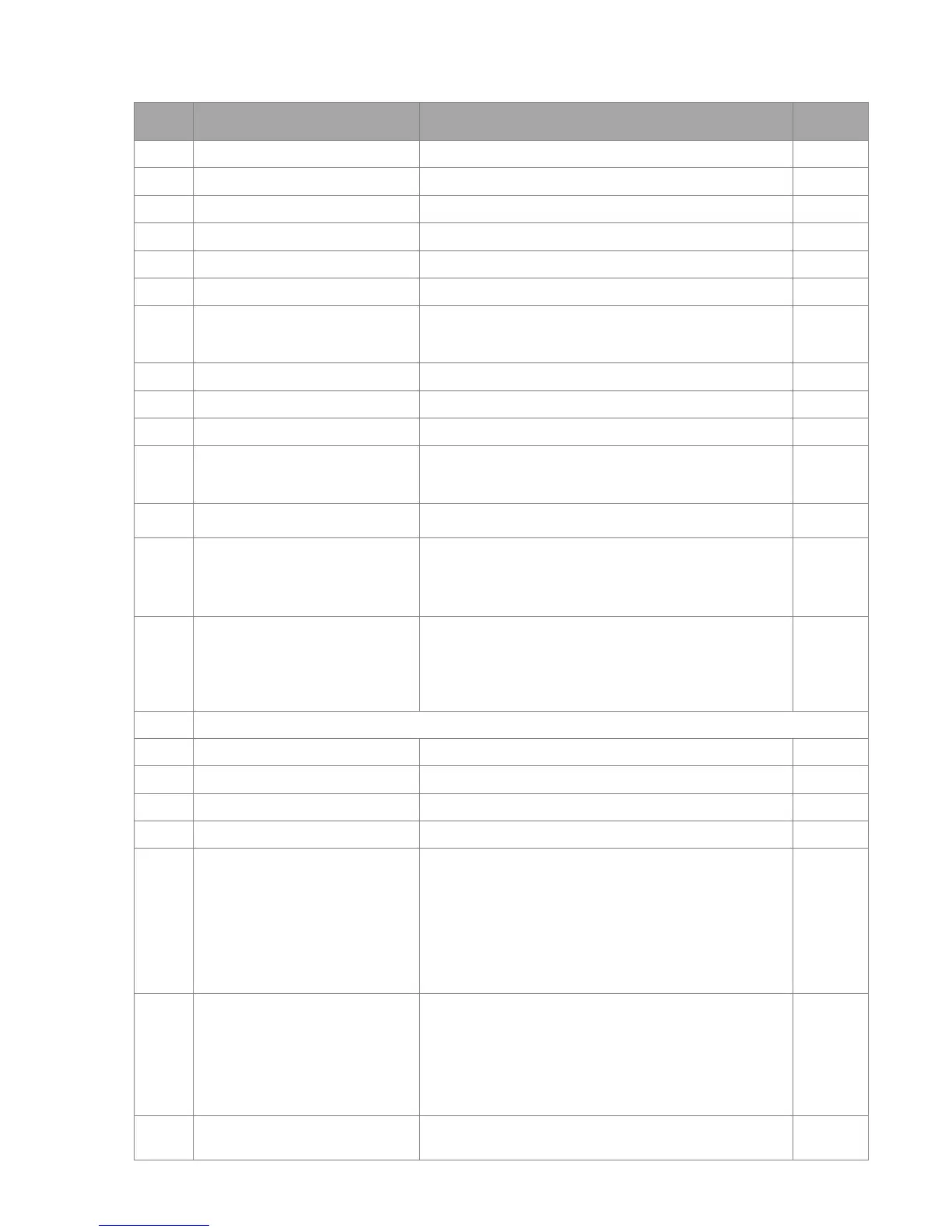
DC Brake frequency at Stop
Restart after Momentary Power
Loss
0: Stop operation
1: Speed search for last frequency command
2: Speed search for minimum output frequency
Maximum Power Loss Duration
Current Limit for Speed Search
Treatment to Restart After Fault
0: Stop operation
1: Speed search starts with current speed
2: Speed search starts with minimum output frequency
Number of Times of Auto
Restart After Fault
Speed Search during Start-up
0: Disable
1: Speed search for maximum output frequency
2: Speed search for start-up motor frequency
3: Speed search for minimum output frequency
0: Disable
1: dEb with auto accel./decal., the output frequency will
not return after power reply.
2: dEb with auto accel./decal., the output frequency will
return after power reply.
Dwell Frequency at Accel.
Dwell Frequency at Decel.
0: Fan always ON
1: 1 minute after the AC motor drive stops, fan will be
OFF
2: When the AC motor drive runs, the fan is ON. When
the AC motor drive stops, the fan is OFF
3: Fan turns ON when preliminary IGBT temperature
(around 60
o
C) is attained.
4: Fan always OFF
Emergency Stop (EF) & Force to
Stop Selection
0: Coast stop
1: By deceleration Time 1
2: By deceleration Time 2
3: By deceleration Time 3
4: By deceleration Time 4
5: System Deceleration
6: Automatic Deceleration
Auto Energy-saving Operation




 To Next Page