Chapter 12 Description of Parameter Settings|CFP2000 Series
12.1-07-9
constant speed operation, it will auto calculate the best voltage value by the load power for the
load. This function is not suitable for the ever-changing load or near full-load during operation.
When the output frequency is constant, i.e. constant operation, the output voltage will auto
decrease by the load reduction. Therefore, the drive will operate with min. power, multiplication
of voltage and current.
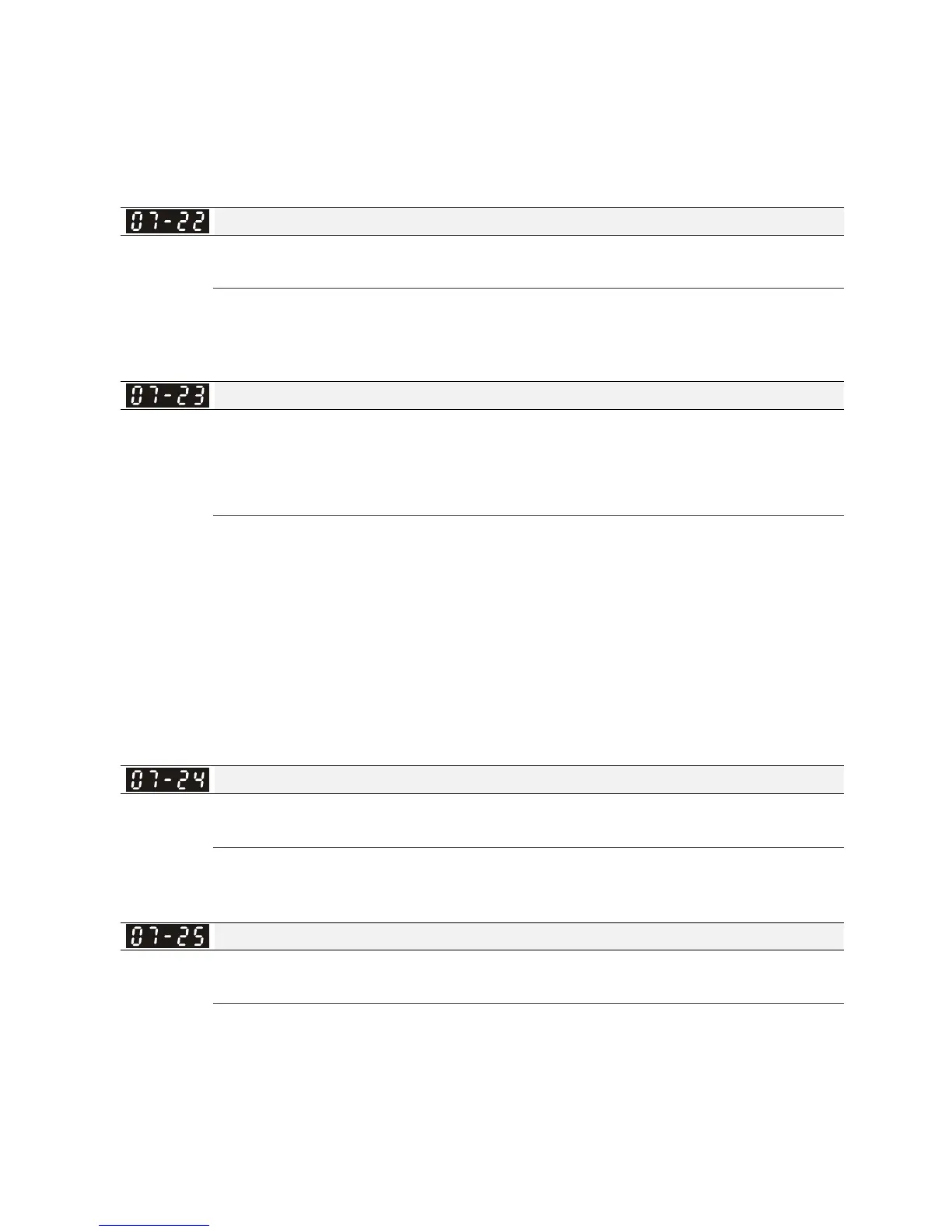
Energy-saving Gain
Factory Setting: 100
Settings 10~1000%
When Pr. 07-21 is set to 1, this parameter can be used to adjust the gain of energy-saving. The
factory setting is 100%. If the result is not good, it can adjust by decreasing the setting. If the
motor oscillates, it should increase the setting value.
Auto Voltage Regulation(AVR) Function
Factory Setting: 0
Settings 0: Enable AVR
1: Disable AVR
2: Disable AVR during deceleration
Setting 0: when AVR function is enabled, the drive will calculate the output voltage by actual
DC-bus voltage. The output voltage won’t be changed by DC bus voltage.
Setting 1: when AVR function is disabled, the drive will calculate the output voltage by DC-bus
voltage. The output voltage will be changed by DC bus voltage. It may cause insufficient/over
current.
Setting 2: the drive will disable the AVR during deceleration, such as operated from high speed
to low speed.
When the motor ramps to stop, the deceleration time is longer. When setting this parameter to 2
with auto acceleration/deceleration, the deceleration will be quicker.
Filter Time of Torque Command (V/F and SVC control mode)
Factory Setting: 0.500
Settings 0.001~10.000 sec
When the setting is too long, the control will be stable but the control response will be delay.
When the setting is too short, the response will be quickly but the control may be unstable. User
can adjust the setting by the control and response situation.
Filter Time of Slip Compensation (V/F and SVC control mode)
Factory Setting: 0.100
Settings 0.001~10.000 sec
It can set Pr.07-24 and 07-25 to change the response time of compensation.
If Pr.07-24 and 07-25 are set to 10seconds, the response time of compensation is the slowest.
But the system may be unstable when the setting is too short.




 To Next Page