MATRIX control panel Assembly and Installation
PR-2011-0110-GB • Subject to modifications • R9-03-2016 19
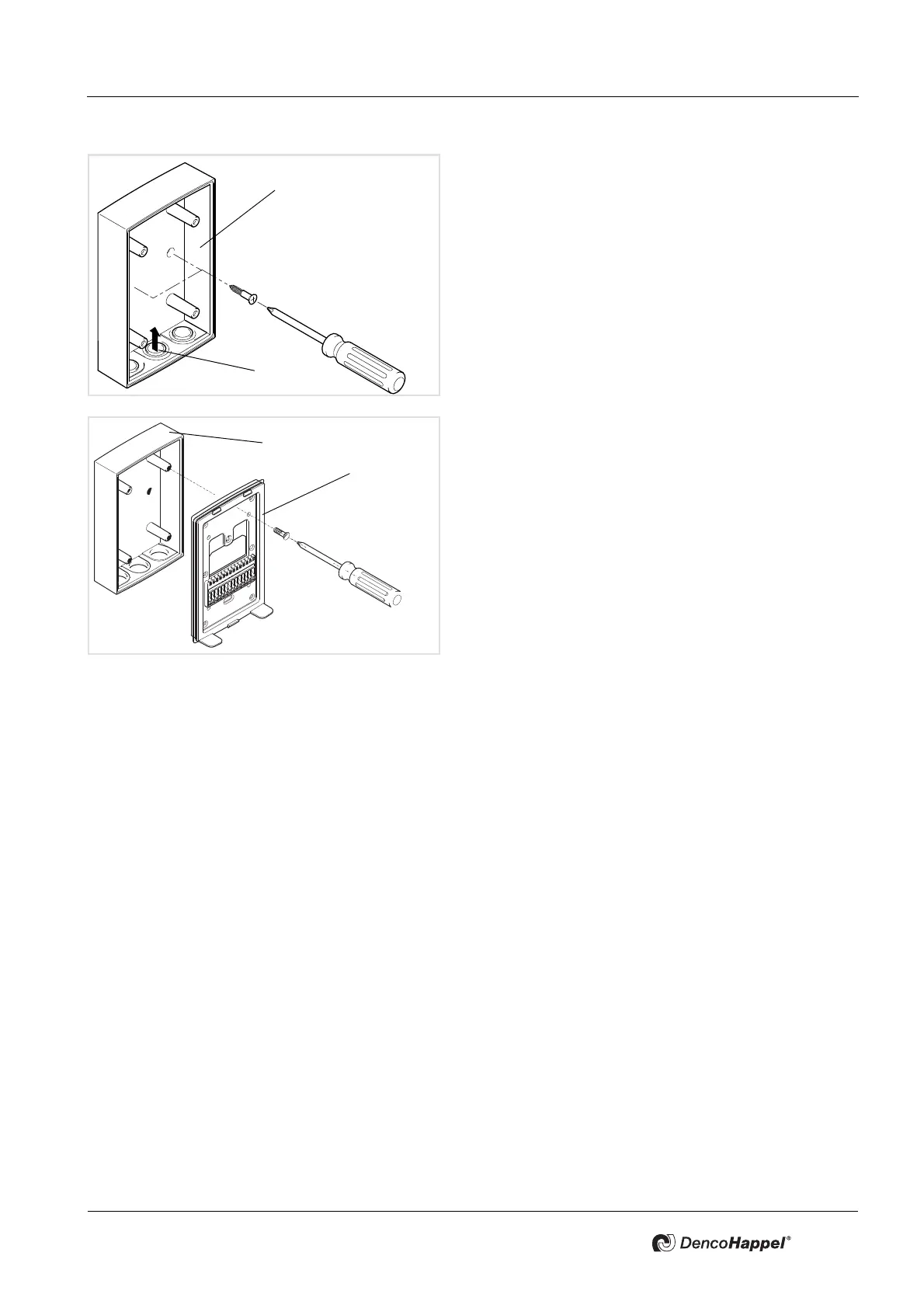
• Route the wires through the membrane grommets (1)
into the surface-mounted socket
(2) of the MATRIX
control panel.
• Mount the surface-mounted socket on the wall.
• Route the wires through the opening in the mounting
plate
(1) of the MATRIX control panel.
• Place the mounting plate (1) on the surface-mounted
socket
(2) and screw the mounting plate (1) to the sur-
face-mounted socket (2).
• Pay attention that the new gasket is sealed correctly in
order to ensure the IP54 protection type!



 To Next Page