MATRIX control panel Operating MATRIX control panel
PR-2011-0110-GB • Subject to modifications • R9-03-2016 33
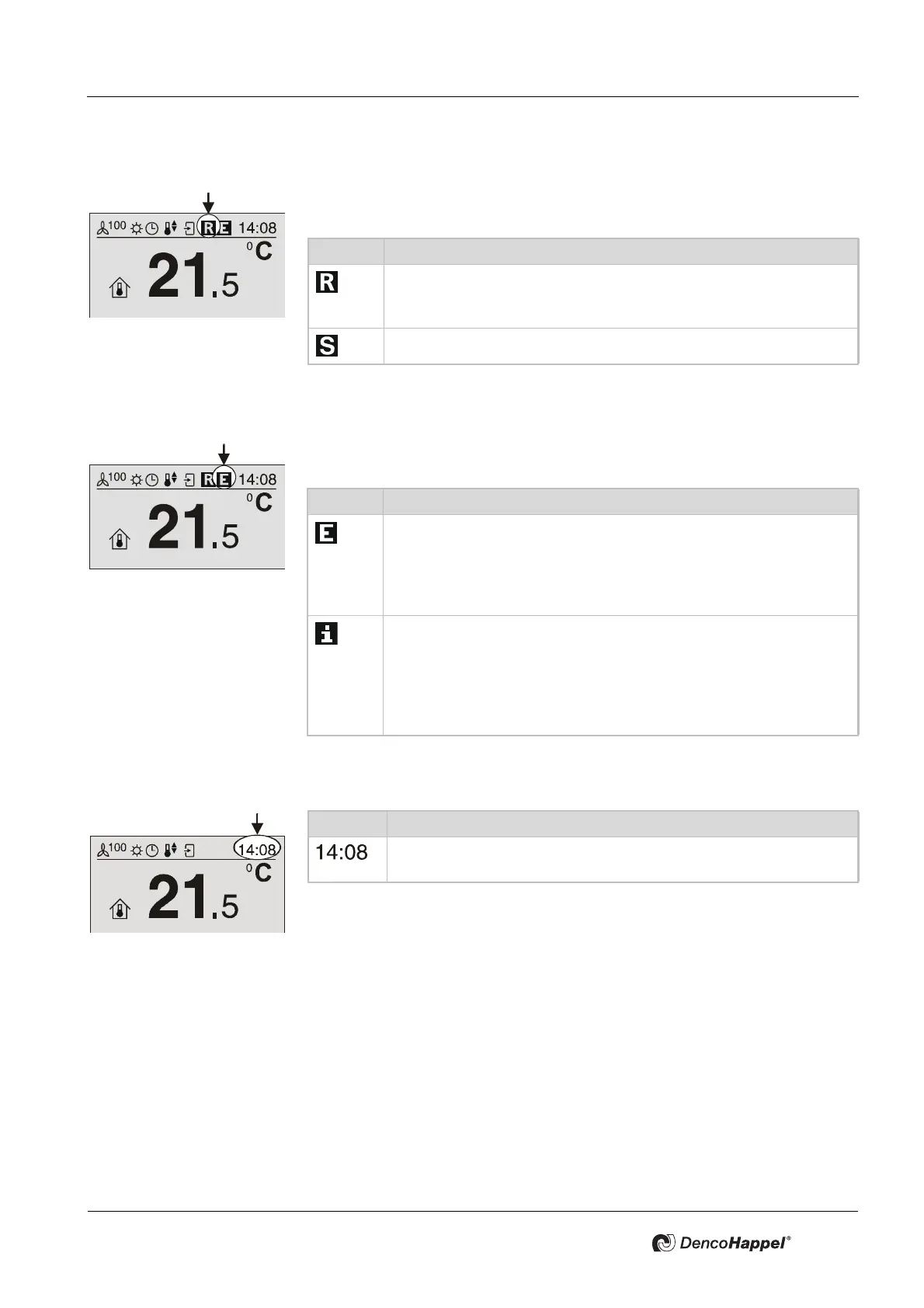
7.3.7 “Control indication” icon
The “Control indication” icon indicates an external intervention in the control pro-
cess by one of two icons.
7.3.8 “Operation messages” icon
The “Operation messages” icon reports error, warning, and information mes-
sages of the group (control panel, air treatment units, modules).
7.3.9 Icon "Time"
Icon Control display
The control or the setpoint assignment is performed from the out-
side (remote); e.g. the connected controller has detected an open
window and switches the fan coil unit off.
There is a service intervention through the MATRIX.Net
Icon Operation messages
A fault (error) has occurred
e.g. the motor protection of the fan motor has triggered due to over-
heating. Depending on the type of fault, the status message "E" ex-
tinguishes after the fault is eliminated or after successful
confirmation.
There is a warning (e.g. "Filter soiled") or an information (e.g. "Digi-
tal input active"). If the warning or information is no longer present,
the display "i" extinguishes.
If a warning or information message and an error message arrive si-
multaneously, the higher prioritized fault signal is shown with the
icon "E".
Icon Time
Display of current time. The setting can be for 24-hour display or 12-
hour display.



 To Next Page