Operating MATRIX control panel MATRIX control panel
52 PR-2011-0110-GB • Subject to modifications • R9-03-2016
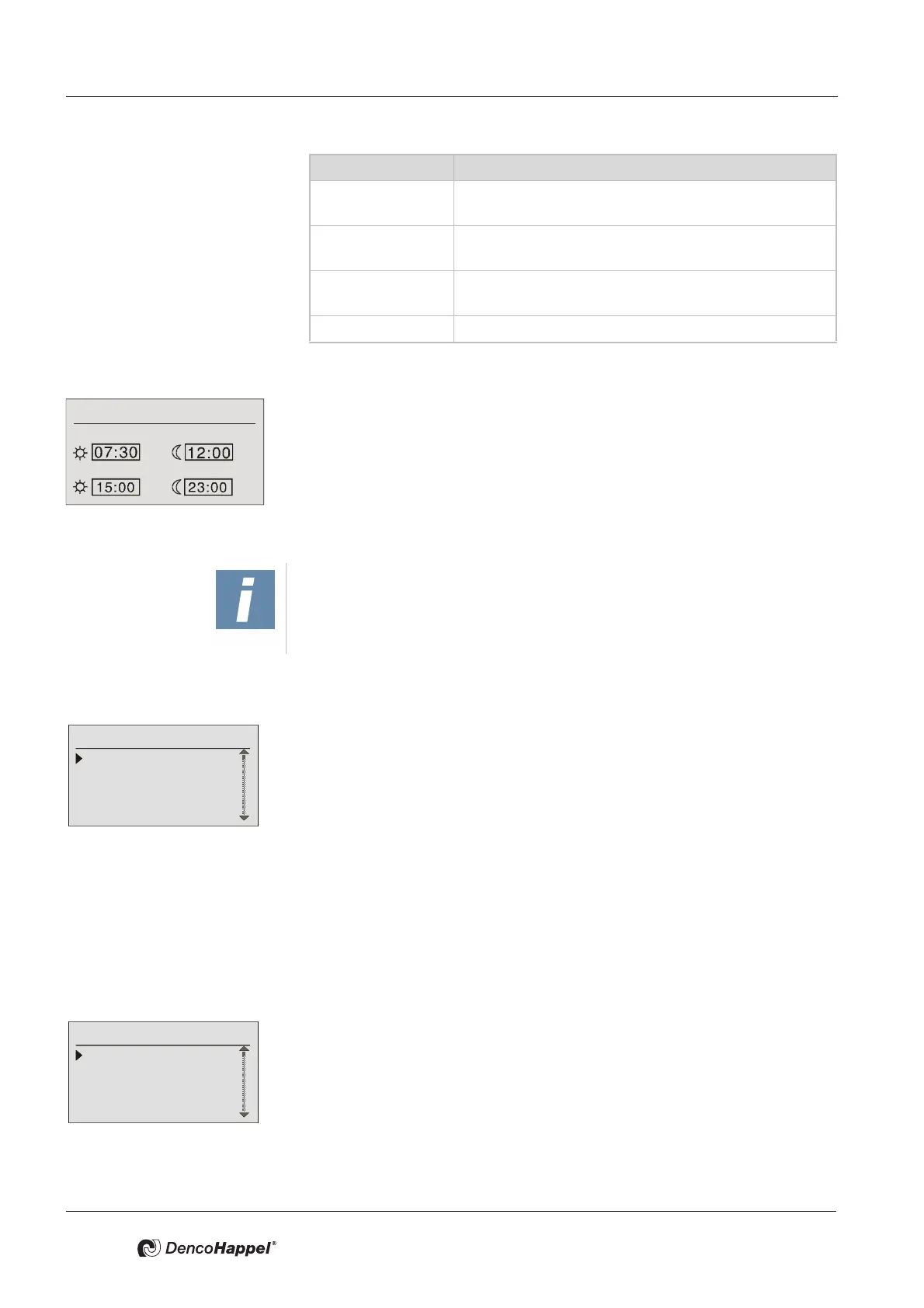
Example:
– The control system should be switched to “normal mode”
(day operation) at 7:30.
– At mid-day from 12:00 noon until 15:00, the control should be switched to the
"economy mode" (night operation).
– The “normal mode” should end at 23:00 at night.
It must be entered two times for every switchover; the sequence of the entry is the
same.
Special days submenu
A special switching pattern can be entered in the “Special days” submenu for a
maximum of six specified days in the year.
Entries are made in the “special days” submenu:
–to enable or disable the special days (without changes) – for more details see
"Enabling menu options" on page 37.
–to delete all settings for special days – for further details see "Deleting set-
tings" on page 37
–to enter a date for the relevant special day, and
– For each special daily program, four switching times can be set for entering
the switching times – for more information see "Changing switching times" on
page 35.
Holiday program submenu
A special switching pattern can be entered in the “Holiday program” submenu for
every month of the next 12 months.
Thus, it is possible to assign settings for every month of the year and for any num-
ber of days so that the DencoHappel air treatment units:
– should be switched off completely or
– should be switched on only in economy mode.
[1/4] Out of maximum four possible switching times one
time is assigned.
[2/4] Out of maximum four possible switching times two
times are assigned.
[3/4] Our of maximum four switching times three times are
assigned.
[4/4] The maximum of four switching times are assigned.
DESIGNATION Meaning
Monday - Friday
1st switching period
2st switching period
NOTICE!
If the warmup time is activated (see Page 54), the switching from economy
mode into normal mode takes place earlier by the specified value.
Special Switch Days
Enable/disable
Delete program
1. <--.--.---->
2. <--.--.---->
Holiday program
Enable/disable
Delete program
operating mode
January



 To Next Page