Operating MATRIX control panel MATRIX control panel
64 PR-2011-0110-GB • Subject to modifications • R9-03-2016
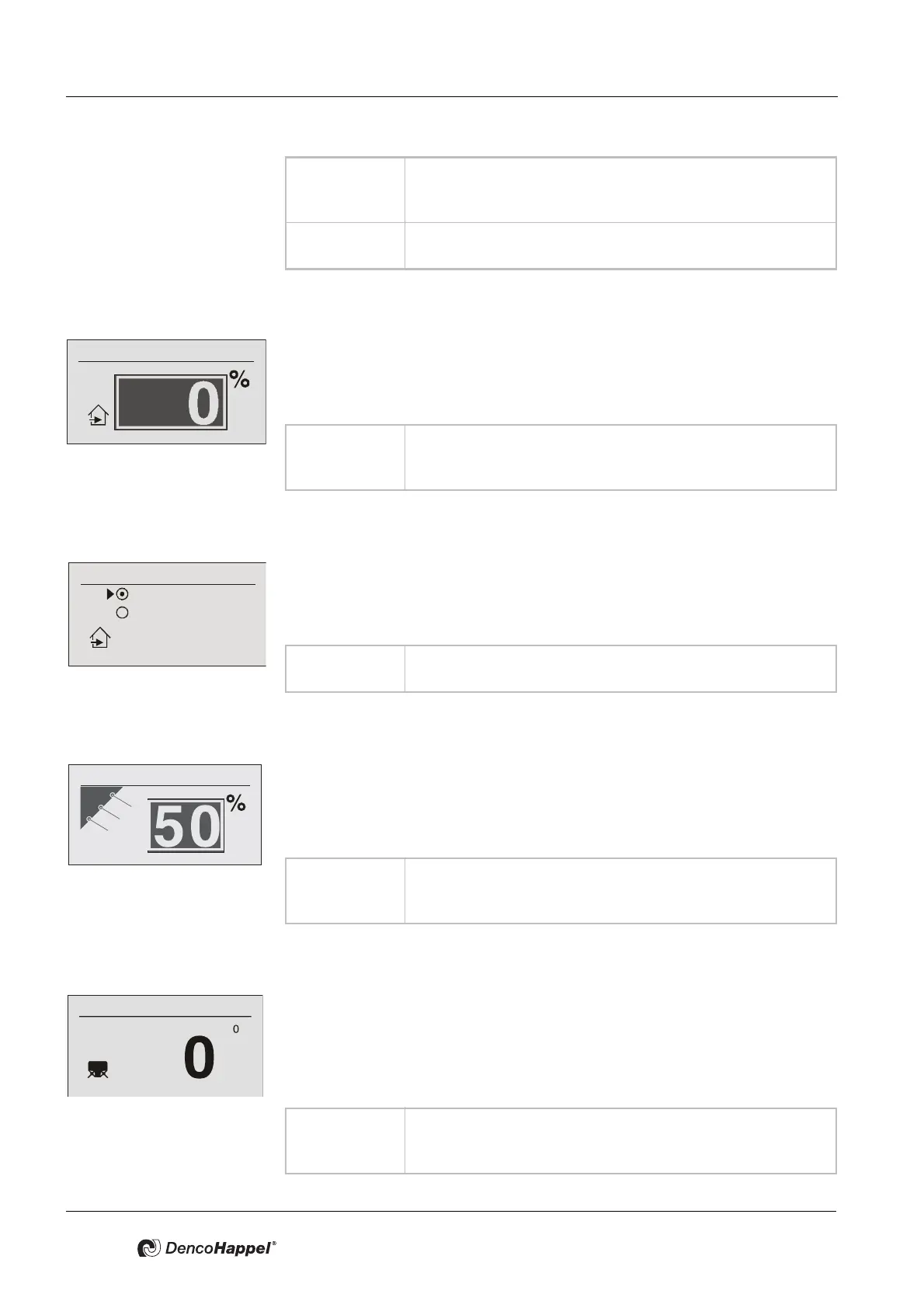
Economy mode ➜ outside air volume flow
In the "Outside-air volume flow” submenu you can enter the percentage of out-
side-air volume flow that is valid during the economy mode (night operation).
This menu item appears if the function "Controlled outside-air volume flow" was
configured at the controller.
Economy mode ➜ outside-air automatic
In the menu item "OA automatic" you can enter the operation of the mixed-air
dampers which are valid during economy mode (night operation).
This menu item appears whenever the function "Controlled temperature" or "Con-
trolled energy savings" was configured at the controller .
Economy mode ➜ secondary-air louvre
In the “Secondary-air louvre” submenu you can enter the position of the damper
in percent that is valid during the economy mode (night operation).
This menu option is available if manual control has been configured on the con-
troller.
Economy mode ➜ louvre angle offset
At the menu item "Angle offset louvre", you can enter a correction of the angular
adjustment of the louvres (at the blow-out port of the air treatment units) in
degrees, which will be valid during economy mode (night operation).
This menu option is available if automatic louvre mode has been configured on
the controller.
Value range: 0 ...100 % (for continuous dampers)
Possible intervals: 5 %
Factory setting: 0 %
Variant 0 or 100 % (for open/close dampers)
Factory setting: 0 %
Value range: 0 ...100 % (for continuous dampers)
Possible intervals: 5 %
Factory setting: 0 %
Recirculating air
Mixed air
Outside air automatic
Value range: Recirculating air, mixed air
Factory setting: Circulating air
Value range: 0 ...100 %
Possible intervals: 1 %
Factory setting: 50 %
Value range: -10 ° ...+10 °
Possible intervals: 1 °
Factory setting: 0 °



 To Next Page