MATRIX control panel Operating MATRIX control panel
PR-2011-0110-GB • Subject to modifications • R9-03-2016 65
Calibrate discharge submenu
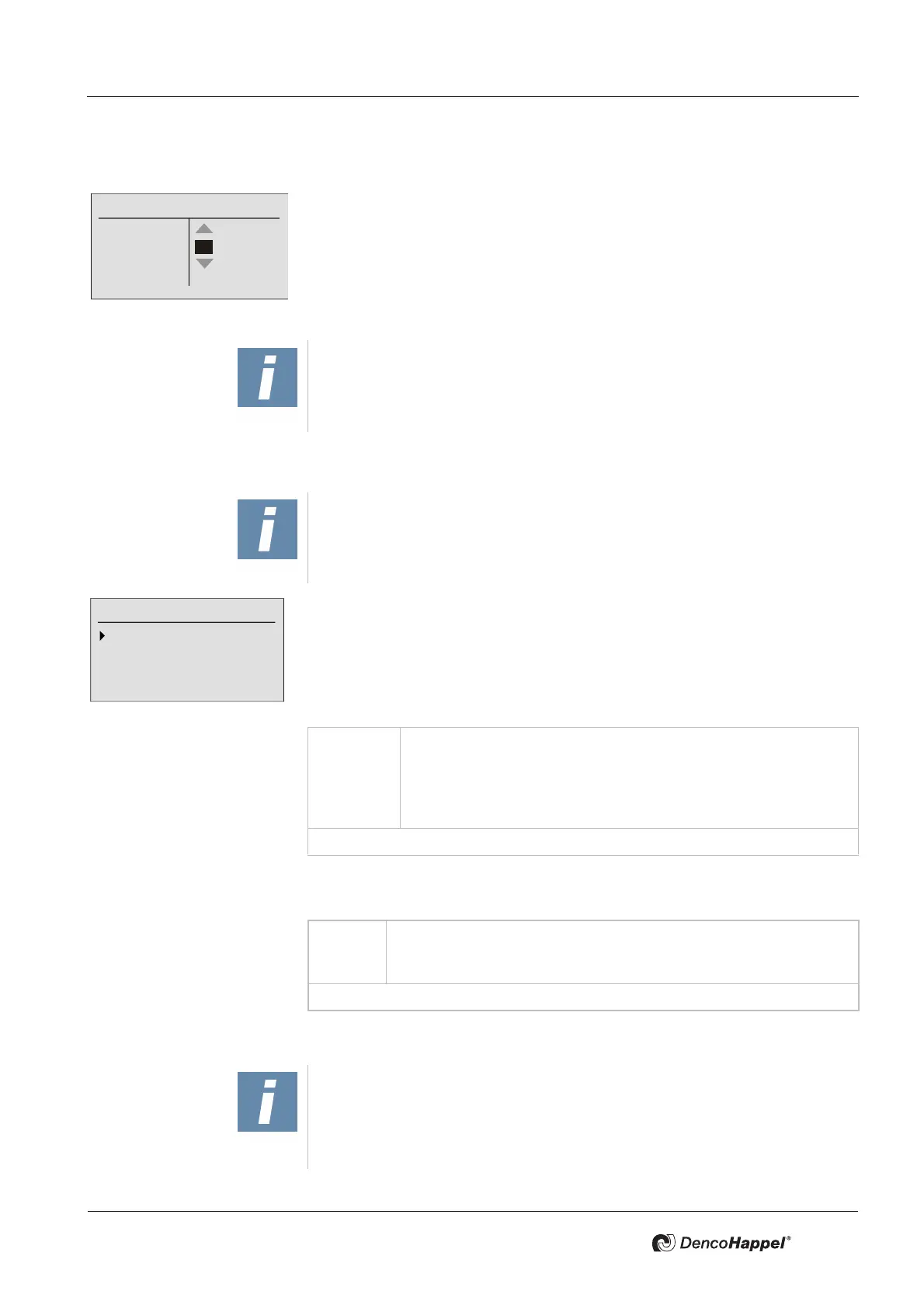
You can calibrate the louvre angle in this submenu for units with controlled louvre.
The menu window shows on the left side:
– the current flow temperature Tm
– the overtemperature To (Diff. room supply-air temperature)
– and the current louvre angle Po
Refer to the MultiMAXX operation manual for louvre calibration.
Supply temperature limits submenu
You can enter the temperature limits in degree Centigrade (°C) or Fahrenheit (°F)
in the submenu "Supply-air temperature limits":
– Heating mode
– Cooling operation
The “In heating mode” submenu allows you to enter the minimum and maximum
temperatures that are possible as supply-air temperature when heating:
In the “In cooling mode” submenu you can enter the minimum temperature that
is possible as supply-air temperature when cooling:
Submenu MA damper mode
Calibrate discharge
Tm: 42,4°C
To: 9,4°C
Po: 78,1°
Up
Stop
Down
NOTICE!
The inlet temperature is displayed if the inlet temperature sensor
is connected!
NOTICE!
The "Supply temperature limits" submenu is only displayed if supply tempera-
ture limitation is enabled on the connected controller.
The preset supply-air temperature limits apply to all controllers in the group.
Supply-air temperature limits
In heating mode
In cooling mode
Value
range:
Maximum temperature: 25 to 60°C [77 to 140°F] and "--.-" *
Minimum temperature: 10 to 35°C [50 to 95°F] and "--.-" *
Adjustable steps: 0.1°C [1 °F]
Factory setting: for minimum temperature: "18°C"
xxxxxxxxxxxxxxxx for maximum temperature "60°C"
* If “--:-” is entered, then the relevant temperature is not assigned.
Value
range:
Minimum temperature: 10 to 20°C [50 to 68°F] and "--.-" *
Adjustable steps: 0.1°C [1°F]
Factory setting: for minimum temperature "10°C"
* If “--:-” is entered, then the relevant temperature is not assigned.
NOTICE!
The submenu "MA damper mode" does not appear when using the central or
low-profile air-handling unit control MATRIX 4700.
For devices with two-point mixing-air damper, the operating mode "Air volume
flow" is not available and is not displayed



 To Next Page