6
ENGLISH
PART NAMES AND FUNCTIONS
q
Power operation switch (ON/STANDBY)
• When pressed once, the power turns on and the
display lights.
• When pressed again, the standby mode is set.
• The LED color changes as follows, according to
the condition:
During power ON: green
During STANDBY: red
w
Remote sensor
• Point the included remote control unit (RC-268) at
this sensor when operating it.
• When the DCD-201SA is connected in a system
with the 201SA series, the remote control signals
are received by the remote sensor on the pre-
main amplifier (PMA-201SA).
e
Disc holder open/close button ( 5 )
• Press this button to open and close the disc
holder.
• When pressed in the standby mode, the power
turns on automatically and the disc holder opens.
r
Display
• Refer to page 3.
t
Automatic/manual search reverse
button ( 8/6 )
• Use this button to find the beginning of the
desired track. (Refer to page 11.)
• Press this button to reverse the disc. (Refer to
page 11.)
y
Automatic/manual search forward
button ( 7/9 )
• Use this button to find the beginning of the
desired track. (Refer to page 11.)
• Press this button to forward the disc. (Refer to
page 11.)
✽
Buttons t and y function as automatic search
buttons (
8 and 9 ) when pressed and
released immediately, manual search buttons (
6
and 7) when pressed and held in.
u
Stop button ( 2 )
• Press this button to stop playback.
i
Play/Pause button ( 1/3 )
• Press this button to start playing the disc.
• When pressed while the disc holder is open, the
disc holder closes and playback starts.
• When pressed in the standby mode, the power
turns on automatically and playback starts.
• Press this button to stop playback temporarily.
• To resume playback, press either the pause
button (
3 ) or the play button ( 1 ).
o
Disc holder
• Press the disc holder open/close button ( 5 ) to
open and close the disc holder.
• The disc holder can also be closed by press the
pause button (
3 ) or the play button ( 1 ).
5
(1) Front Panel
!0
Output jacks (LINE OUT)
• Connect these to the CD input jacks on the
amplifier.
• When connecting the DCD-201SA in a system
with the 201SA series, be sure to connect these
jacks to the CD input jacks on the pre-main
amplifier (PMA-201SA).
!1
Digital output jacks
(DIGITAL OUT OPTICAL 1 and 2)
• Digital data is output in optical form from this jack.
• Refer to page 5.
!2
System connectors
(SYSTEM CONNECTOR 1 and 2)
• When connecting the DCD-201SA in a system
with the 201SA series, connect these to the
system connectors on other components using
the included system cords.
!38
Power cord
• Plug this cord into a wall power outlet.
(2) Rear Panel
(3) Display
!4
Mode indicators
• These indicate the various
modes.
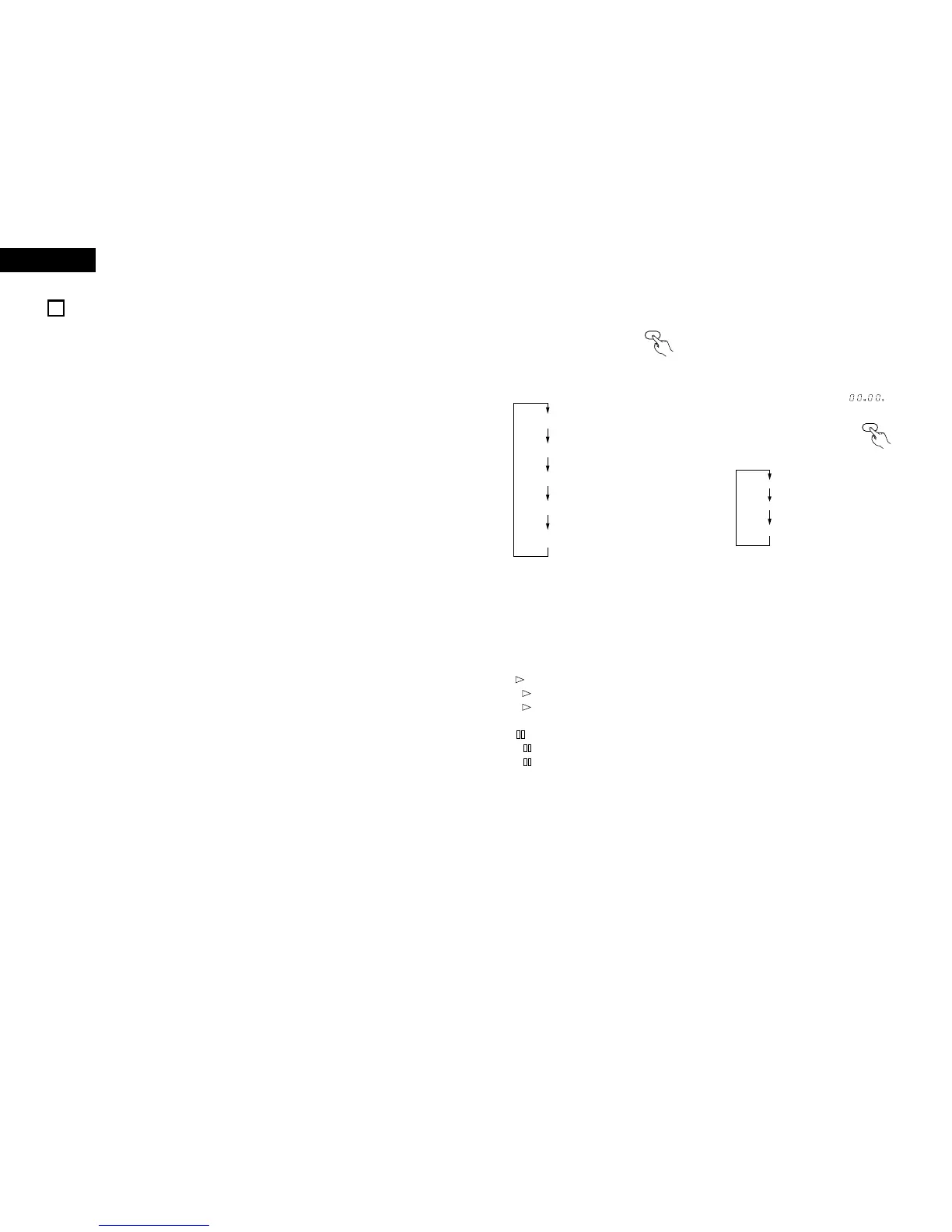
• REPEAT:
These indicators light as
follows each time the repeat
button is pressed:
!6
Time display
• When a disc is loaded
• In the stop mode:
Total disc playing time
• In the play and pause modes:
Elapsed time of current track
• In the play and pause modes:
Elapsed time of current track
• When no disc is loaded or when the disc data
cannot be read properly, “ ” is
displayed.
All off
REPEAT
1
REPEAT
ALL
REPEAT
A-
REPEAT
A-B
• EDIT:
(Editing operations are performed from the
system remote control unit (RC-906) included with
the pre-main amplifier (PMA-201SA). They can
only be performed when the components are
connected in a system.)
• This lights when performing editing operations on
a cassette tape. (Refer to pages 15 to 16)
• PROG:
This lights during programming and
programmed playback.
•
lights during playback or recording.
flashes during manual search in the play
mode.
•
lights during the pause mode.
flashes during manual search in the pause
mode.
• RANDOM:
This lights in the random play mode.
!5
Track number display section
• When a disc is loaded
• In the stop mode:
Total number of tracks on disc
• In the play and programmed play modes:
Number of track currently playing
Off: Elapsed time of current track
SINGLE: Remaining time of current track
TOTAL: Total remaining time on disc
• The display switches as follows
each time the time button is
pressed:
(Remote
control unit)
(Remote
control unit)
!7 Music calendar display
• These light to indicate the number of tracks on the
disc (up to 20).
• Once a track is played, the corresponding number
turns off. During programmed playback, the
numbers of the programmed tracks are lit.
• “OVER” lights if there are more than 21 tracks
recorded on the disc.
• All the numbers (1 to 20) light if no disc is loaded
or the disc’s data cannot be read properly.



 To Next Page
 Loading...




