44
ENGLISH
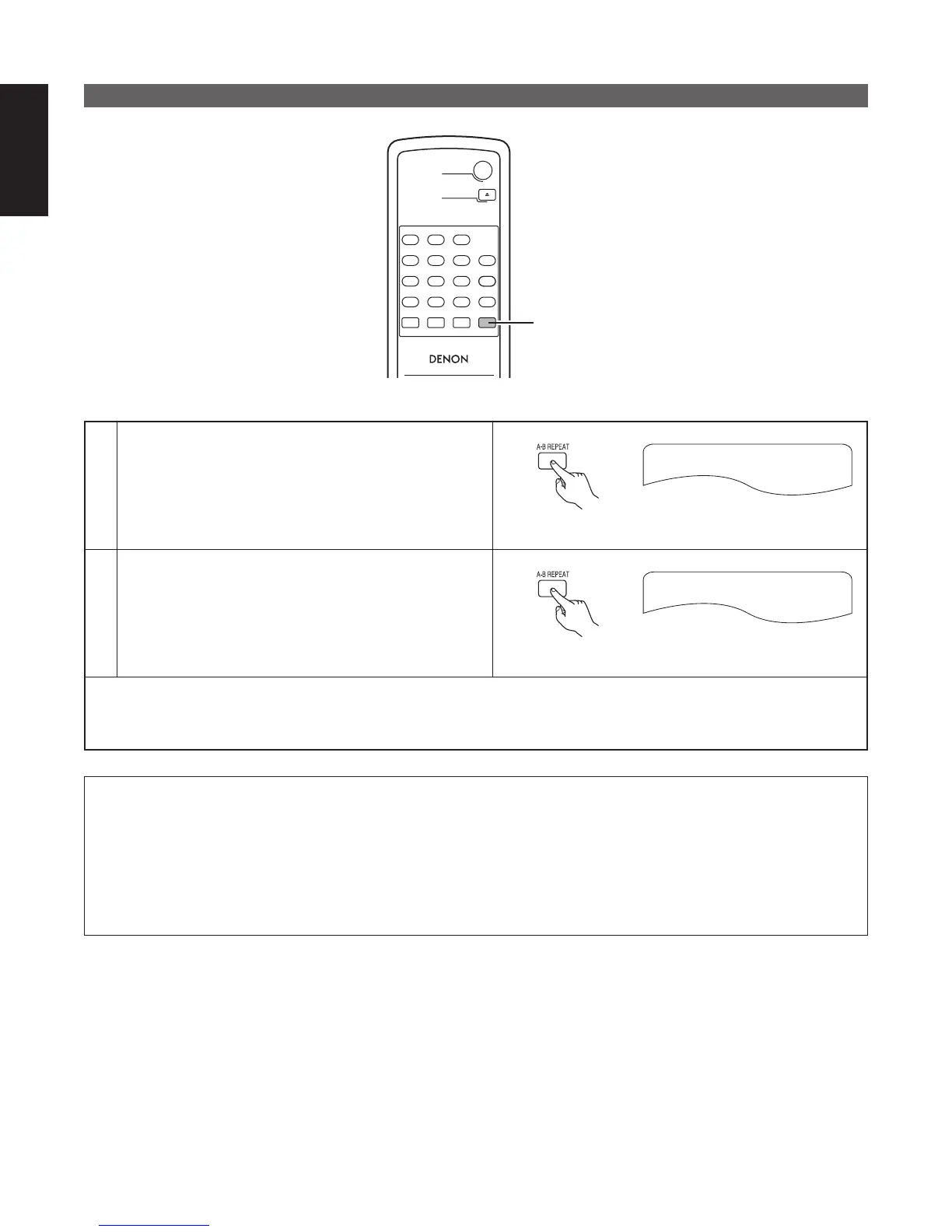
Playing a Certain Section Repeatedly (A-B Repeat Playback)
RC-963
DVD POWER
123
456
789
0 +10
OPEN/CLOSE
A-B REPEAT
REPEAT
AUDIO
SUBTITLE
CALL
RANDOM
CLEAR
PROG /
DIRECT
1,2
1
During playback, press the A-B button.
• This sets start point A.
A TO B SET A
Remote control unit
2
Press the A-B button again.
• This sets end point B, and repeat playback of the A-B
section starts.
A TO B SET B
Remote control unit
✽ To return to normal playback:
Press the A-B button until “A TO B CANCELED” appears on the TV screen.
NOTES:
• Repeat playback may not work for some DVDs.
• The repeat playback and A-B repeat playback functions will not work for DVDs and video CDs for which the elapsed
time is not shown on the display during playback.
• Repeat playback is not possible when PBC is turned on with video CDs. Press the TOP MENU button to turn PBC off.
• The Play button cannot be used during A-B Repeat.
• If you switch to the SETUP MENU screen during A-B Repeat, A-B Repeat is canceled.



 To Next Page