Basic Playback _-
Getting started
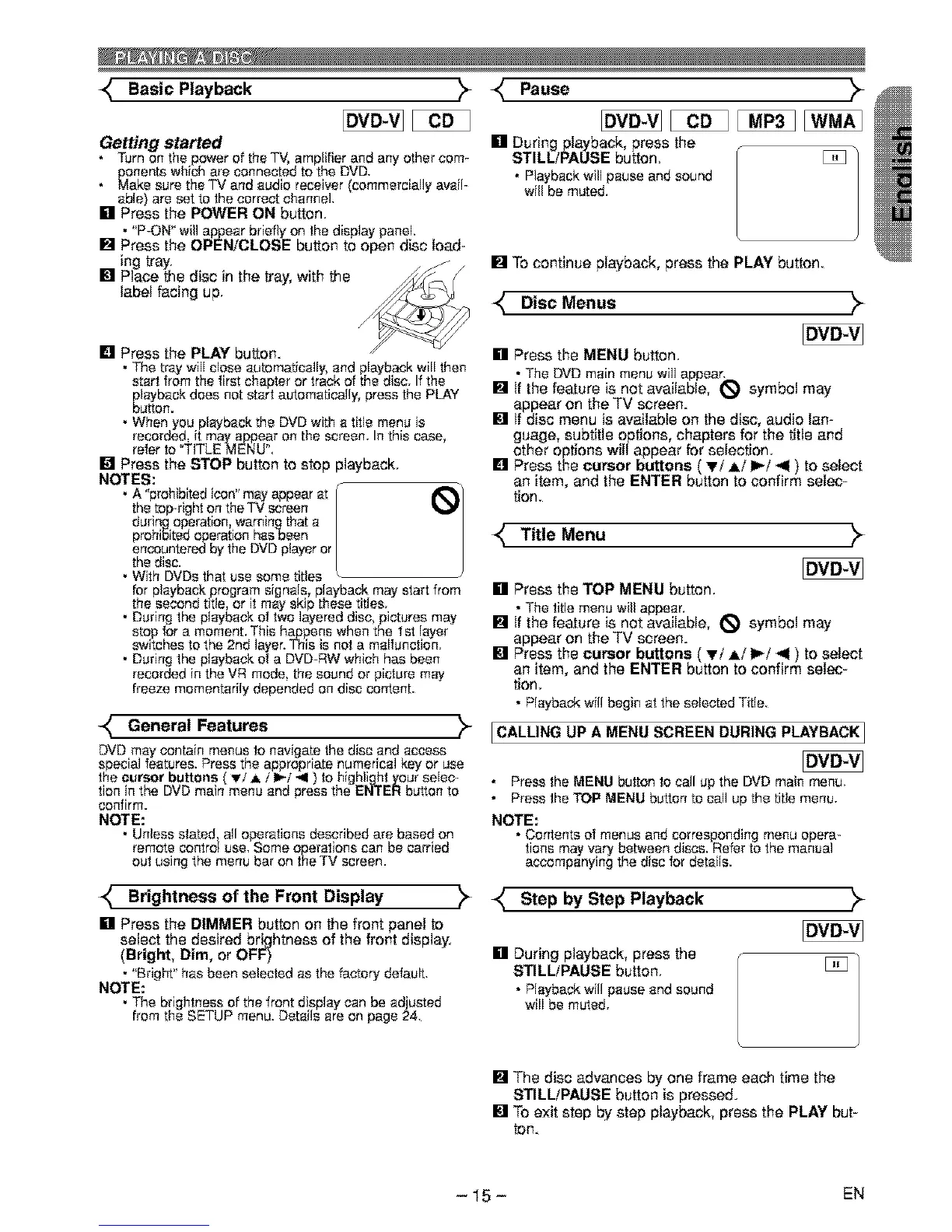
• Turnon the power of the TV, amplifier and any other com-
ponents which are connected to the DVD.
Make sure the TV and audio receiver (commercially avail-
able) are set to the correct channel
[] Press the POWER ON button.
• "P-ON" willappear briefly onthe display panel.
[] Press the OPEN/CLOSE button to open disc load-
ing tray.
[] Place the disc in the tray, with the
label facing up.
[] Press the PLAY button.
• The tray wi[[ chessautomatically,end playback w[[[ then
start from the first chapter or trackof the disc. If the
playback does not start automatically,press the PLAY
button.
• When you playback the DVD withe tff[e menu is
recorded, it mayappear on the screen. Inthis case,
refer to TITLE MENU'.
[] Press the STOP button to stop playback.
NOTES:
• A "prohibitedicon"may appearat / i_/
the top-right on theTV screen /
during operation,warningthat a /
prohibitedoperation hssbeen /
encountered by the DVDplayeror /
the disc.
• With DVDsthat use some titles
for playback programsignals, playback may start from
the second title, or ff may skip these titles.
• During the playback of two layered disc, pictures may
stop for a moment.This happens when the Ist layer
sw_tchesto the 2nd layer.This is not a malfunction.
• During the playback of a DVD-RWwhich has been
recorded in the VR mode, the sound or picture may
freeze momentarily depended on disc content.
-_ General Features
DVD may contain menus to navigate the disc and access
special features. Press the appropriate numerical key or use
the cursor buttons ',_'!A i I_/*l ) to highIj_t _our selec-
t on n the DVDman menu end press the ENi EH button to
confirm.
NOTE:
• Unless stated, all operations described are based on
remote control use. Some operations can be carried
out using the menu bar on the TV screen.
Pause
[] During playback, press the
STILL/PAUSE button. [_
• Playback will pause and sound
willbe muted.
[] To continue playback, press the PLAY button.
DIsc Menus _
[] Press the MENU button.
• The DVDmain menu willappear.
[] If the feature is not available, _ symbol may
appear on the TV screen.
[] If disc menu is available on the disc, audio lan-
guage, subtitle options, chapters for the title and
other options will appear for selection.
[] Press the cursor buttons ( Ti Ai I_/< ) to select
an item, and the ENTER button to confirm selec-
tion.
Title Menu
[] Press the TOP MENU button.
• The title menu will appear.
[] tf the feature is not available, _ symbol may
appear on the TV screen.
[] Press the cursor buttons ( Ti A/I_/< ) to select
an item, and the ENTER button to confirm selec-
tion.
• PIeybackwil! begin at the sslected Title.
ICALLING UP A MENU SCREEN DURING PLAYBACK]
• Pressthe MENU button to call up the DVD main menu.
• Pressthe TOP MENU button to call up the title menu.
NOTE:
• Contents of menus and corresponding menu opera-
tions mayvary beb_een discs. Refer to the manual
accompanying the disc for details.
Brightness of the Front
Display
[] Press the DIMMER button on the front panel to
select the desired brightness of the front display.
(Bright, Dim, or OFF)
• "Bright" has been selected as the factory default.
NOTE:
• The brightness of the front display can be ad usted
from the SETUP menu. Details are on page 24.
K Step by Step Playback
[] During playback, press the
STILLfPAUSE button.
• Playback wiI! pause end sound
will be muted.
[] The disc advances by one frame each time the
STILLtPAUSE button is pressed.
[] To exit step by step playback, press the PLAY but-
ton.
- 15- EN



 To Next Page