Notes on MP3, JPEG and WMA:
• Select *'FIRSTPLAY"and press the PLAY button, playback
from the top of the disc in the order of tracks and groups.
• The ninth and deeper hierarchies cannot be played.
• The name of group and track can be displayed in upto 25
characters. Alphabets, numerals underline, asterisk or
space may notbe displayed. Llnrecognizabb characters
wilt be replaced with asterisks.
• Un-reproducibb groups or tracks may be displayed
depending on the recording conditions.
• If the TOP MENU button is pressed when a file list is dis-
played, "FIRST PLAY"wilt be highlighted.
[] Press the STOP button, to stop playback.
Notes on Kodak picture CD:
• A press on the STOP button will highlight the previously
displayed track on the menu screen.
Press the STOP button _Lqa[nor press the TOP MENU
button, and the menu screen displaysTrad_ 1 to 6, where
Track I is highlighted.
Slide Show Mode >
You can switch to the slide show mode during playback
[] Press the MODE button during playback.
• The slide show mode screen will appear,
• The slide show mode cannot be switched when it is
stopped, or from the file list screen or the Picture CD
menu screen.
[] Press the ENTER button
• The slide show mode will change.
1 The entire imageappears in one time.
2 The image appears gradually and then disappears.
_" Track Selection "_
I MP3 IIJPEGI
[] Press the SEARCH MODE button during pJayback.
• The FILE LIST will appear,
[] Select a desired track using the cursor buttons
• Press the I1_button when you want to go to the next
hierarchy.
• Press the _I button when you want to go backto the
previoushierarchy.
[] Press the PLAY button to start playing
NOTES:
• PresstheSEARCHMODEbuttonto exit.
• Some selections may require additional time to be recog-
nized.
• During play,,a desired track can be directly searched. Just
type in the TRACK number with the numeric buttons.
• If the typed TRACK number is not available, the "dissb[e'
symbo/appears and the direct search mode is cancelled.
• Playback cannot be started from a desired time count.
• Pressing the SKIP button _ or 14_ will play the next or
previous fib,
• The SEARCH button is not effective for Picture CD.
_- Random Playback _-
I MP3 IIJPEGI [_
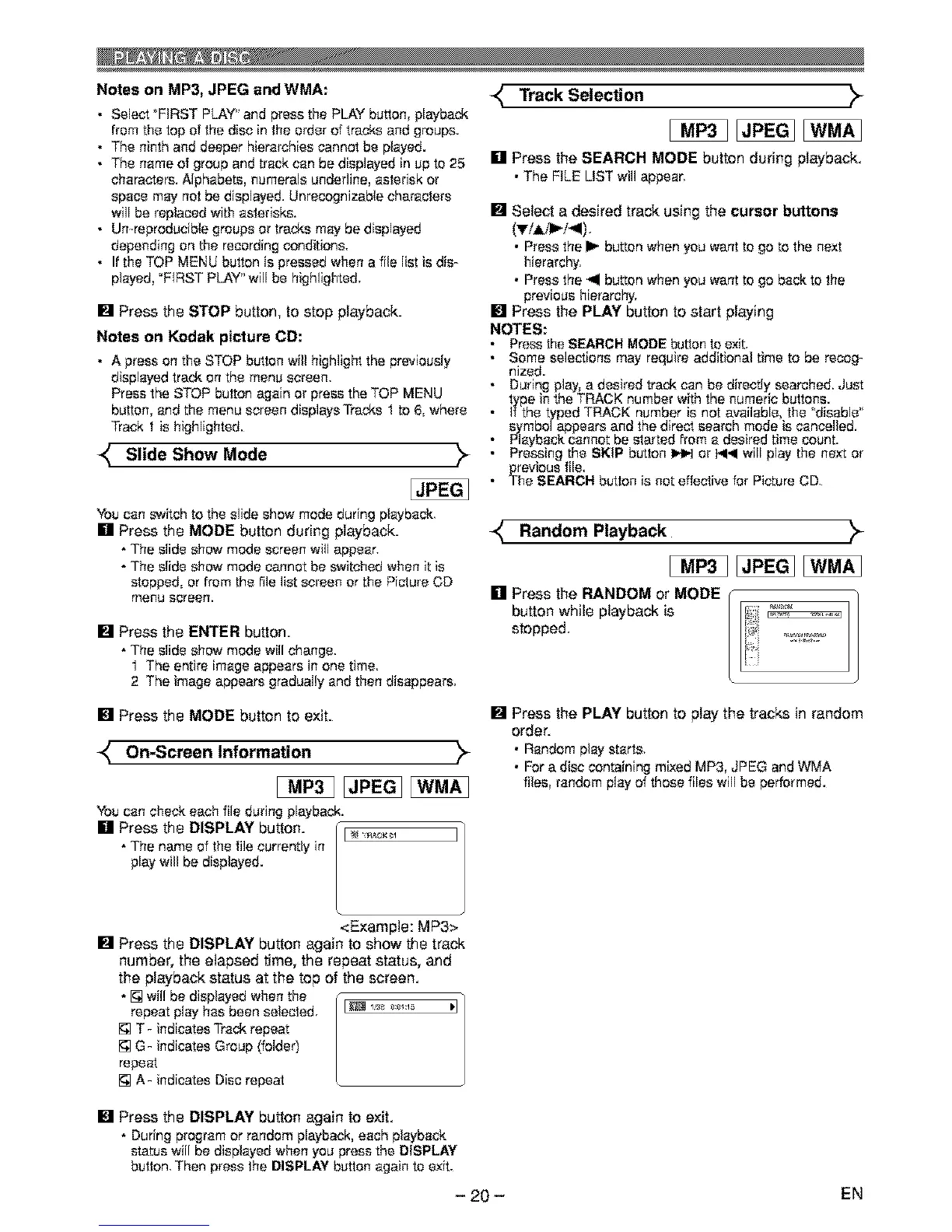
[] Press the RANDOM or MODE
button while playback is
stopped,
[] Press the MODE button to exit.
On-Screen Information >
You can check each file during playback.
[] Press the DISPLAY button. I _ _ I]
• The name of the file currently in
/
playwill be displayed.
<Example: MP3>
[] Press the DISPLAY button again to show the track
number, the elapsed time, the repeat status, and
the playback status at the top of the screen.
• [] wil! be displayedwhen the
repeat play has been selected, _ I_ _:_:1"_
[] T- indicates Trackrepeat
[] G- indicates Group (folder)
repeat
[] A- indicates Disc repeat
[] Press the PLAY button to play the tracks in random
order.
• Random play starts,
• For a disc containing mixed MP3, JPEG and WMA
fibs, random play of those files will be performed.
[] Press the DISPLAY button again to exit.
• During program or random playback,each playback
status will be displayed when you press the DISPLAY
button,Then press the DISPLAY button again to exit.
- 20 -
EN



 To Next Page