Cleaning the Cabinet
• Use a soft cloth slightly moistened with a mild detergent solution, Do not use a solution containing alcohol, spirits,
ammonia or abrasives.
Cleaning Discs
• When a disc becomes dirty, clean it with a cleaning cloth. Wipe the disc from the center out. Do not wipe in a circular
motion.
• Do not use solvents such as benzine, thinner, commercially available cleaners, detergent, adraalve cleaning ogents or
antistatic spray intended for analogue records.
Cleaning the disc lens
• If the player still does not perform properly when it is operated while referring to the relevant sections and to "TROU-
BLESHOOTING GUIDE" in this Operating Instruction, the laser optical pickup unit may be dirb'. Consult your dealer or
an Authorized Service Center for inspection and cleaning of the laser opticat pickup unit.
Disc HandLing
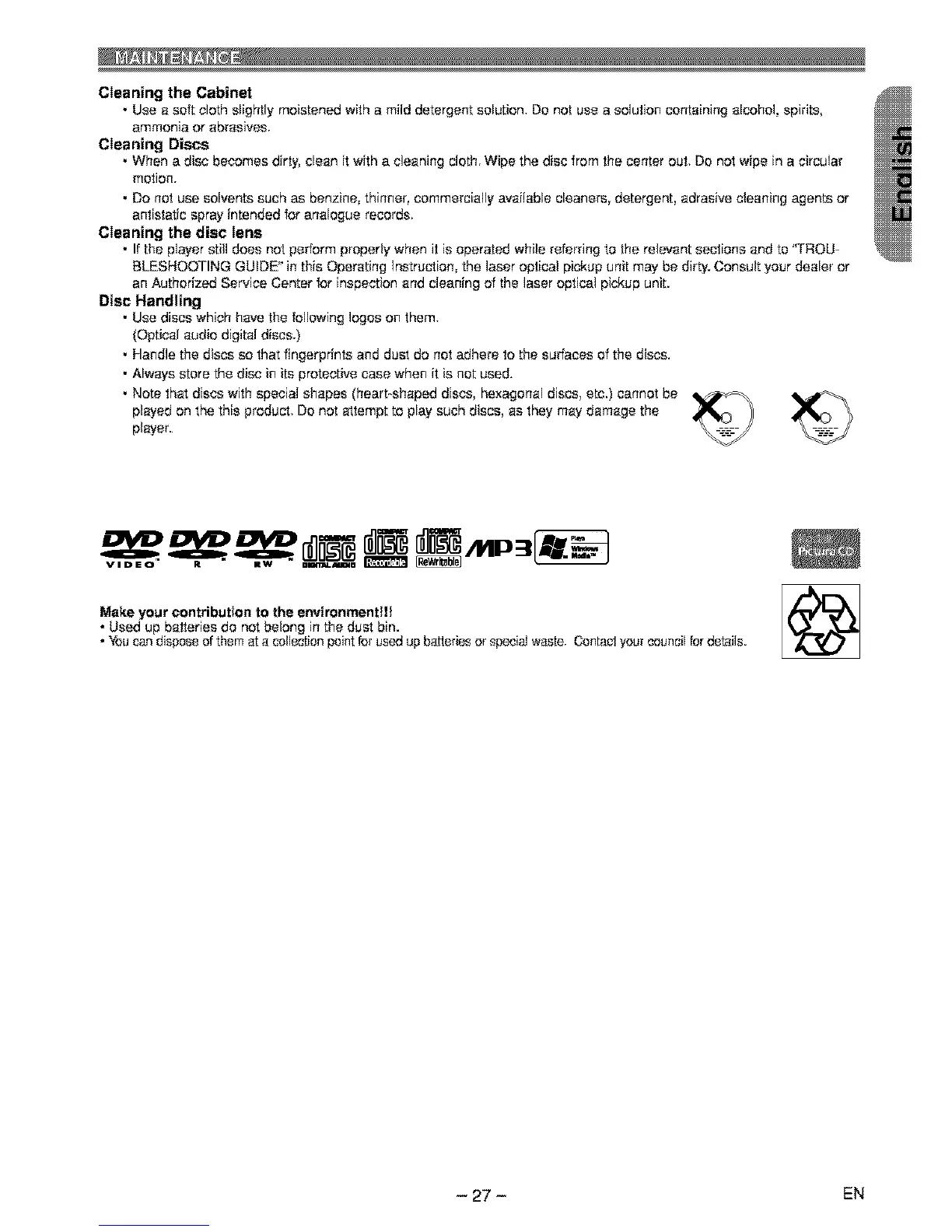
• Use discs which have the following loges on them.
(Optical audio digital discs.)
• Handle the discs so that fingerprints and dust do not adhere to the surfaces of the discs.
• Always store the disc in its protective case when it is not used.
• Note that discs with special shapes (heart-shaped discs, hexagonal discs, etc.) cannot be _
played on the this product. Do not attempt to play such discs, as they may damage the
player.
VIDEO" R • Rw " ammu.mma
Make your contribution to the environmentlt! /r,'_'l_L'_
• Used up batteries do not belong in the dust bin.
• You can dispose of them at a callection pointfor used up batteries or special waste. Contact your csuncil for details.
- 27 - EN



 To Next Page