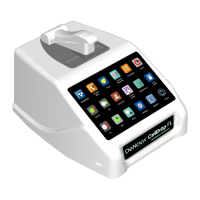
2. Set-up and Safety
1. Remove all packing materials including materials protecting the arm, sample surfaces and the
protective cover on the screen.
2. Place the instrument on a flat bench and avoid vibrations to ensure optimal performance.
3. Plug the unit into a 100-240 VAC, 50-60/Hz receptacle using the grounded power supply
(GlobTek, Inc. part number TR9CE3000C95CP-NR6B, 12V / 3A / 36W) included with each unit.
4. Toggle the power switch to the On position to turn on the instrument. To complete initialization,
ensure that the arm is down and no materials are between the sample surfaces. The operating
system will boot up in less than a minute. Toggle the power switch to Off to initiate shutdown
the instrument.
Biological Hazard Safety
Trypan Blue, Acridine Orange, Propidium Iodide and other reagents are known hazardous materials.
Consult Safety Datasheets (SDS) for these assays prior to use.
Biological samples such as tissues and bodily fluids of humans and other animals have the potential
to transmit infectious diseases. Follow all applicable local regulations. Wear appropriate personal
protective equipment (PPE). Read and follow the guidelines in this User Guide, in the SDS for any
chemicals in use and additional biosafety publications applicable for the types of sample used and
institution/region of use.
Instrument Connectivity
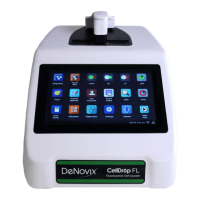
The CellDrop comes equipped with Wi-Fi, Ethernet, HDMI and three USB ports. The USB ports are used
to facilitate data transfer to a FAT32 formatted USB storage device and support the use of an Opticon
OPI 3601 USB barcode reader. USB mouse and keyboard devices may also be used with CellDrop
Series instruments. The CellDrop does not support printers connected directly to the device via USB.


 To Next Page