Software Icons and Buttons
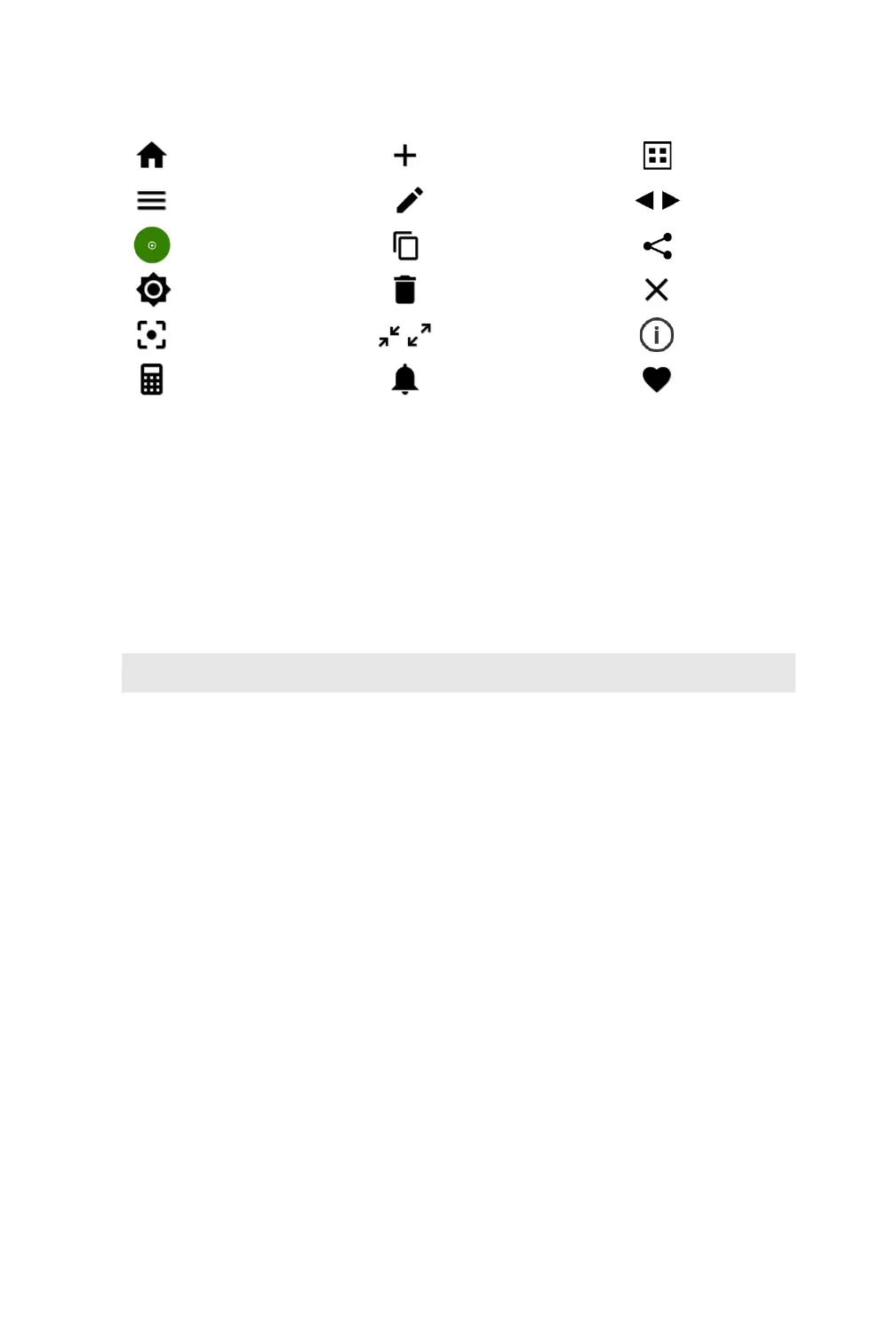
CellDrop applications include a set of standard icons and buttons used throughout the software.
The following table defines each button.
Chamber Height Options
CellDrop Cell Counters use three chamber heights to enable measurements over a wide cell density
range. The 100 um chamber height is equivalent to the 0.1 mm depth used on standard
hemocytometers.
The default chamber height is 100 um and is suitable for most counts. Users may choose a different
chamber height based on the anticipated density. The upper surface position is automatically moved
to the position defined in the protocol. The table below is a guideline of the best chamber height to
choose based on the density of the sample.
Data Storage
CellDrop models include a solid-state drive with 120 GB or more of storage capacity, sufficient for
several thousand results. The user will be alerted if the memory approaches capacity. Data may be
deleted from the CellDrop at any time from the Data App. If the limits are exceeded, old data will be
automatically deleted on a first-in, first-out basis.
Display Sleep
The backlight for the screen will automatically turn off after a user-defined period of inactivity. Touch
the screen to turn it back on. Adjust the Sleep Time from Display section in the Settings App.
Preview Suspend
The CellDrop live preview on the Count screen is suspended if the arm is left in the down position for
longer than two minutes. The user may resume the preview when desired.


 To Next Page