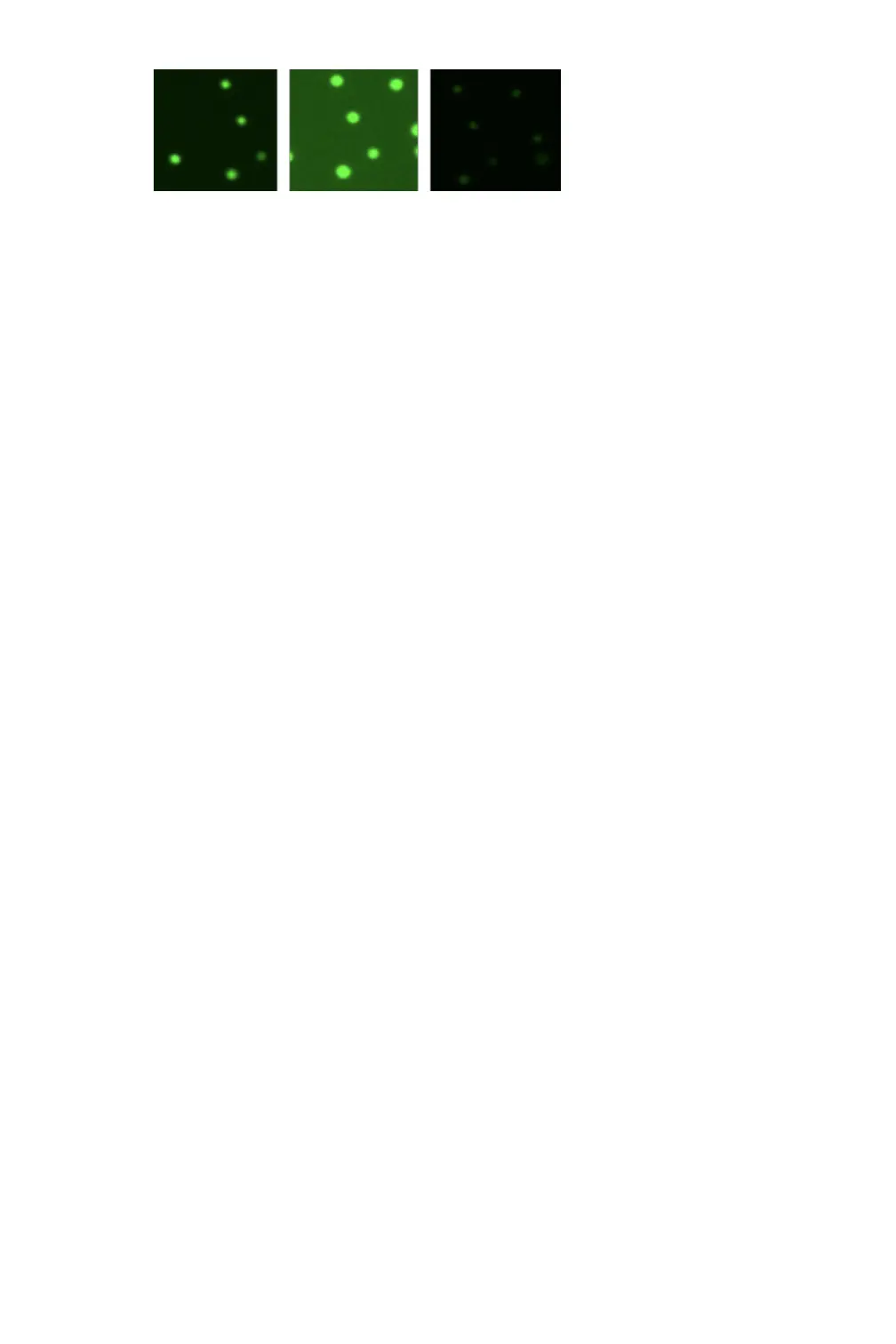
9. Press Count.
10. Review the result.
Optional: Adjust gating to exclude debris or alternative cell populations from analysis.
Optional: Press Optimize Settings to adjust count settings and reanalyze the image(s).
11. Once a measurement is complete, lift arm and wipe away sample with a clean, dry laboratory
wipe and close the arm. When the arm is lifted, the result is immediately saved. Pressing Count
again prior to lifting the arm will overwrite the previous result for that sample.
12. Results from the active measurement session may be viewed while the app is open or viewed
later using the Data app. Saved results may be reanalyzed if desired.
13. Export results as desired.
Best Practices
Note: See Technical Note 186 – CellDrop Best Practices for additional details.
• Ensure that surfaces are clean prior to loading a sample into the sample chamber.
• If a previous sample has dried on the surfaces or if the sample is not loading easily, clean the
sample surfaces. Lower arm and pipette 15 uL of 70% ethanol into the alignment groove and
sample chamber. Wait 10 seconds then firmly wipe both upper and lower surfaces with a dry
laboratory wipe.
• Vortex samples before loading.
• Ensure that all sample concentrations fall within concentration limits of the instrument for
accurate results.
o Use the appropriate protocol settings for Chamber Height when measuring high or low
concentration samples or when using slides.
• Avoid introducing air bubbles into the sample solution when mixing or dispensing samples.
• Avoid drawing sample back into pipette tip after dispensing.
• Refer to DeNovix Assay protocols or other manufacturer guidelines for assay specific
instructions.


 To Next Page