23
www.DentalEZ.com
866-DTE-INFO
23
DentalEZ
®
Equipment
PN: 2717-256E
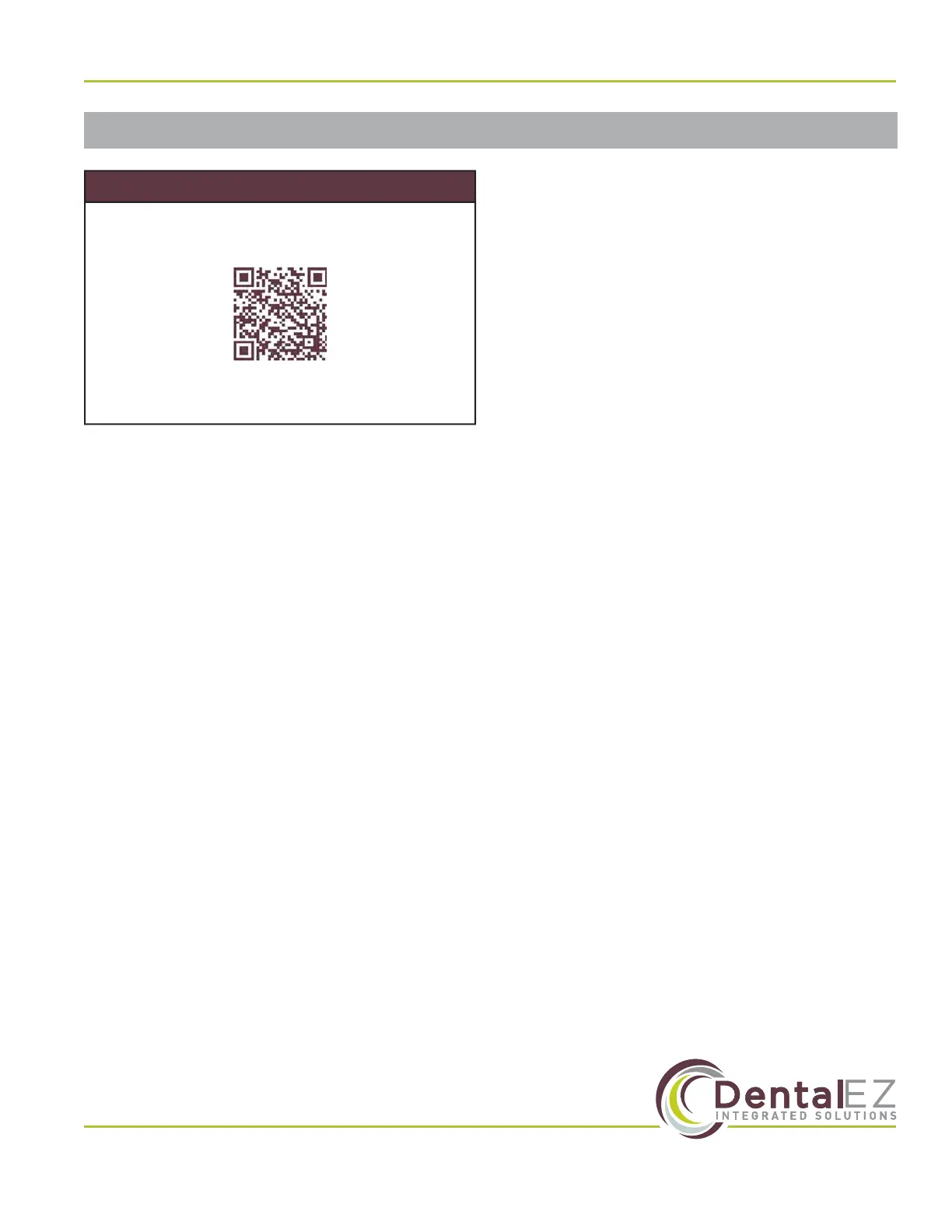
Scan QR code for video instructions on chair
positioning and travel limits settings.
www.DentalEZ.com/
NuSimplicityChairSettingsVideo
View Online Instructions
Section IV Operation
Programming Auto Positions
The NuSimplicity Chair standard controls are
capable of executing three auto preset positions,
an auto return (exit) mode, and a last position
mode.
To establish the auto preset position, perform the
following steps:
1. Situate the chair in the desired auto position.
2. Press and hold the desired auto button (1, 2 or
3) until it beeps twice, approximately four (4)
seconds.
3. Repeat steps 1 and 2 to program the other two
positions.
Auto return mode: This mode situates the patient
into an optimal exit position.
Last position mode: The chair returns to the last
position after one mechanical movement.
Automatic Chair Positioning
Activating Auto Positions
1. Depress the 1, 2, 3, A or L button once on the
touchpad control (side of chair back), foot
control or the unit touch pad control.
2. A beep will sound.
3. The chair will automatically stop in the
programmed position selected.
NOTE: Pressing any button on a chair control
module while the NuSimplicity Chair is moving to
a programmed position will immediately stop the
movement of the chair, and three short beeps will
sound. To continue and complete the automatic
positioning of the chair, simply press the desired
position button a second time.
Reprogramming Auto Positions
To change a programmed position, simply
maneuver the NuSimplicity Chair to the desired
position and follow the Programming Auto
Positions instructions described in this section.
NOTE: Reprogramming a new auto position erases
the old position.


 To Next Page