Shenzhen Dericam Technology Co., Ltd. User Manual V1.0.7
Email: support@dericam.com Website: www.dericam.com
12
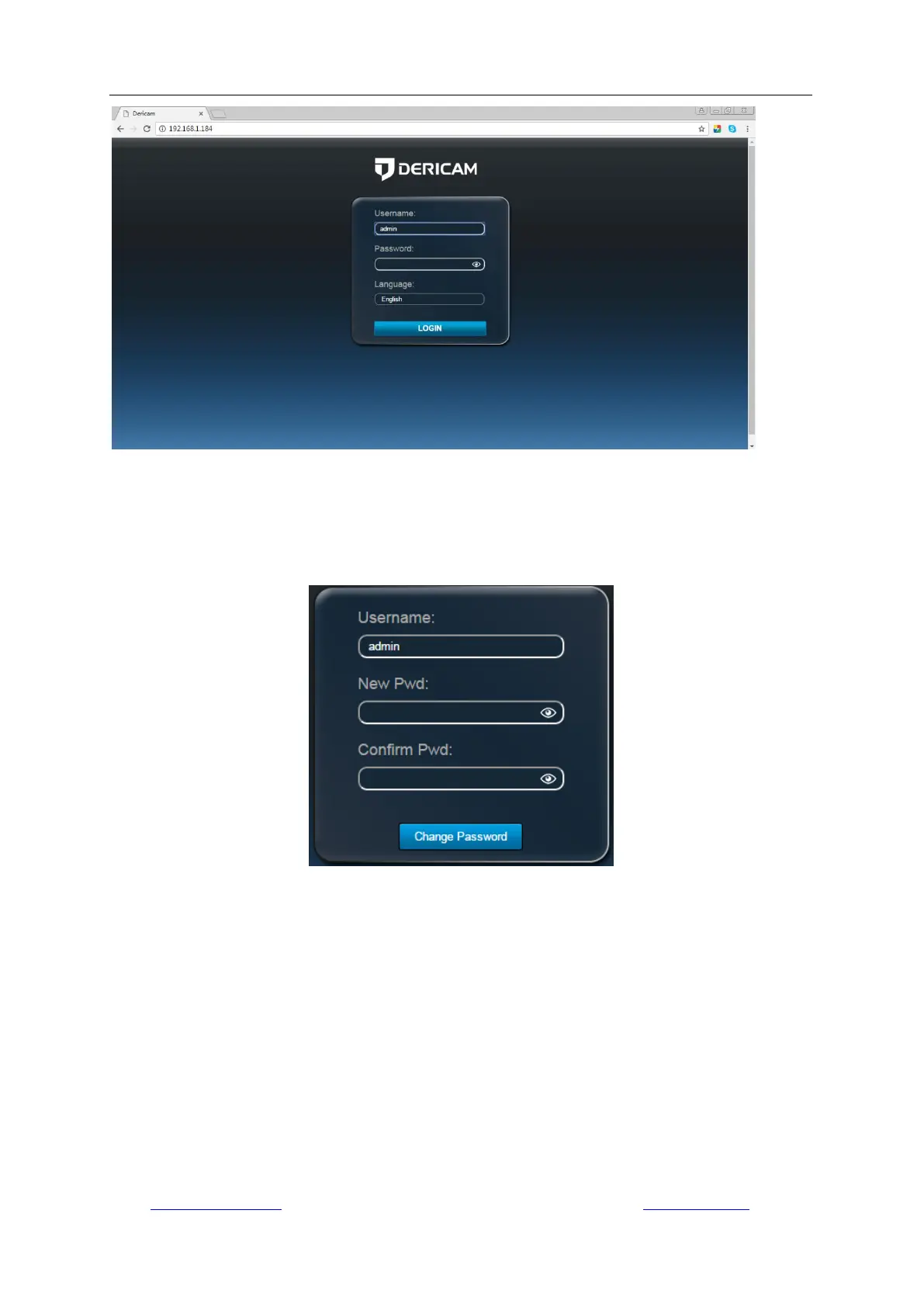
Login to the camera by your login credentials (default username/password are both “admin”). If
this is your first time logging into the camera by default account after it is reset, you will be
prompted to change the default password. Please select a password that is at least 8 characters
long, and include a combination of uppercase letters, lowercase letters, and numbers.
When opening the camera‟s interface, the browser like IE/ Firefox on Windows OS will prompt you
to install a plugin. The plugins are necessary to get video from camera. Click the button “install” to
download and install the plugin. If the browser prompts you to allow the plugin to work on the
computer, click “Allow” to ensure the plugin can run successfully. Then the camera is now
successfully set up for live viewing, playback and configuration!



 To Next Page