Shenzhen Dericam Technology Co., Ltd. User Manual V1.0.7
Email: support@dericam.com Website: www.dericam.com
9
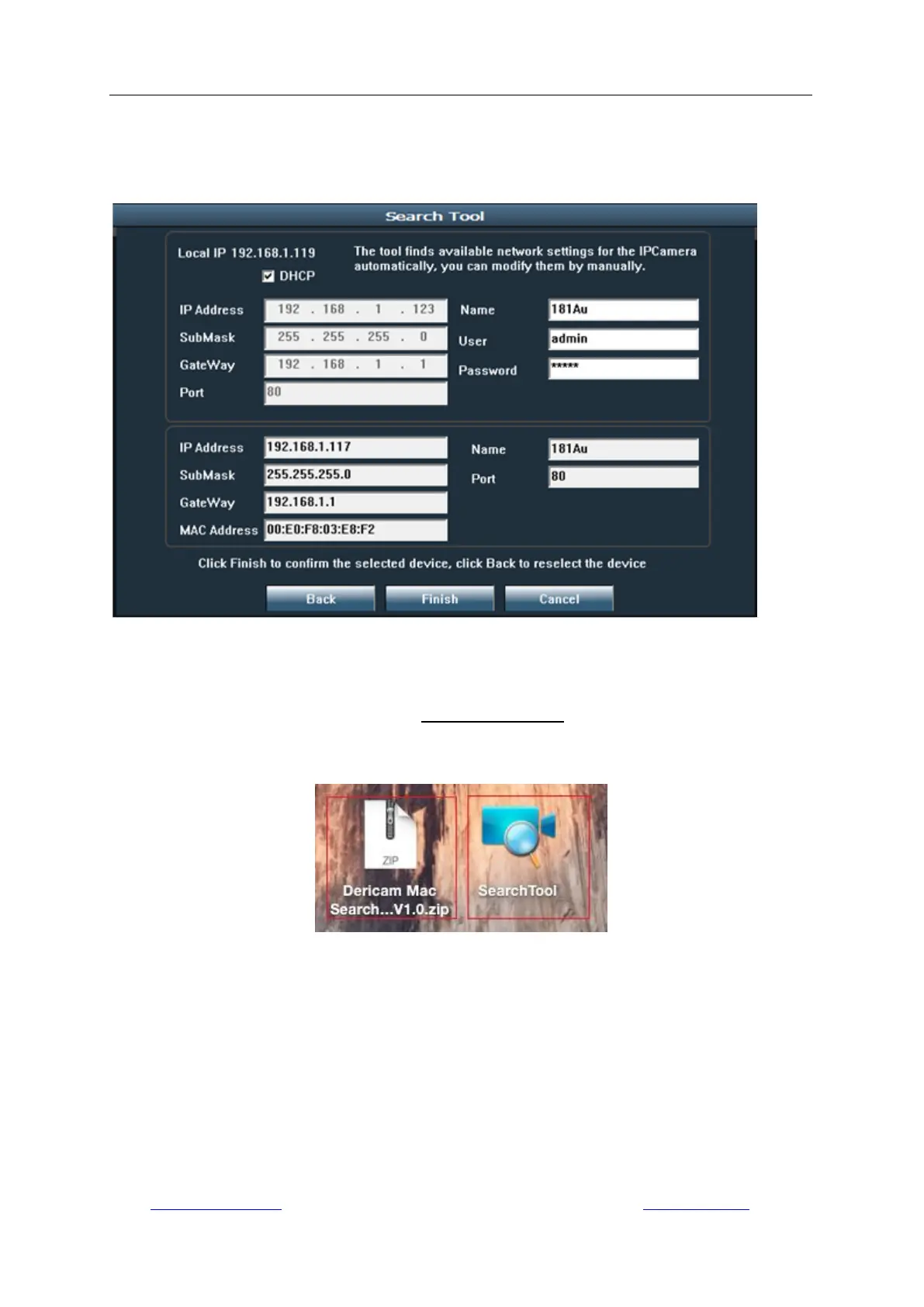
You can also change some camera‟s network configurations and camera name through the
Search Tool after inputting the correct username and password. Please remind that the login
Username and Password of the camera are not available to change in below blanks of the Search
Tool. There is an entry to changing the username and password in web browser after access.
3.2.2 Search Tool for Mac OS
For Mac OS computer, please install the “Dericam Mac SearchTool.zip” for Mac OS from the
software CD or after downloading from www.dericam.com. The operation is similar as on
Windows OS. Run it to search the camera on your LAN, and you can get the information including
the name, UID, IP address, Mac address, Http port and firmware version of the camera as below.



 To Next Page