Shenzhen Dericam Technology Co., Ltd. User Manual V1.0.7
Email: support@dericam.com Website: www.dericam.com
34
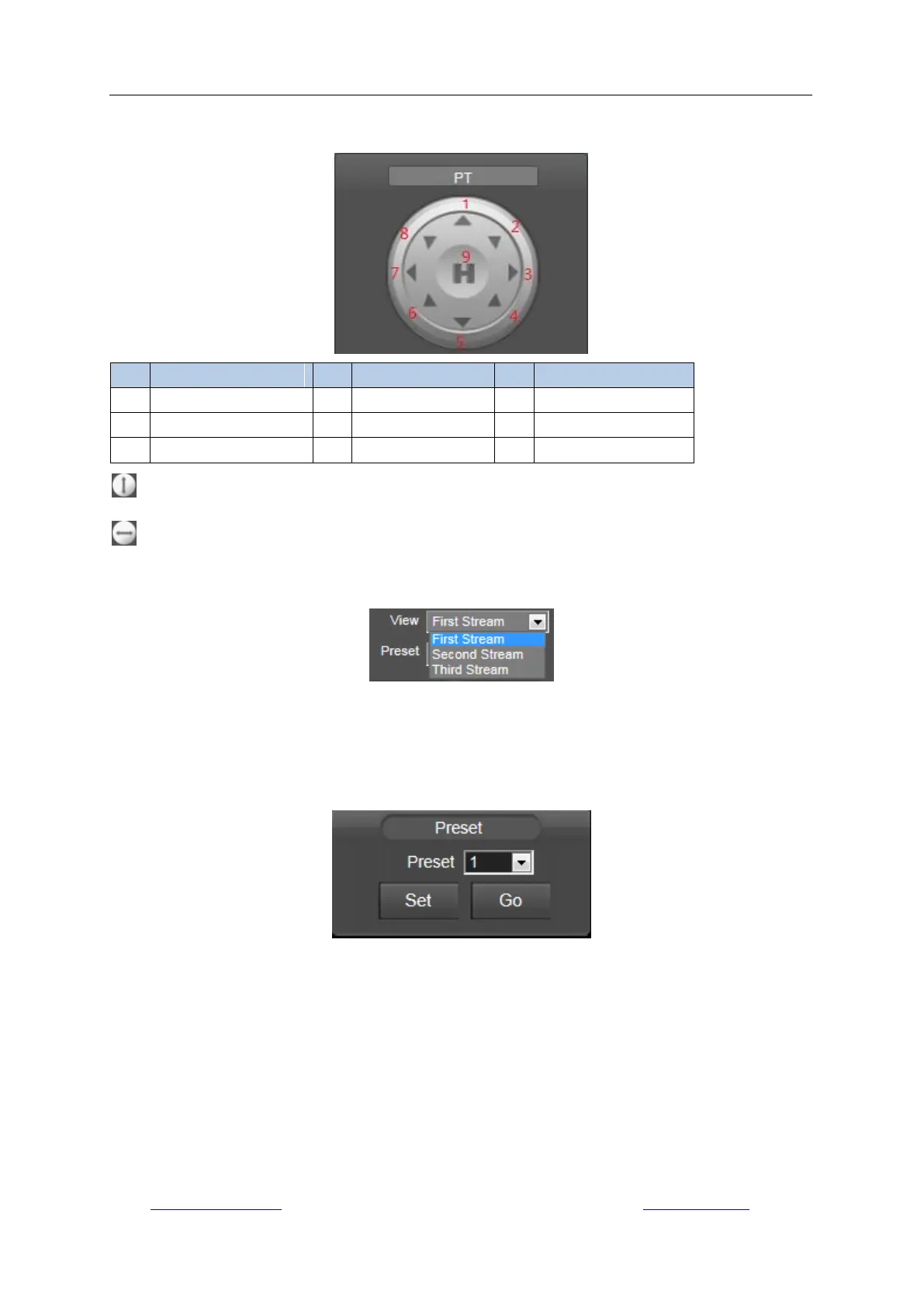
5.2.2 Pan/Tilt control
: Vertical Cruise from up to down.
: Horizontal Cruise from left to right.
5.2.3 View
First Stream: choose the main stream for viewing.
Second Stream: choose the sub stream for viewing.
Third Stream: choose the third stream for viewing.
5.2.4 Preset
The Dericam camera can support max 8 preset positions, from 1 to 8. You can click the button
“Set” to save a preset position marked as a number from 1-8 if you decide to let the system
remember it; click the button “Go” to make the camera automatically Pan/Tilt to the preset position
of the marked number you saved before.
5.2.5 IR Control



 To Next Page