Shenzhen Dericam Technology Co., Ltd. User Manual V1.0.7
Email: support@dericam.com Website: www.dericam.com
44
5.4.4 Advance
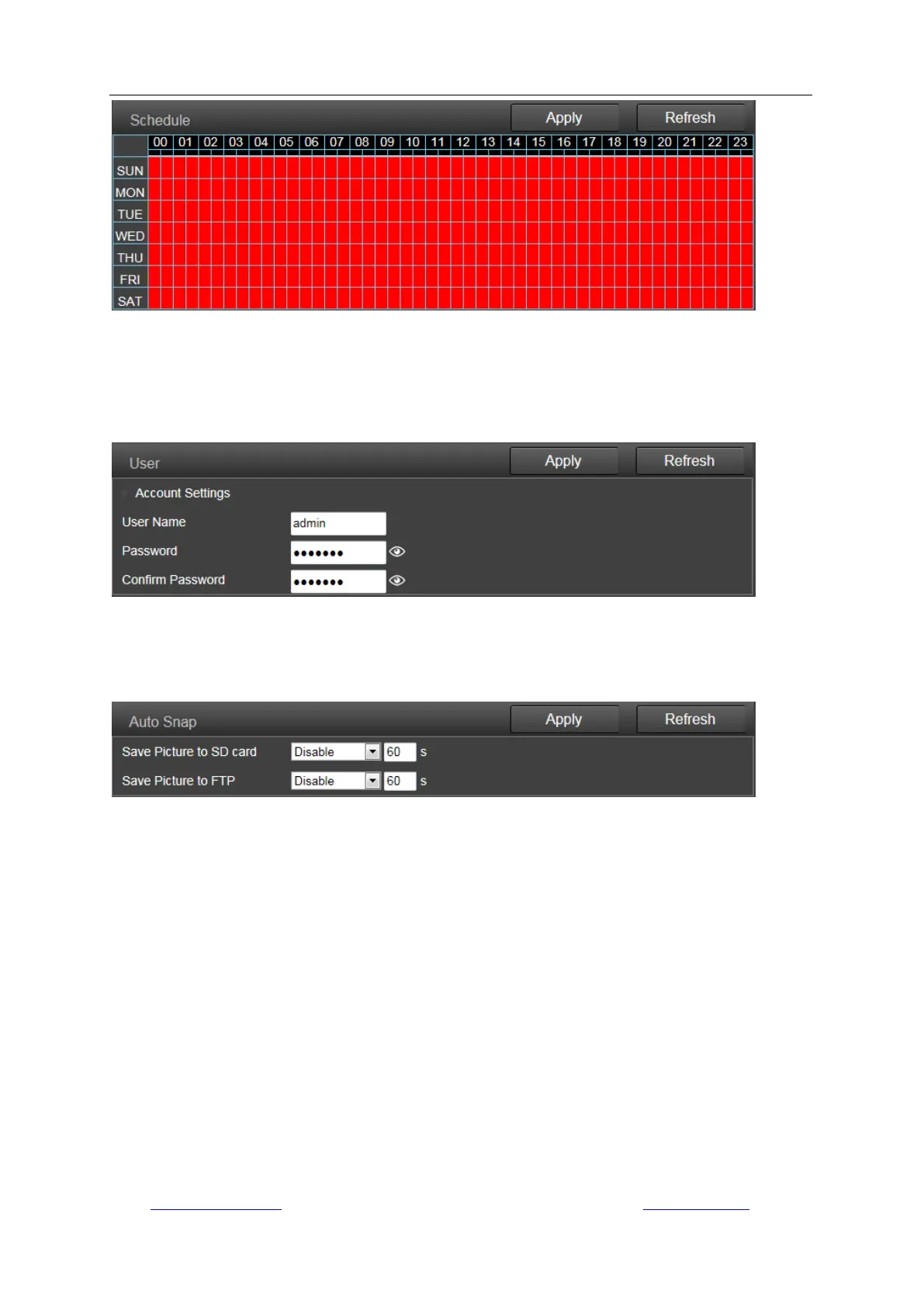
1) User
Here you can edit the account information of the camera, such as change the username or
password, the default account is admin/admin.
2) Auto Snap
Here you can enable saving snapshot to SD card after a certain time period (interval)
automatically. And the interval can be user-defined.
3) Timed Recording
Timed recording is for constant recording, which you can also set up 24/7 schedule. The video
quality and size are decided by the stream type and video/image parameters. You can set up the
clip length of each recording file. We recommend setting the length not more than 600s for each
file in order to load and playback smoothly. The timed recordings are titled as “Plan recording” on
SD Playback list of App; and “P” on the list of Playback on computer.



 To Next Page