Shenzhen Dericam Technology Co., Ltd. User Manual V1.0.7
Email: support@dericam.com Website: www.dericam.com
43
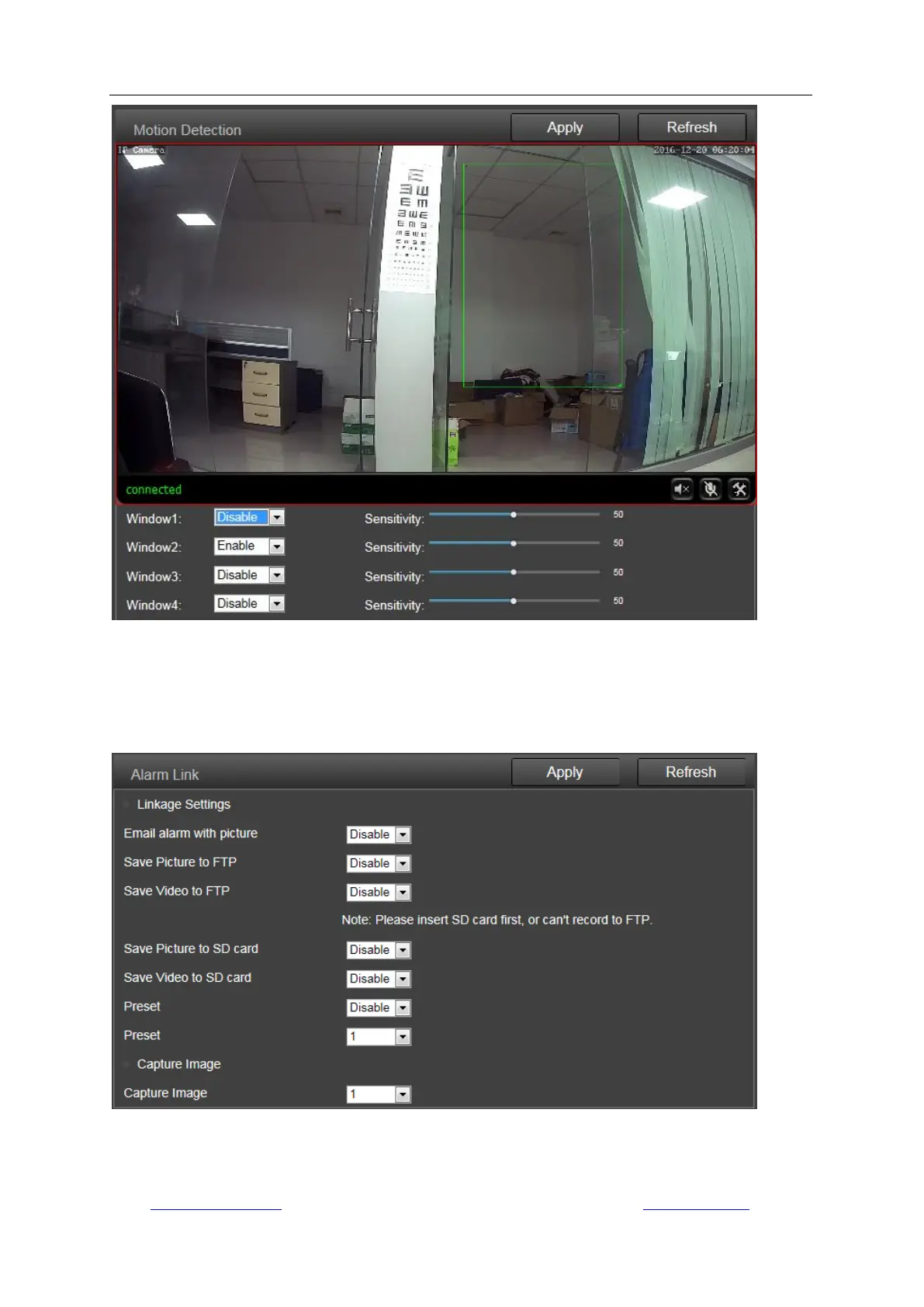
3) Alarm Link
On this page you can enable or disable sending alarm emails with snapshots, choose the saving
path (SD card, FTP server) and set up preset positions for motion detection (only for Pan/Tilt
camera) once the alarm triggered.
4) Schedule
On this page you can set up the schedule for 24/7 motion detection, red area means motion
detection enabled while white means disabled.



 To Next Page