Shenzhen Dericam Technology Co., Ltd. User Manual V1.0.7
Email: support@dericam.com Website: www.dericam.com
27
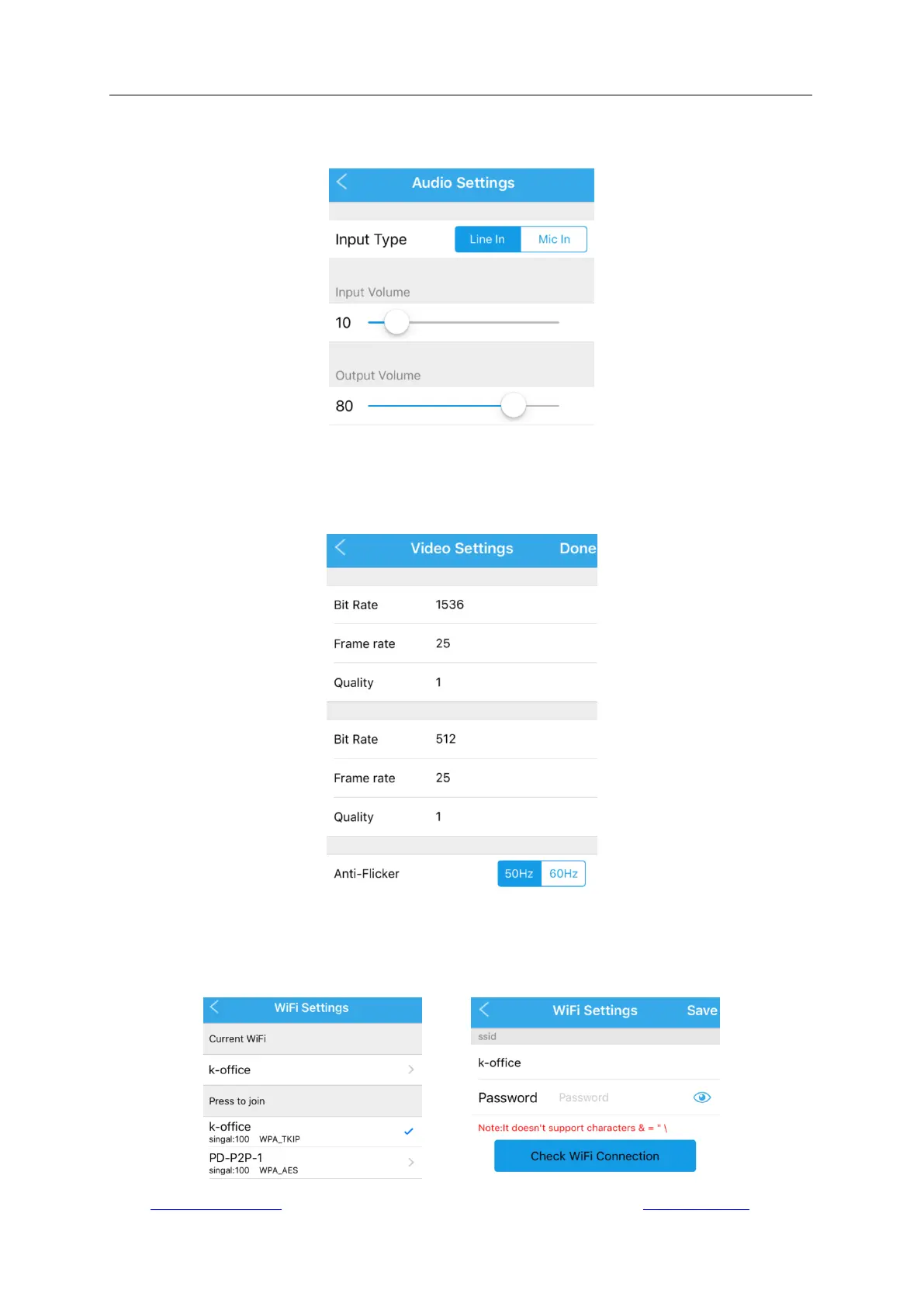
4.4.5 Audio Settings
Go to “Camera Setup” -> “Audio Settings” to configure the audio parameters. It is only available
for the camera models with two-way audio function.
4.4.6 Video Settings
Go to “Camera Setup” -> “Video Setting” to configure the parameters for controlling the video
quality. The first stream is the default for recording; while the second is the default for live viewing
via App.
4.4.7 Wi-Fi Settings
Go to “Camera Setup” -> “WiFi Settings” to configure the wireless network for Wi-Fi connection.
You can tap “Scan” to search the available networks and then apply one, or check the Wi-Fi signal
strength of the applied network.



 To Next Page