Shenzhen Dericam Technology Co., Ltd. User Manual V1.0.7
Email: support@dericam.com Website: www.dericam.com
11
3.2.3 Local Access via Web Browser
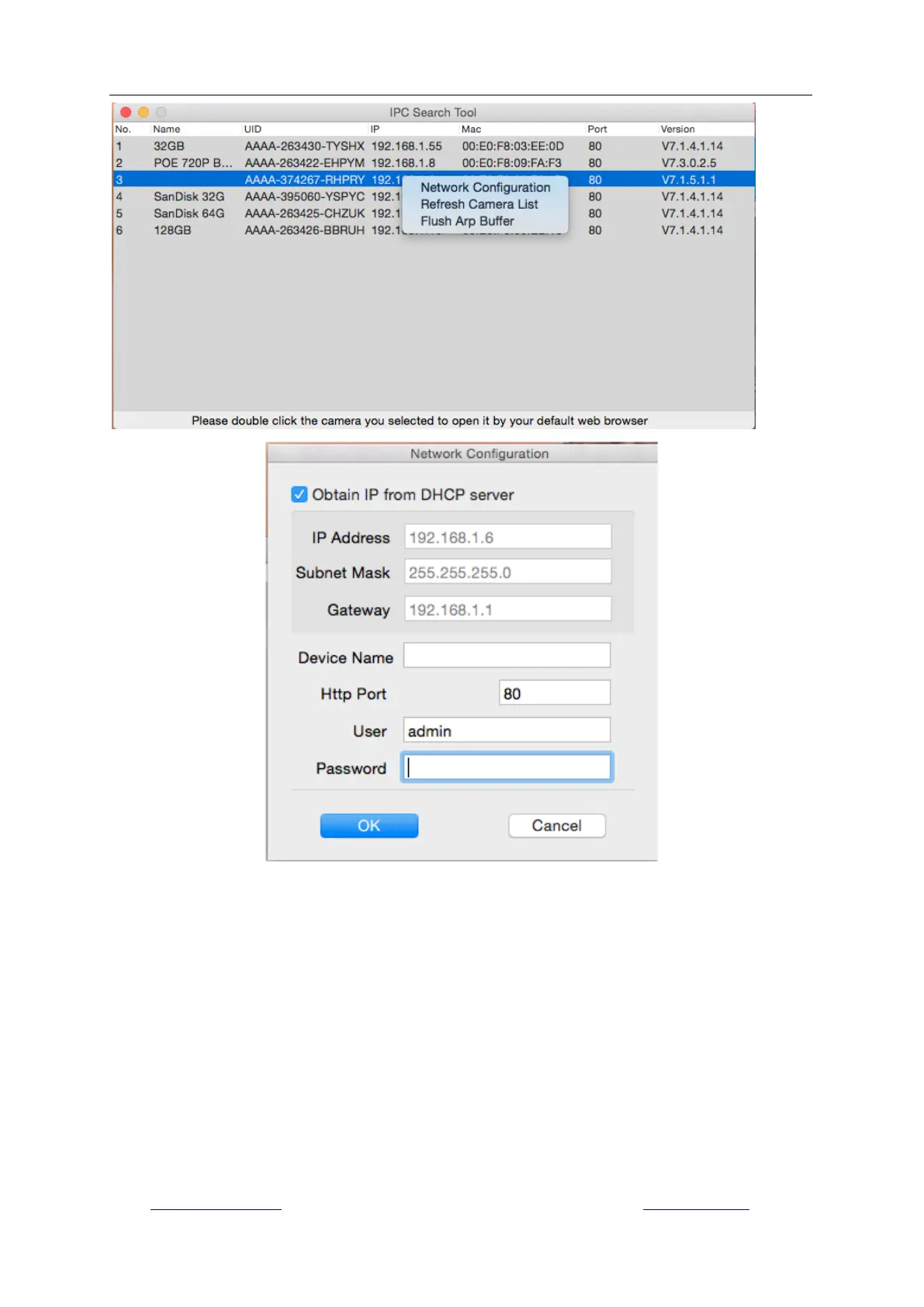
Run the search tool and click “Next” to search Dericam cameras on the LAN. After the device is
found and listed in the search result window, double click on the device item to open a web
browser for viewing the camera on computer. If Microsoft Edge pops up as default browser, go to
“More”->”Open with Internet Explorer” for normal viewing.
Or you can open the web browser first, put the IP address and port number of the camera in the
URL blank of the browser by manual to login your camera.
For example: http://192.168.1.108:80.
The IP Address and HTTP port number of the camera are displayed on the list of the Search Tool.
Usually the default HTTP port No. is 80.



 To Next Page