Shenzhen Dericam Technology Co., Ltd. User Manual V1.0.7
Email: support@dericam.com Website: www.dericam.com
36
including pictures and videos captured by manual through the web browser. It will pop up a folder
browser window for you to select a folder on your computer.
Note: If you are working on windows 10 OS, please run the web browser as administrator first if
you fail in setting up the storage path or saving captured pictures or videos.
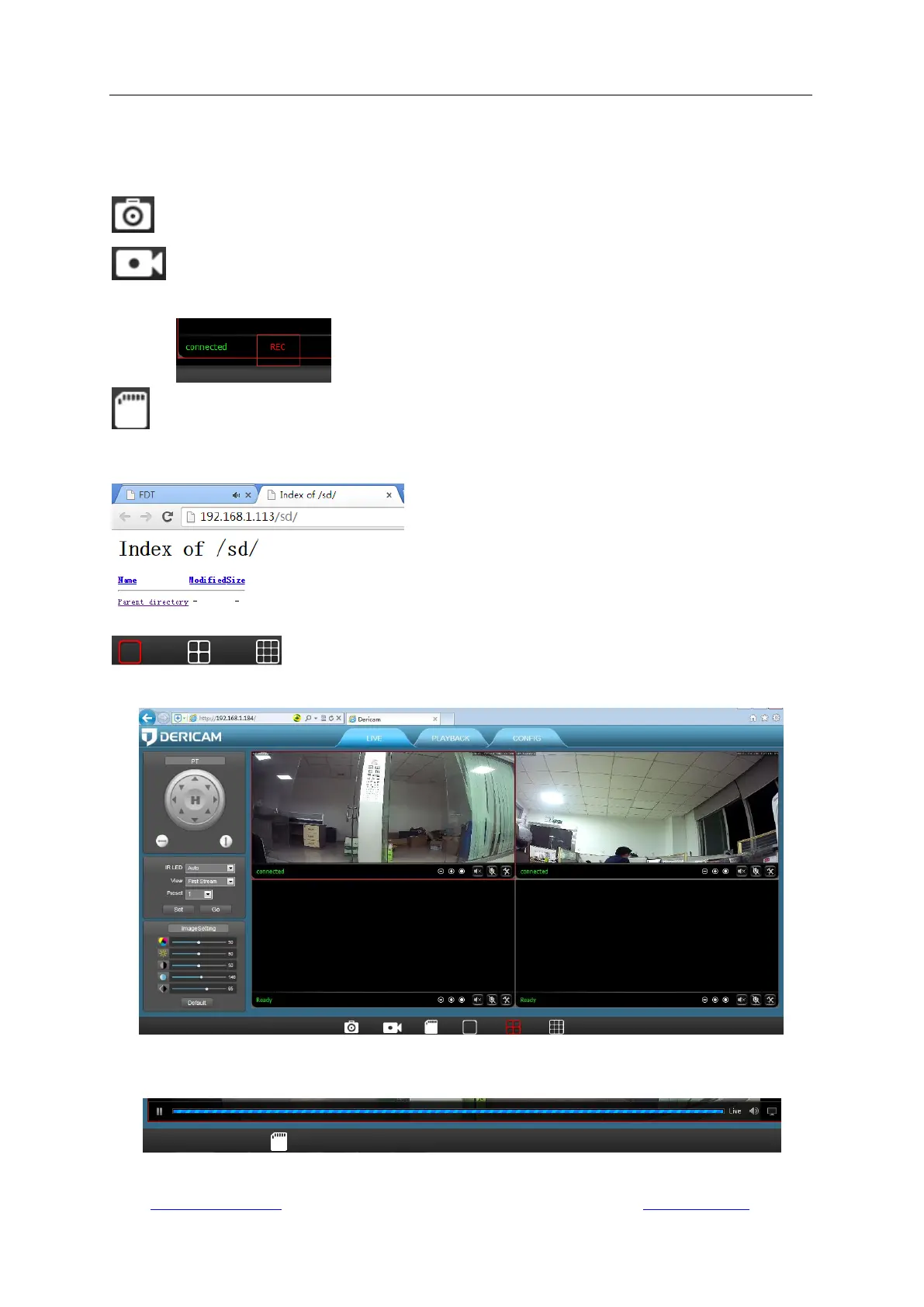
(Only available for IE browser on windows OS): Capture pictures by manual.
(Only available for IE browser on windows OS): Record video by manual. A mark “REC”
will display when manual recording is on.
: Browse the content of the camera‟s SD card, including pictures and videos. It requires
entering username/password of your camera for authentication. You can download any
recordings from the SD card to local storage on computer.
(Only available for IE browser on windows OS): Choose windows (1, 4
or 12) for simultaneously viewing multiple cameras.
Note: As the Chrome and Safari forbid any third-party plugin programs to be installed, so some
features are not available and their corresponding icons are invisible on Chrome or Safari.



 To Next Page