Shenzhen Dericam Technology Co., Ltd. User Manual V1.0.7
Email: support@dericam.com Website: www.dericam.com
39
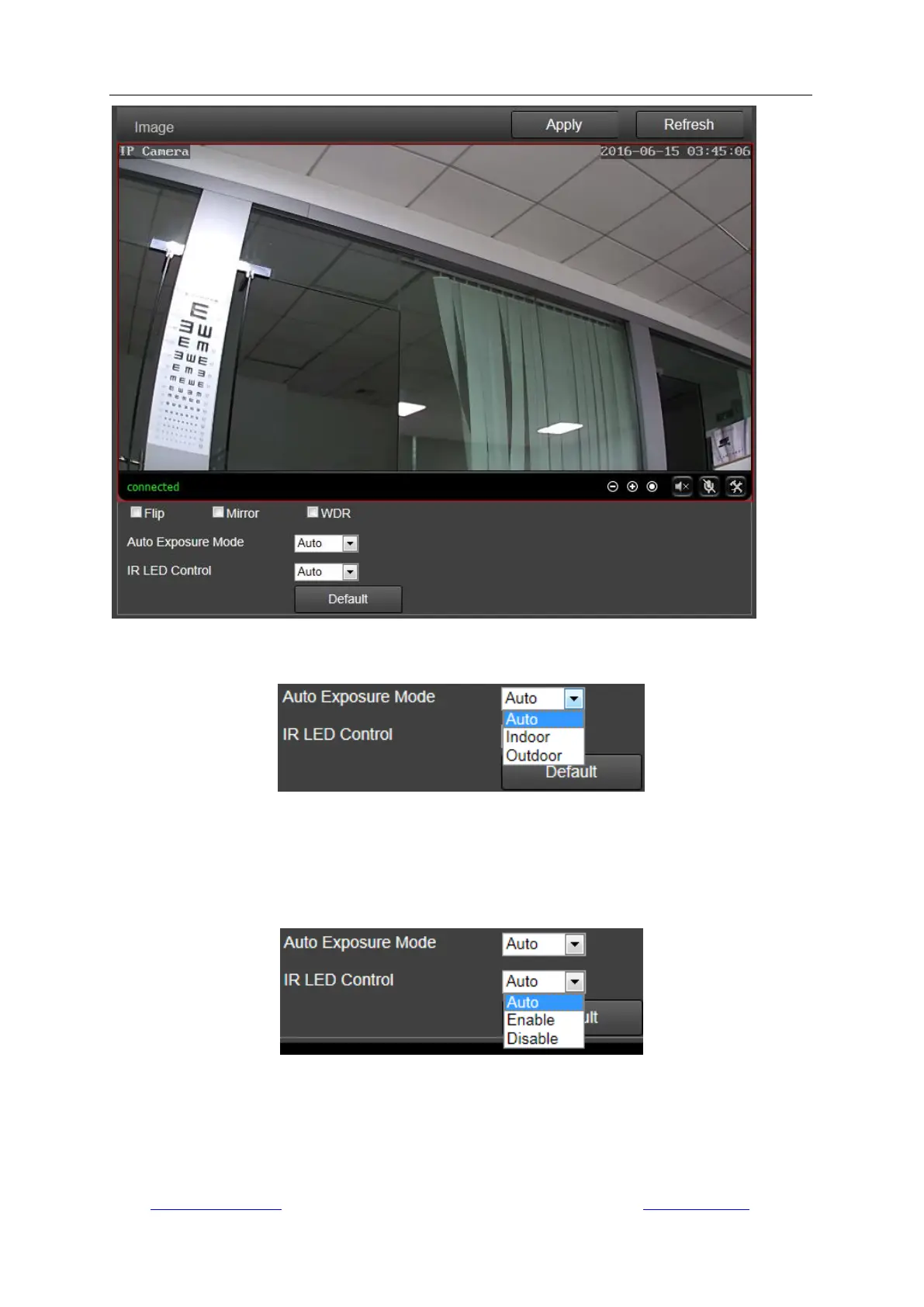
Here you can set an appropriate exposure mode for your camera, such as indoor, outdoor or
changing automatically according to the working environment.
Here you can control the LED light status:
Enable: Make the camera work at night vision mode; the video will be always in black/white.
Disable: Make the camera work at day mode; the video will be always in color.
Auto: Make the camera work at automatic mode and the video color will switch automatically
according the change of environment light.
Note: To reset the default settings, please click the button “Default”.
3) Audio
You can set the configurations about audio on this page, including the encoding format for audio,
enable or disable the audio for first stream or second stream, the input type, the volume for input



 To Next Page