Shenzhen Dericam Technology Co., Ltd. User Manual V1.0.7
Email: support@dericam.com Website: www.dericam.com
6
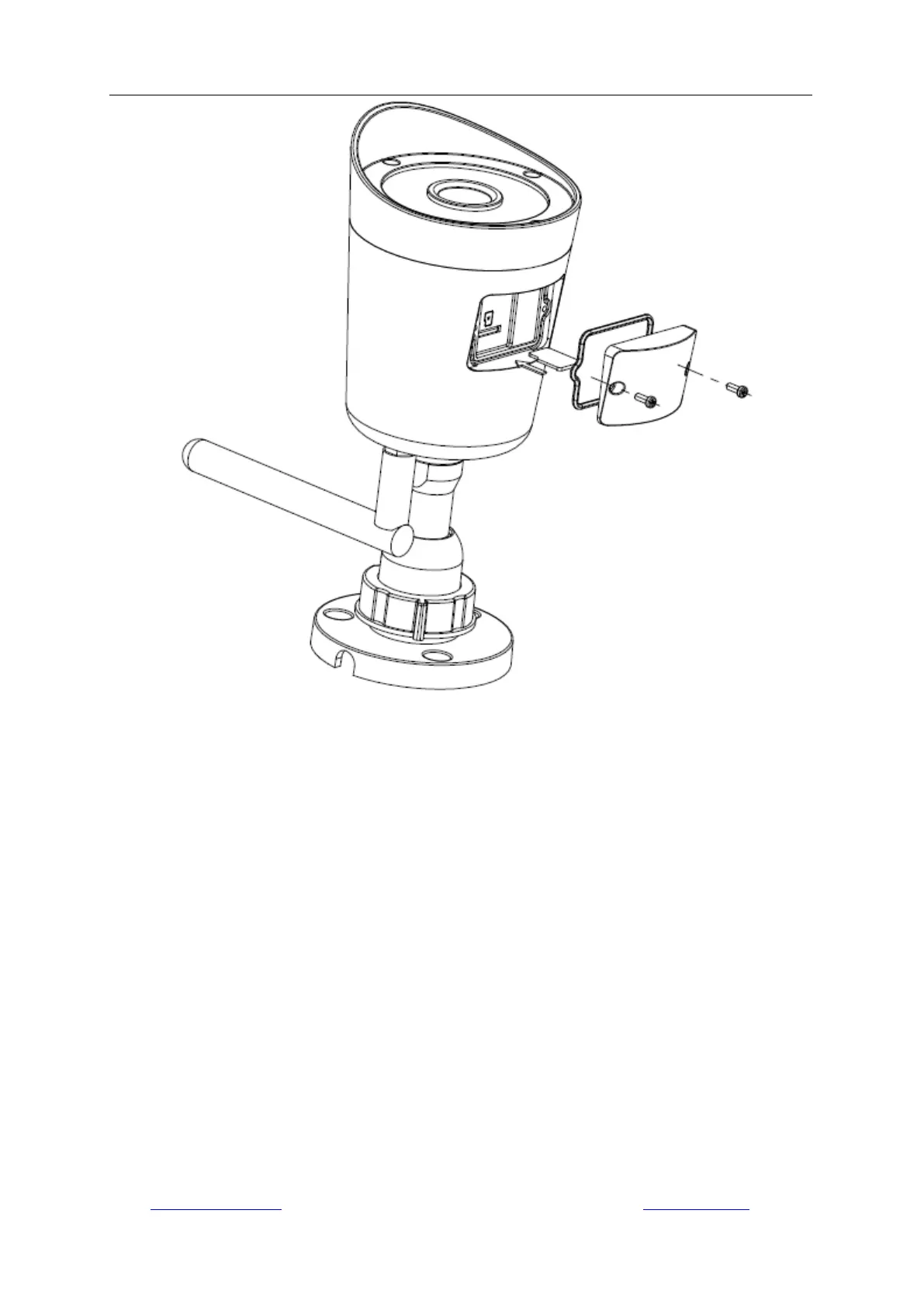
2 Install Camera to the Wall
The camera has a standard camera tripod screw hole (1/4-20 UNC thread) for use in mounting
the camera onto a stable surface.
Note: Prior to installation ensure that the installation environment can support at least 3 times the
weight of the camera.
1) Drill pilot holes in the position that you wish the camera to be seated using a 3/16 drill bit.
2) Seat the included drywall mounts in the pilot holes that you drilled.
3) Screw the mount on the drywall mounts with the screws provided. Once the position is set,
tighten the screws securely.



 To Next Page