37
If you have a DX joystick use the blue button to set the speed as
shown in the table.
1 2 3 4 5 A
Joystick Joystick Joystick Alternative
Controls
Alternative
Controls
Carer Controls
SLOW MEDIUM FAST SLOW FAST User carer control
speed control
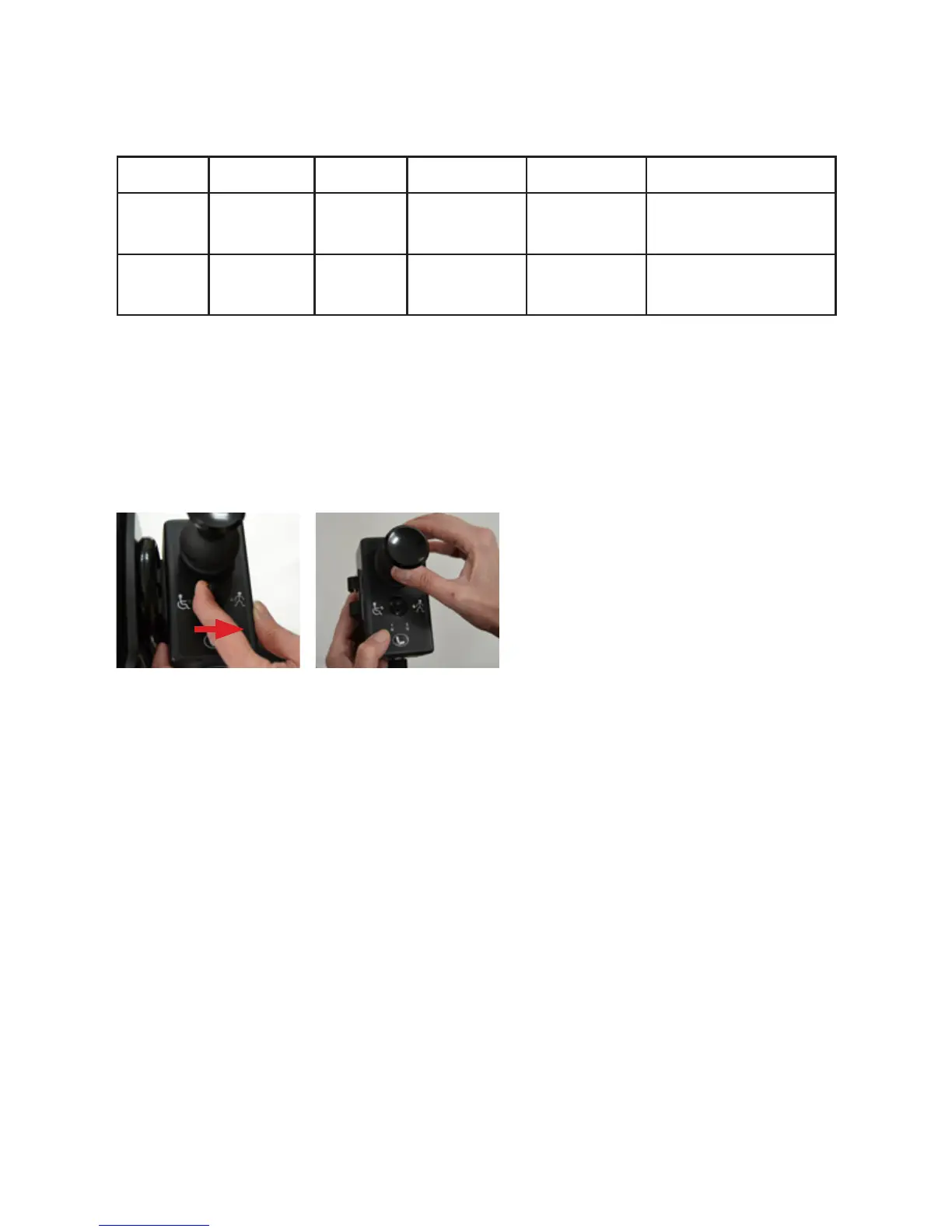
The carer control can be switched to either carer or child use,
and has a separate speed control. When the carer control is in
use an amber man is displayed on the Shark joystick. For the DX
joystick an A is shown on the control panel.
The carer control only overrides the child’s control once they have
released their joystick to a neutral position. The child still is able to
switch Wizzybug on and off using the joystick power button.
Fig 32 Speed settings on DX
Fig 33 Flick switch from user to carer control (located on carer control)


 To Next Page