10
Two alternatives involve selecting a low level of discrimination, between
5 and 10, then using either:
1/ The digital target display to more or less visually discriminate a target
category.
2/ The Multi-tone mode to discriminate undesirable targets using a selected
audio tone.
In both cases the decision then lies with you on whether or not to dig.
Depending on the frequency setting used, a target’s conductivity
is perceived dierently by the detector. The digital conductivity display
may therefore vary depending on the frequency.
The 0 to 10 range relates to the rejection of iron. To achieve greater
precision in this range there is a digit after the decimal point (from 2.1 to 9.9),
which in eect gives you 82 dierent levels for iron.
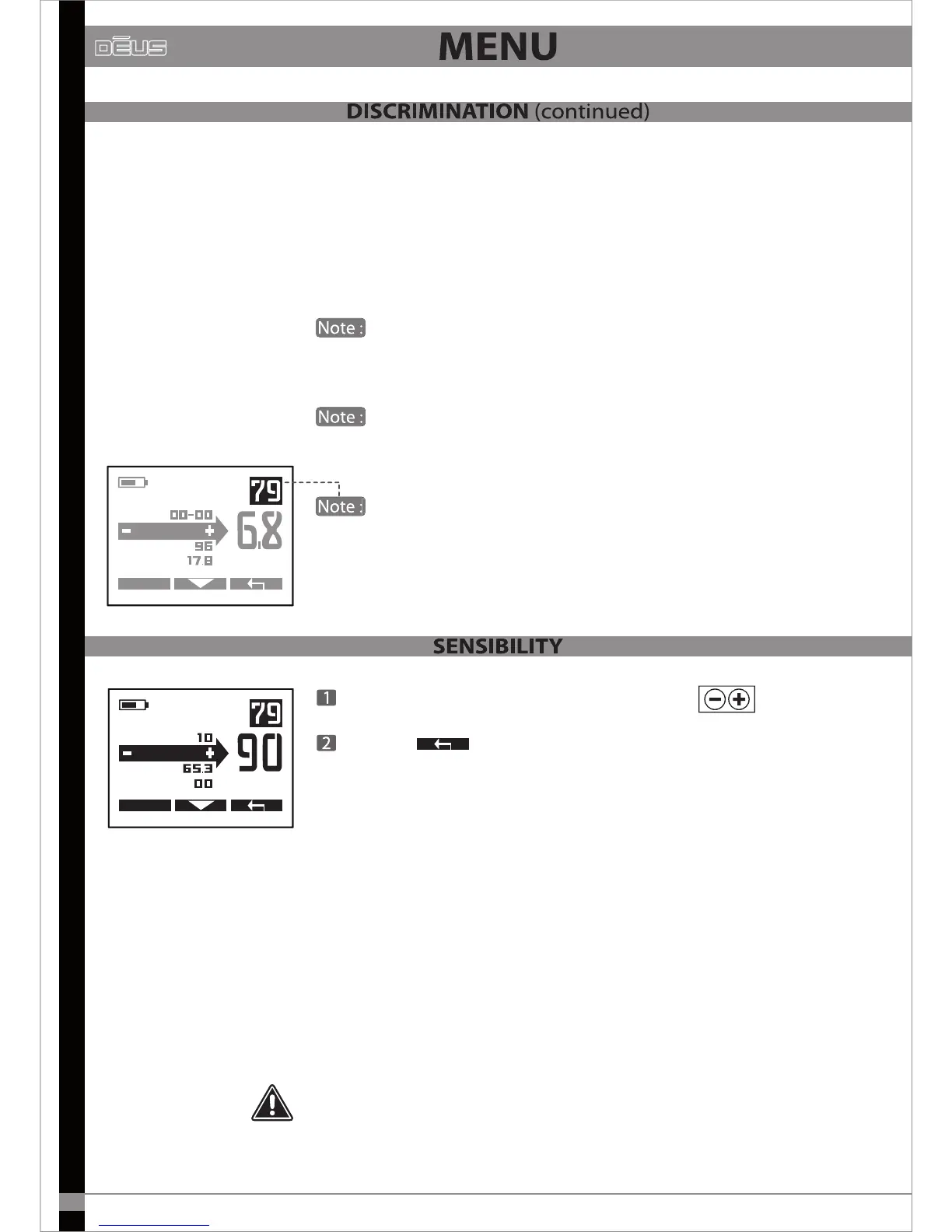
In several menus, particularly at the top right of the Discrimination
screen, a reminder of the target conductivity index is displayed, which helps
you when adjusting the discrimination level.
MENU
EXPERT
NOTCH
SENS.
FREQ.
DISC
In several menus, particularly at the top right of the Discrimination
In several menus, particularly at the top right of the Discrimination
MENU
EXPERT
DISC
FREQ.
IRON VOL.
SENS
Adjust the Sensitivity level (from 0 to 99) with
Exit with
Sensitivity is often simplistically described as the setting which adjusts
the device’s power level. However this is incorrect. As its name indicates,
it actually determines the device’s sensitivity level. It reacts after receiving
a signal via the receiver coil. Nevertheless, the results are somewhat similar
in practice, as increasing a device’s sensitivity enables it to detect the
presence of more distant targets. However it must be noted that this
setting has no eect on the power emitted.
The most commonly used sensitivity levels range from 70 to 90. It may be
necessary to reduce the level if there is too much interference, as is often
the case near overhead or buried power lines, fences, radio-relay stations,
mobile telephones, computers, televisions, etc.
Do not test your device in your home as there is considerable electromagnetic
and metal interference in urban environments.


 To Next Page
 Loading...