2
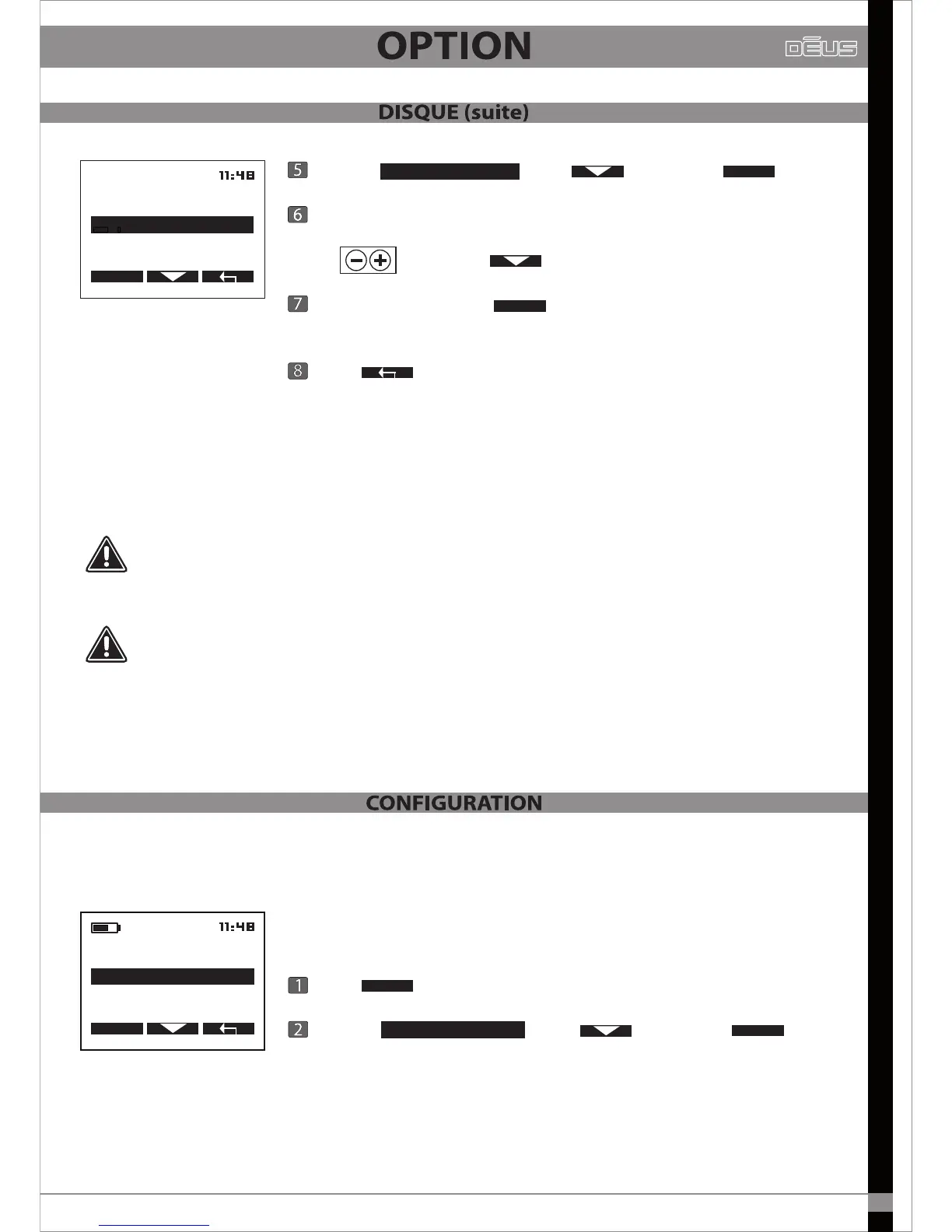
Choose with then press
At the point where the cursor is ashing, scroll through the characters
using and press to advance to the next digit.
At the sixth digit press then YES or NO to conrm this new
serial number.
Press X2 to return to the main menu.
The remote control now adds this new coil to its list, then transfers the
updated list to the headphones.
SELECT
VALID
A coil’s serial number is unique. The headphones or remote control cannot function with
a coil if the number entered does not correspond to the actual serial number printed on
the coil.
If the headphones do not recognise this coil, for example because they were switched o
while the serial number was being entered in the remote control, then you will have to enter
this new coil’s serial number manually in the headphones as well (pg 30).
This allows you to modify the remote control’s general technical settings.
Press
Choose with then press
OPTION
CONFIGURATION
SELECT
OPTION
PROGRAM
COIL
CONFIGURATION
SELECT
COIL
EDIT NAME
EDIT SERIAL NUMBER
SELECT
25
EDIT SERIAL NUMBER


 To Next Page